Unclear technology signal
The change may affect software, AI, security, devices, FinOps, travel, or vendor decisions.
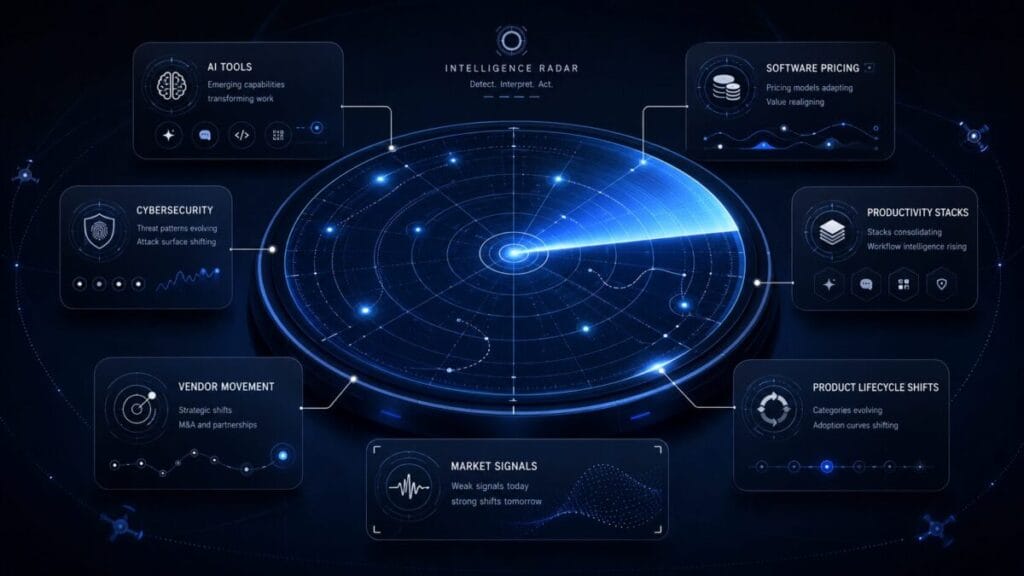
Tech Radar is not a news page. It is a decision signal layer for software, AI, pricing, security, vendor movement, product lifecycle changes, and tool-stack decisions.
Decision Console
Tech Radar turns product movement, AI changes, pricing pressure, security events, and vendor shifts into decision routes. If a signal does not affect what a team should buy, cut, replace, monitor, or ignore, it does not belong here.
The change may affect software, AI, security, devices, FinOps, travel, or vendor decisions.
The team needs to decide whether a tool should be kept, replaced, consolidated, or reviewed.
A new AI capability may replace, duplicate, or weaken the case for another paid tool.
A plan, packaging, usage, seat, or offer shift may affect budget and renewal timing.
A security, privacy, access, or remote-work signal may change whether the vendor still fits.
A product change may affect phones, laptops, security keys, workstations, hosting, or travel hardware.
A signal may affect VPN fit, eSIM decisions, travel platforms, expense tools, or mobile work continuity.
Technology partners should support clear decision value with proper disclosure, not noise.
Positioning
Most technology coverage rewards attention. Tech Radar rewards judgment. A release, pricing move, security update, product sunset, acquisition, or AI feature only matters here if it changes a real software decision.
Tech Radar does not chase every launch. It filters for changes that affect buying, renewal, consolidation, migration, security, cost, or workflow.
A new AI feature may create overlap. A pricing shift may create budget risk. A lifecycle change may create migration pressure.
The output is not “interesting.” The output is keep, cut, replace, monitor, or ignore.
Signal Stream
These are decision signals, not headline prompts. When one appears, the question is what it changes in the stack.
A new feature can reduce the need for another tool, or create another paid layer nobody asked for.
Seat, usage, feature gate, or packaging movement can change whether a tool still fits the workflow.
A shutdown, sunset, or roadmap change can create migration risk before the team is ready.
A security update, incident response, or access change can affect vendor confidence and stack risk.
An acquisition, bundling shift, or product direction change may affect roadmap confidence.
A discount is not a decision. It only matters when the workflow, renewal window, and budget fit.
When one platform adds several jobs, a team should review overlap before buying more tools.
Usage-based software or AI billing can shift cost from predictable subscription to operational exposure.
External Service Demand Engine
Tech Radar tracks external technology service categories where AI adoption, automation pressure, workspace overlap, SaaS pricing movement, and vendor changes create real decision pressure for Western teams in 2026.
Teams are paying for overlapping AI assistants without a clear reason to keep multiple plans, upgrade seats, or standardize around one daily-work tool.
AI assistant subscriptions now sit inside writing, research, coding, search, meetings, and daily operations, so plan fit affects both cost and workflow clarity.
comparison / checklist / paid plan guide / alternatives / pricing guide
Operators want to automate repetitive work, but the wrong automation layer can create fragile workflows, duplicated tools, unclear ownership, and maintenance debt.
No-code automation, AI agents, and workflow connectors are moving into small-team operations, which makes tool fit more important than novelty.
comparison / workflow checklist / automation template / risk guide
Workspace platforms are adding AI into docs, projects, tasks, search, summaries, and collaboration, creating overlap with standalone AI tools and existing productivity apps.
Teams need to understand whether AI inside the workspace reduces tool sprawl or becomes another paid layer attached to software they already use.
comparison / checklist / workspace overlap template / alternatives guide
Pricing changes, feature gates, usage-based models, product direction shifts, and vendor movement can make a previously safe tool harder to justify.
Software buyers are watching AI packaging, plan changes, replacement pressure, and category movement before renewals become automatic cost.
pricing guide / alternatives / replacement checklist / vendor movement explainer
ToolRelief may use reader demand, search signals, and category relevance to decide which technology service categories deserve deeper guides, comparison pages, pricing explainers, or future sponsor-ready placements. Placement should support reader decisions, not replace them.
Radar Modules
Tech Radar separates technology movement into decision layers. Each layer should answer whether the signal affects tool value, cost, risk, workflow, vendor trust, or timing.
New AI features, agent workflows, model integrations, plan updates, and overlap risk across writing, research, coding, meetings, creative work, and automation.
Plan packaging, usage-based billing, seat changes, feature gates, discounts, and offer movement that may affect lean teams.
Workspace, collaboration, automation, writing, project management, and workflow tools that may replace or duplicate existing software.
Vendor trust, access changes, remote-work risk, security tooling movement, and stack coverage gaps that may require review.
AI bundling, platform consolidation, vendor positioning, buyer behavior, and category shifts that may affect software decisions.
Shutdowns, acquisitions, roadmap changes, integrations, feature removals, and product sunsets that may create migration pressure.
Radar Format
Every radar item should force a decision. If the signal cannot answer these questions, it is not ready for Tech Radar.
| Radar question | What it forces the signal to explain | Decision route |
|---|---|---|
| What changed? | The specific product, pricing, security, vendor, feature, lifecycle, or market movement. |
Start with the full context.
Check the signal |
| Why does it matter? | The operational, budget, workflow, risk, security, or vendor impact. |
Route cost impact into finance review.
Follow the money leak |
| Who should care? | Founders, operators, creators, finance teams, IT buyers, security leads, remote workers, or solo operators. |
Route unclear ownership into the wider system.
Move to Intel Hub |
| What decision does it affect? | Buy, renew, replace, consolidate, cut, monitor, migrate, or ignore. |
Turn uncertainty into a decision path.
Route this issue |
| What action fits? | Keep, cut, replace, monitor, or ignore based on workflow value and risk. |
Act only when the signal changes the stack.
Follow spend signals |
Decision Matrix
Tech Radar should never leave the reader with “interesting.” It should move them toward an action category.
The signal does not weaken the tool’s role. It still solves a distinct job, has clear ownership, and does not create new risk.
The signal exposes duplicate spend, low usage, overlap, or a workflow that another tool already handles well enough.
A shutdown, roadmap change, security concern, support issue, or pricing move makes the current tool less defensible.
The signal matters, but the decision window is not urgent. Watch pricing, usage, roadmap, security, and overlap.
The signal is loud but does not affect the user’s workflow, budget, security, stack, or renewal window.
The signal affects cost, security, vendor trust, team workflow, and operations at the same time.
Action Routes
Each route below moves the reader toward a specific decision action instead of passive reading.
Use this when new AI features, model access, agent workflows, or plan changes create overlap across the stack.
Use this when a technology signal affects access, vendor trust, remote work, cybersecurity coverage, or account exposure.
Use this when pricing, packaging, usage billing, renewals, or software spend starts changing the budget decision.
Use this when software movement affects laptops, phones, accessories, security keys, workspace gear, or travel hardware.
Use this when vendor movement affects eSIMs, VPNs, expense tools, travel platforms, mobile work, or business travel operations.
Use this when the signal does not fit neatly into AI, security, pricing, device, travel, or vendor lifecycle categories.
Partner Ready
Tech Radar can support relevant partners across AI tools, cybersecurity platforms, productivity software, pricing intelligence, infrastructure providers, software marketplaces, and B2B technology categories. The standard is not exposure alone. The placement must help a reader make a clearer software, security, budget, workflow, or vendor decision.
Partnership and sponsorship opportunities should be aligned with editorial fit, reader value, and clear disclosure.
FAQ
No. Tech Radar filters technology changes through decision impact. If a signal does not affect what a user should buy, cut, keep, replace, consolidate, monitor, or ignore, it does not belong here.
Software Trends Signals tracks broader category movement. Tech Radar turns specific software, AI, pricing, security, vendor, and lifecycle changes into decision signals.
No. Most updates are noise. A signal matters when it affects cost, workflow, security, vendor trust, product lifecycle, renewal timing, or tool overlap.
Founders, operators, creators, software buyers, finance teams, remote teams, and lean teams that need technology movement translated into practical action.
Final Decision CTA
Use Tech Radar to understand which AI, software, pricing, security, vendor, and market signals actually affect what your team should keep, cut, replace, monitor, or ignore.
BUYER SIGNAL WINDOW
Tech Radar should answer when a new AI, automation, or creator product deserves investigation. This commercial layer uses a three-stage signal window: evidence, operating fit, and buying timing.
Confirm the product exists, the current offer is active, and the core workflow is supported by a first-party source.
Map the product to a task, owner, input, output, review step, and replaceable cost.
Buy during a launch only when the requirements are already clear; urgency is not a business case.
Know what happens to files, client work, accounts, and workflows if the product changes or disappears.
Use the offer layer after the product clears evidence, workflow-fit, and launch-timing checks.
AI Tools
Premium edition of a browser-automation tool for running AI-agent workflows inside Chrome; review the seller page for included missions and usage limits.
AI Tools
Browser-based AI traffic-worker software for managing outreach and engagement tasks across supported social platforms from one dashboard.
AI Tools
Commercial-license edition of a no-code AI agent builder that can be trained with business content; review the seller page for license scope and usage limits.
Marketing & Creator Tools
Bundle edition of an AI-assisted workspace for creating and managing YouTube video content from a central dashboard; review the seller page for included modules and limits.
Marketing & Creator Tools
Bundle edition of an AI-assisted tool for turning an idea, product, URL, or document into a video sales letter; review the seller page for included assets and limits.
AI Tools
Online learning platform for data science, analytics, artificial intelligence, programming, and career development.
Affiliate disclosure: ToolRelief may earn a commission if you buy through an eligible link, at no added cost to you. Availability and terms can change.
Only when the product has a distinct buyer decision and sufficient first-party evidence.
Only after the additional components map to validated workloads.
ToolRelief uses essential technologies to operate this website. With your permission, we also use analytics, embedded media, and other optional technologies to understand usage, improve content, and measure performance. Choose Accept all, Reject optional, or Manage preferences. You can change your choice at any time.