Last verified: 2026-08-01
TOOLRELIEF DECISION INTELLIGENCE
- Decision
- Use Software Deal License Limits: Seats, Devices, Users, and Usage Caps to evaluate the software or technology question investigated on this page before taking the next material action.
- Evidence Basis
- Documented product information, published evidence, comparative analysis, direct observation, and clearly labeled models where applicable.
- Best Used For
- Reducing uncertainty before taking the next material action.
- Decision Boundary
- This page provides independent decision support rather than a guaranteed outcome. Product capabilities, pricing, third-party terms, and operating conditions can change.
software deal license limits is the decision this guide resolves. A software deal can be genuine and still be unusable. The price applies to a specific license boundary: one user, one device, a named seat, a monthly usage allowance, a geographic market, or a non-commercial purpose. The buyer must map that boundary to the real deployment.
Approve a deal only when its seats, users, devices, transfer rights, commercial-use rights, usage limits, upgrade terms, and account controls match the intended workflow.
software deal license limits — the short decision
Approve a deal only when its seats, users, devices, transfer rights, commercial-use rights, usage limits, upgrade terms, and account controls match the intended workflow.
Affiliate disclosure: ToolRelief is an independent publisher, not the seller or service provider. Some links may be affiliate links, which can earn ToolRelief a commission without changing your price. We evaluate the decision factors, limits, and evidence before presenting a commercial action.
Compare License-Verified Offers
Distinguish users, seats, and devices
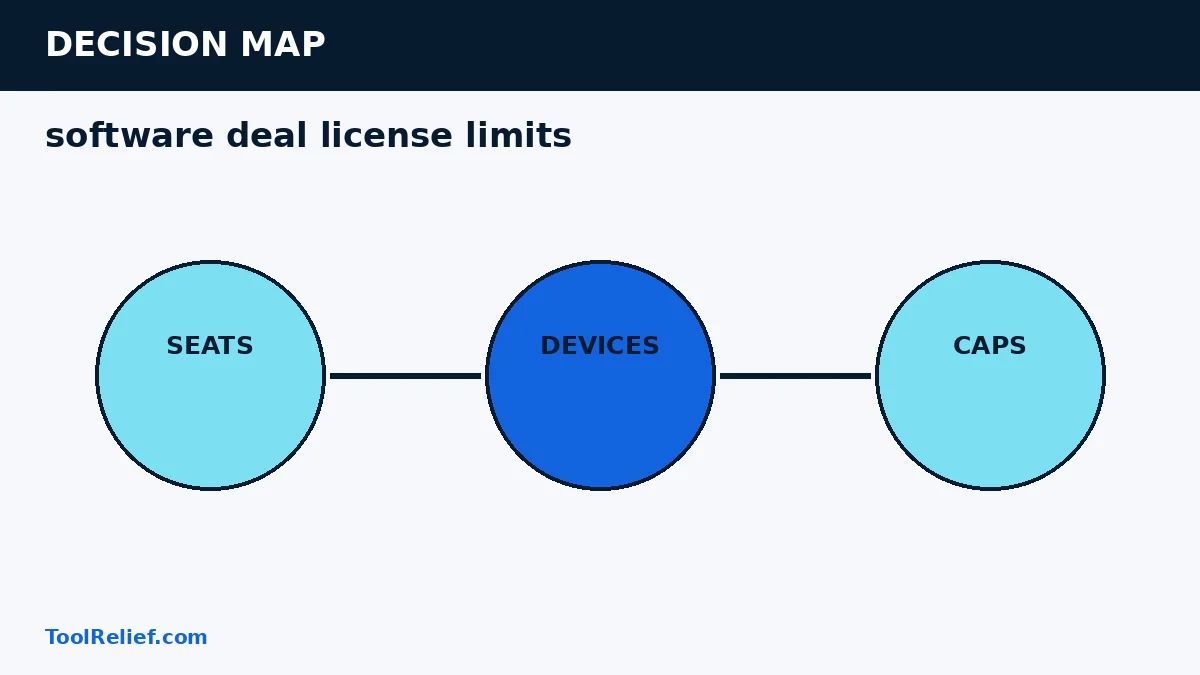
A user is a person; a seat is an assigned entitlement; a device is hardware. Vendors can combine these concepts differently. One user may be allowed several devices, or one device license may not permit shared use.
Write the deployment in plain language: who uses the product, on which devices, for what work, and how often assignments change.
Check named-user and reassignment rules
Some seats can be reassigned immediately; others have waiting periods or prohibit sharing. Agencies should confirm whether contractors and client accounts are allowed.
A low-cost plan may create administrative friction when staff change or a device is replaced. Count that friction in the purchase decision.
Verify commercial and client-work rights
Personal, home, educational, and non-commercial licenses may restrict paid work. A feature working technically does not grant legal permission to use the output for clients.
Read the EULA and product-specific terms. Save the version that applies to the purchased edition.
Translate usage caps into workload
Credits, exports, minutes, API calls, storage, projects, or AI tokens should be converted into normal weekly or monthly demand. Include peaks, retries, and team growth.
A cap is acceptable when there is a clear alert, overage rule, and upgrade path. It is risky when exceeding the cap blocks an essential workflow without warning.
Review activation, transfer, and update rights
Confirm offline requirements, activation limits, deactivation steps, replacement-device handling, geographic restrictions, and whether major upgrades are included.
A deal should remain usable through normal device replacement and team changes. If not, its effective cost is higher than the checkout price.
License fit map
| Limit type | Question | Evidence |
|---|---|---|
| Seat | How many concurrent or assigned entitlements? | Plan page and account administration rules |
| User | Named, shared, household, contractor, or client use? | EULA and product terms |
| Device | How many activations and replacements? | Activation documentation |
| Usage | Credits, exports, storage, minutes, calls, or projects? | Metering and overage terms |
| Commercial rights | Is paid client or business use permitted? | License grant |
| Updates | Maintenance period and major-version rights? | Upgrade policy |
A practical example
A creator buys a “three-device” license and assumes three team members can use it. The terms grant one named user installation on three personal devices. The deal covers hardware, not three people. A three-seat plan is required for the intended team deployment.
Pre-purchase checklist
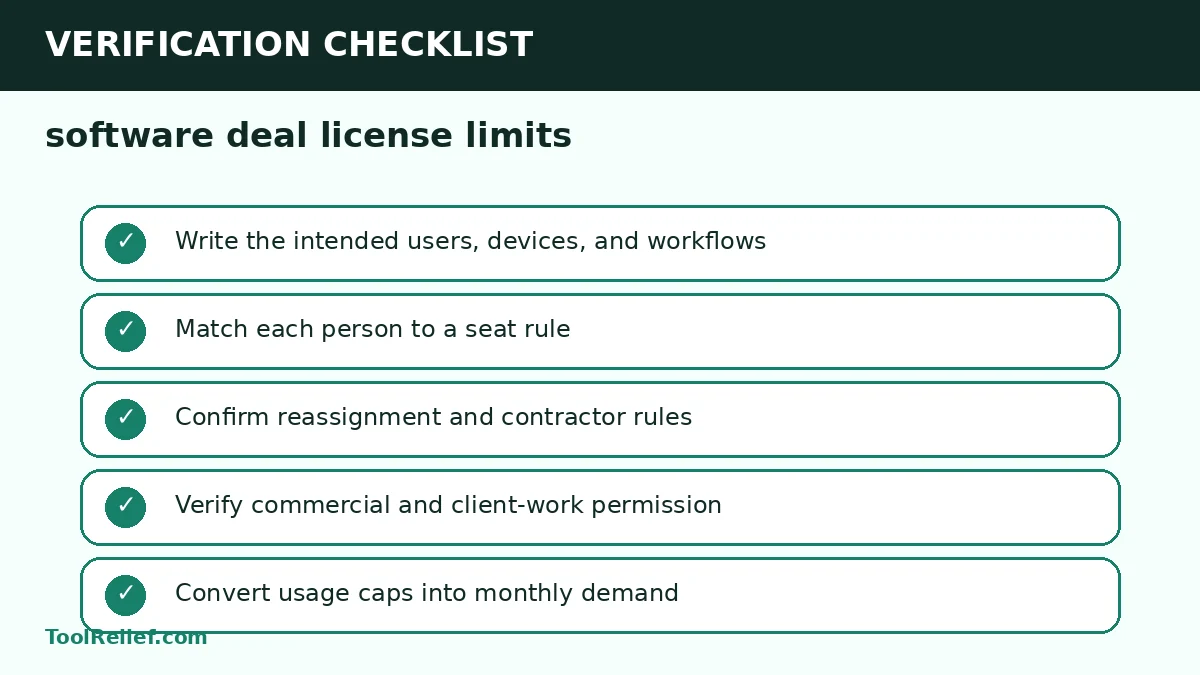
- Write the intended users, devices, and workflows
- Match each person to a seat rule
- Confirm reassignment and contractor rules
- Verify commercial and client-work permission
- Convert usage caps into monthly demand
- Check overages and hard-stop behavior
- Confirm activation and device replacement
- Record update and support rights
Use a minimum evidence standard
A strong software deal license limits decision uses three levels of evidence. First, confirm the provider or seller statement that governs the transaction. Second, verify the operational detail at the exact checkout, account, property, location, or policy level. Third, preserve independent evidence such as the receipt, confirmation, screenshot, or issuer record. A general marketing page cannot replace transaction-specific terms.
When two options remain close, prefer the one with clearer ownership and reversibility. Clear ownership means the buyer knows who can change, support, cancel, refund, or correct the transaction. Reversibility means the financial and operational cost of a mistake is limited. This standard prevents a small displayed saving from transferring a much larger unresolved risk to the buyer.
Document the decision before checkout
Create a compact decision record for software deal license limits. Save the date, selected option, final price, applicable terms, seller or provider, cancellation or refund deadline, and the evidence that supports the choice. A record is especially important when a promotion, currency, policy, or inventory condition can change after the transaction.
Reject the option when any critical condition remains unverified: seats, devices, or caps. The goal is not to eliminate every uncertainty; it is to identify which party owns the risk and whether the expected value justifies accepting it.
Review the decision after the transaction
After purchase or booking, compare the confirmation with the decision record. Verify the charged amount, product or service configuration, dates, names, currency, renewal or cancellation settings, and support contact. Correct a mismatch immediately while the checkout evidence is fresh and any cancellation or refund window remains open.
Schedule a later review when the obligation continues. For software, review renewal, usage, seats, and update rights. For travel, review schedule changes, payment status, deadlines, and policy updates. This closes the loop: the software deal license limits decision is not complete until the delivered transaction matches what was approved.
Related ToolRelief decision guides
Frequently asked questions
Is a device license the same as a user license?
No. A device limit controls installations, while a user or seat limit controls who may use the product.
Can a personal license be used for client work?
Only when the license grant permits commercial use. Product functionality alone does not establish permission.
How should usage caps be evaluated?
Convert the cap into normal and peak workload, then check alerts, overages, and upgrade options.
Sources and verification
Decision: Recheck the current price, terms, eligibility, and provider responsibilities at the final checkout. The software deal license limits framework is designed to make the commercial decision auditable rather than automatic.
Last Updated on August 1, 2026