TOOLRELIEF DECISION INTELLIGENCE
- Decision
- Use Coupon Code vs Automatic Discount vs Partner Offer: Which Software Deal Costs Less? to compare the documented alternatives and understand the costs, constraints, and trade-offs that materially affect the choice.
- Evidence Basis
- Comparative analysis of the capabilities, costs, constraints, limitations, and trade-offs documented for the options evaluated on this page.
- Best Used For
- Shortlisting alternatives and identifying the trade-offs that materially affect the final choice.
- Decision Boundary
- A listed commercial route is not automatically a recommendation. Pricing, availability, eligibility, commissions, promotions, and provider terms can change and should be verified before commitment.
Last verified: 2026-08-01
coupon code vs automatic discount: Coupon code vs automatic discount is a final-checkout decision, not a contest between banner percentages. The comparison must normalize product edition, billing term, tax, renewal price, license scope, and refund route before any offer is treated as cheaper.
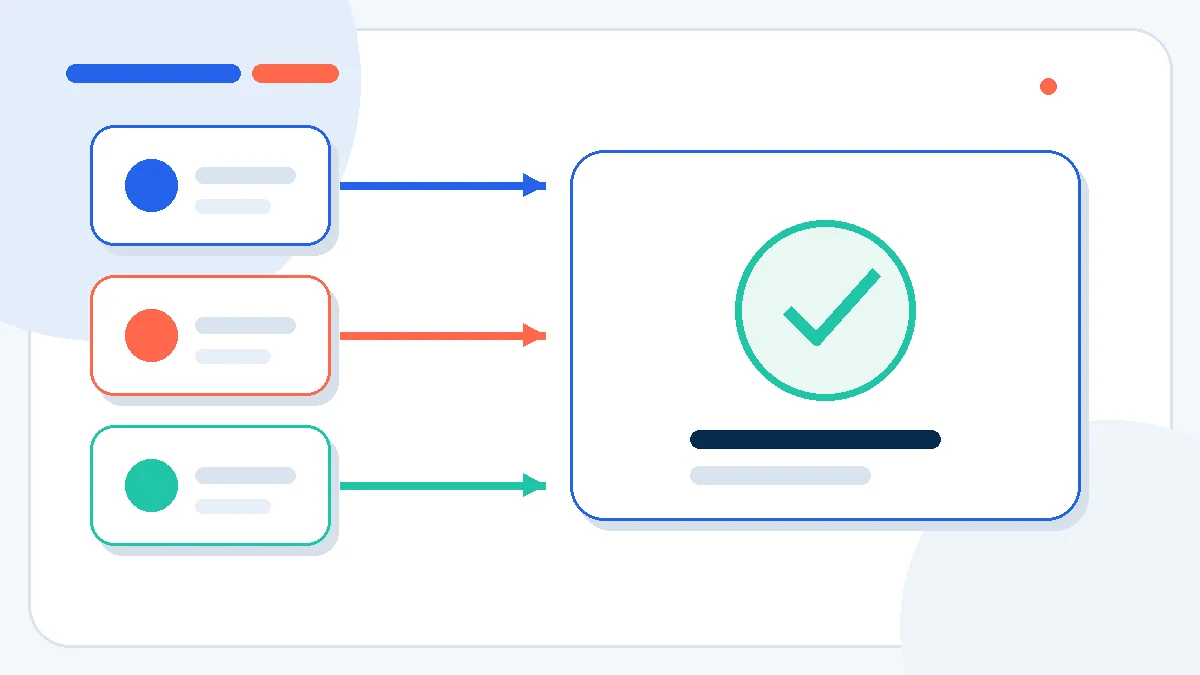
A coupon field, an automatic sale, and a partner link can produce three different software checkout paths. This guide compares the final payable price, renewal exposure, license entitlement, and refund route so the discount mechanism does not hide the real cost.
coupon code vs automatic discount — the practical answer
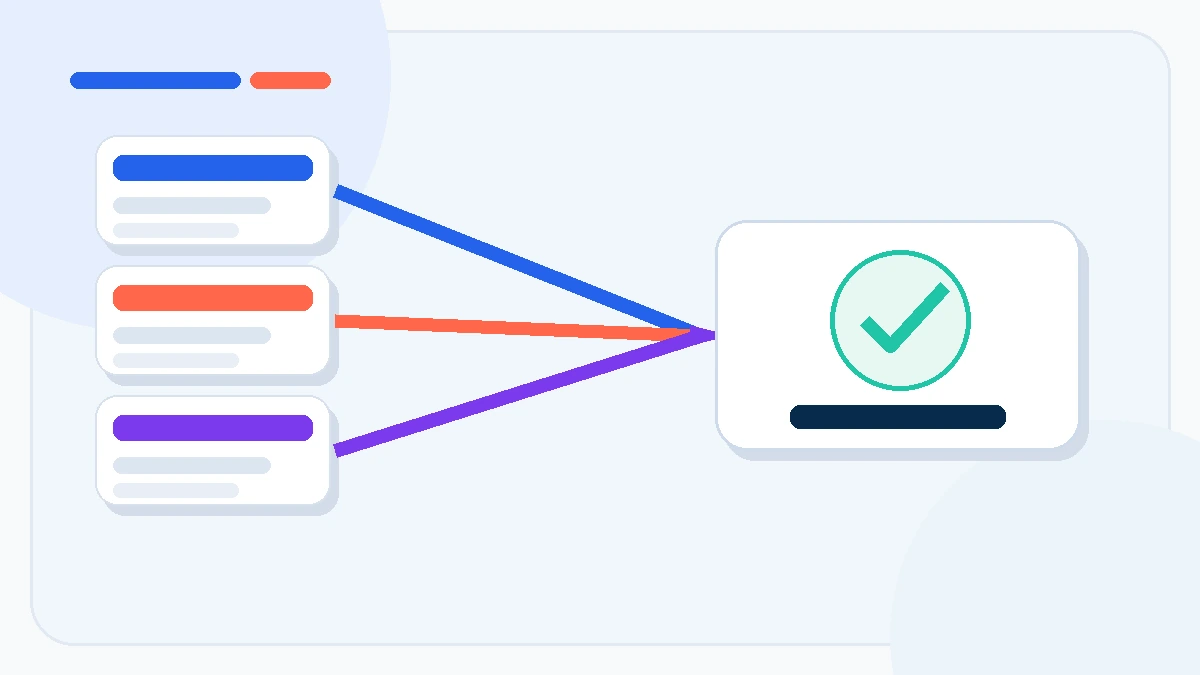
A coupon code is not automatically the cheapest path. An automatic discount may produce a lower final checkout price, while a partner offer may add a private landing-page price, longer license, bonus, or different refund path. Compare the same product, term, tax treatment, renewal price, license scope, and refund conditions in separate clean browser sessions. The winner is the lowest verified total cost for the same entitlement—not the largest percentage printed in a banner.
Why headline percentages mislead software buyers
Software promotions often present unlike baselines as if they were directly comparable. A “60% off” coupon may apply to the vendor’s highest month-to-month price, while an automatic annual-plan discount may already reduce the same product before the code is entered. A partner landing page may use a separate price table, device count, or first-term offer. The visible percentage therefore says little until the entitlement and the payable amount are normalized.
The correct comparison starts at checkout. Record the product edition, billing period, number of seats or devices, currency, tax, renewal price, and refund window. Any path that changes one of those variables is a different offer, not a clean price match.
How coupon codes work
A software coupon code is a customer-entered promotion. Commerce platforms can restrict codes by eligible customer, product, first purchase, minimum order value, expiry date, or redemption limit. That explains why a valid-looking code can fail even when it has not visibly expired. The code may also apply only to the first invoice while the subscription renews at the standard price.
Use a coupon when the checkout shows a code field and the code’s eligibility is explicit. After applying it, confirm that the order summary changed before entering payment details. A successful “code accepted” message is not sufficient if the total, license term, or renewal line remains unchanged.
How automatic discounts differ
An automatic discount is applied when checkout conditions are met. The buyer may not enter anything. This mechanism can reduce friction, but it also makes comparison harder because the discounted price may appear as the normal price. Common triggers include a sitewide sale, a selected product, a bundle threshold, or an annual billing choice.
Test automatic pricing in a private browser window without a partner parameter, then repeat with the partner route. Keep the cart identical. If the partner route removes an automatic sale, it is not an additional discount; it is an alternate pricing path.
What a partner offer can change
A partner offer is reached through an attributed link, publisher landing page, or network deep link. It can lead to the same public checkout, a dedicated promotional page, or a separate bundle. Its commercial value may be price, but it may also be a longer plan, extra device, bonus product, or clearer decision support.
Attribution should never be treated as proof of savings. ToolRelief’s rule is to compare the partner path with the vendor’s direct path at the same time and to disclose when a link can generate a commission.
Run a final-price test
| Check | Coupon path | Automatic path | Partner path |
|---|---|---|---|
| Exact edition | Confirm name and feature tier | Confirm name and feature tier | Watch for bundles or older editions |
| Billing term | Monthly, annual, or multi-year | Automatic annual savings may be built in | Confirm first term and renewal term |
| Seats/devices | Check code restrictions | Check cart quantity trigger | Confirm partner-specific license scope |
| Final payable price | After code and tax | After automatic reduction and tax | After attributed landing page and tax |
| Renewal | Check whether discount repeats | Often standard renewal after promo | Verify the vendor—not the partner—sets renewal |
| Refund route | Vendor or checkout processor | Vendor or checkout processor | Usually vendor/processor; read exact terms |
Use separate clean sessions because cookies, geography, currency, and prior visits can alter the path. Capture screenshots of the product name, total, renewal disclosure, and refund terms before payment. Do not stack codes by repeatedly refreshing or changing parameters; that can invalidate eligibility or break attribution.
Common failure cases
- The code applies to a higher base price. The “discounted” total is still above the public annual price.
- The partner page changes the product. A bundle looks cheaper per app but includes licenses you do not need.
- The first term is cheap, the renewal is not. A one-year promotion becomes expensive in year two.
- Tax appears late. Compare final payable totals in the same currency and billing location.
- The code removes another promotion. Checkout may accept one discount mechanism and replace the stronger one.
- The offer is not transferable. A personal, device-bound, or noncommercial license may be unsuitable for team use.
Decision table: which path should you use?
| Situation | Best starting path | Reason |
|---|---|---|
| Public annual sale already active | Automatic discount | It is the baseline that a code or partner route must beat |
| Verified first-purchase code | Coupon path | Useful when eligibility and renewal are explicit |
| Partner page adds devices or a longer term | Partner offer | Value may exceed a small price difference |
| Mission-critical software | Lowest-risk path, not merely lowest price | Support, update rights, and refund route matter |
| Unclear renewal disclosure | Do not buy yet | A low first-year price cannot be evaluated without the next charge |
Verification checklist before you pay
- Match the exact edition, term, seat/device count, and commercial-use rights.
- Open direct, automatic, coupon, and partner paths in separate private sessions.
- Record the final price after tax and currency conversion.
- Confirm whether the discount is first-term only or recurring.
- Read the refund policy and identify who processes the order.
- Save the checkout summary and renewal disclosure.
- Choose the lowest verified total cost that preserves the entitlement you actually need.
Seven verification controls that prevent a false discount win
A reliable comparison separates the promotion mechanism from the commercial entitlement. Record the undiscounted reference price, the exact checkout total, the first renewal amount, and every license limitation in the same worksheet. This prevents a large headline discount from winning only because it uses a different baseline or a narrower edition.
Run each checkout path in a clean browser session and capture the same decision evidence: product name, term, seats or devices, currency, tax, renewal disclosure, refund policy, and support owner. When coupon code vs automatic discount results differ, the reason should be visible in one of those fields rather than inferred from marketing copy.
The final control is reversibility. A partner offer with a slightly higher first-term price can still be the safer commercial choice when it preserves a clearer refund path, a longer license, or a verified support route. The correct winner is the lowest verified total cost for equivalent rights and acceptable exit risk.
Decision checklist
- Normalize the product edition and term.
- Compare the payable total after tax.
- Capture the renewal price before payment.
- Verify license scope and device limits.
- Check refund ownership and deadlines.
- Test each path in a clean session.
- Keep evidence of the winning checkout route.
coupon code vs automatic discount should be approved only when the evidence is complete and the remaining commercial risk is explicit.
Final decision: coupon code vs automatic discount
The coupon code vs automatic discount decision should end with one normalized checkout record. If the product, term, devices, renewal, tax, or refund route differs, the prices are not comparable. Use the path that delivers the lowest verified total cost without weakening the entitlement or support you need. A partner offer remains valid only when its final terms are as clear as the direct checkout.
Continue to a verified software buying decision
The discount mechanism is only one layer. Use the IObit buying guide to evaluate product fit, license scope, renewal, and refunds before following a partner route.
Frequently asked questions
Can a coupon code be worse than an automatic discount?
Yes. A code can replace a stronger automatic promotion, apply to a higher base price, or cover only the first invoice. Compare the final checkout total and renewal, not the code percentage.
Can software discounts be stacked?
Sometimes, but only when the checkout rules allow it. Do not assume a coupon combines with annual pricing, bundles, credits, or partner landing pages.
Does a partner offer always cost less?
No. A partner route can match the public price or offer different value such as devices, term length, or bonuses. Verify the direct and partner paths side by side.
What evidence should I save?
Save the product edition, license scope, total after tax, renewal amount or method, refund terms, and order processor. Screenshots are useful if a later charge differs from the checkout disclosure.
Sources and verification
Policies and product details can change. This draft was checked against the following primary sources on 2026-08-01:
- Stripe promotion codes and restrictions
- Shopify automatic discounts
- FTC guidance on auto-renewals and promotional rates
coupon code vs automatic discount: final evidence review
Coupon code vs automatic discount should be judged on the final payable total, equivalent license rights, renewal exposure, refund ownership, and evidence from the same checkout conditions. A large percentage is not a commercial advantage when the compared edition, term, tax treatment, or renewal basis is different.
A verified decision should retain the booking, checkout, policy, or support evidence that applies to the exact option selected—not a nearby product, route, plan, or promotional claim.
Official verification source: FTC Deceptive Pricing guidance.
Last Updated on August 1, 2026