Last verified: 2026-08-01
TOOLRELIEF DECISION INTELLIGENCE
- Decision
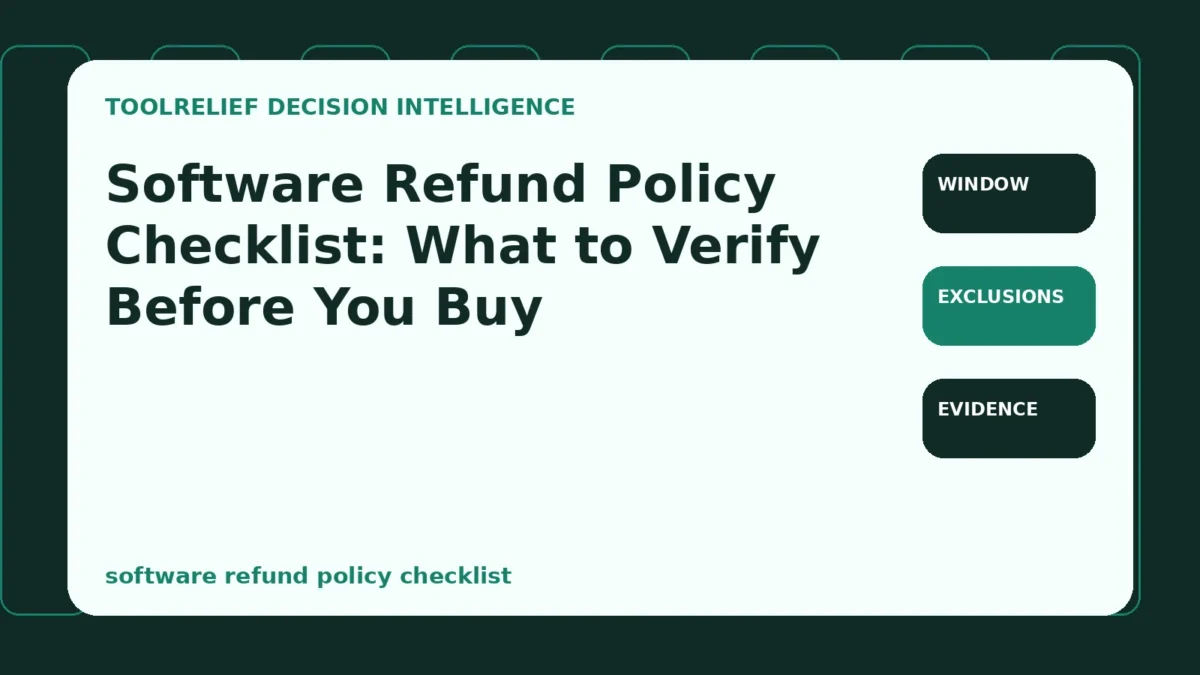
- Use Software Refund Policy Checklist: What to Verify Before You Buy to verify the important conditions that should be checked before commitment, implementation, renewal, or another material action.
- Evidence Basis
- A structured verification checklist based on the decision conditions and risk signals documented on this page.
- Best Used For
- Checking whether the important decision conditions have been considered before commitment or implementation.
- Decision Boundary
- This page provides independent decision support rather than a guaranteed outcome. Product capabilities, pricing, third-party terms, and operating conditions can change.
software refund policy checklist is the decision this guide resolves. A refund headline is not a refund right. Eligibility can depend on where the software was purchased, whether a key was activated, how much a cloud service was used, whether the charge was a renewal, and how quickly the request was submitted.
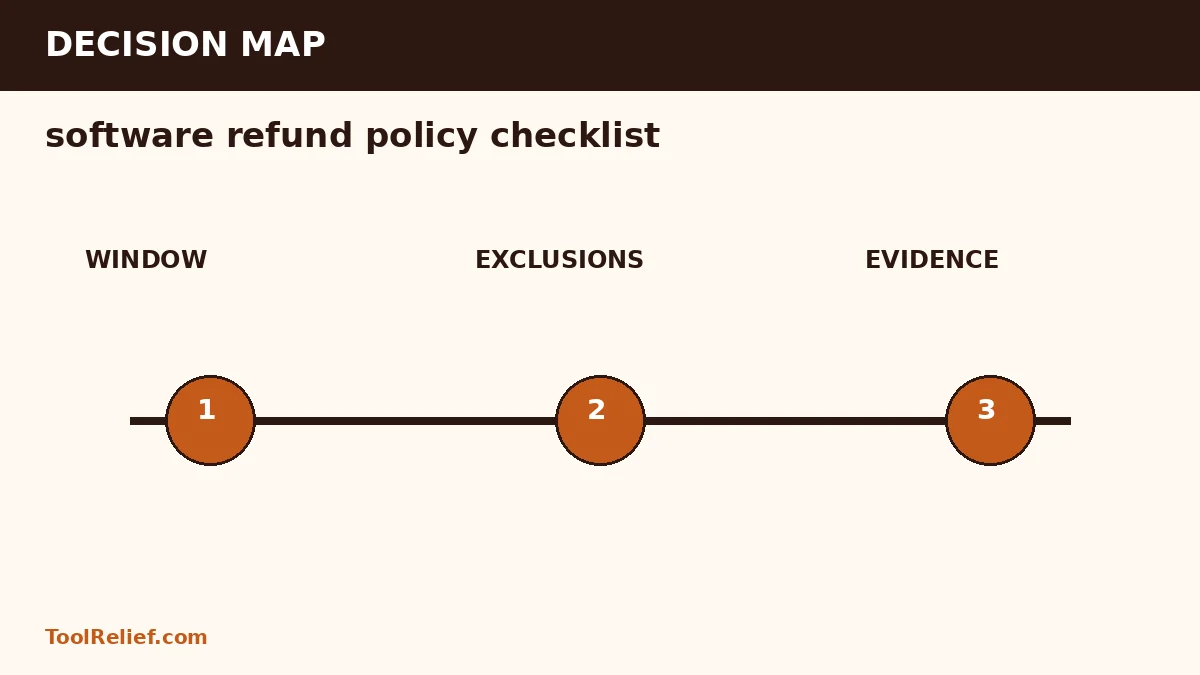
Treat the refund policy as part of the product. Verify the exact transaction type, window, exclusions, request channel, evidence, processing time, and escalation route before payment.
software refund policy checklist — the short decision
Treat the refund policy as part of the product. Verify the exact transaction type, window, exclusions, request channel, evidence, processing time, and escalation route before payment.
Affiliate disclosure: ToolRelief is an independent publisher, not the seller or service provider. Some links may be affiliate links, which can earn ToolRelief a commission without changing your price. We evaluate the decision factors, limits, and evidence before presenting a commercial action.
Confirm who controls the refund
The vendor, marketplace, app store, reseller, and payment processor can have different responsibilities. The page that accepts payment is not always the party that decides eligibility.
Record the legal seller shown at checkout and identify the support channel for that exact purchase path. Policies for direct purchases may not apply to third-party stores.
Measure the window from the correct event
A policy may start the clock at purchase, delivery, download, activation, or renewal. Time zones and business-day language can also change the deadline.
Write the date and time of the event that starts the window. Do not rely on a general phrase such as '30-day guarantee' without reading the conditions.
Find exclusions before activation
Common exclusions include consumed digital content, activated license keys, completed downloads, credits used, renewal charges, bundled items, discounted purchases, and accounts that violate terms.
If activation could remove eligibility, decide whether you can verify compatibility before activating. Save the applicable policy version before the transaction.
Capture the proof package
Save the offer page, cart, final checkout, order confirmation, policy, license terms, renewal disclosure, and support conversation. Include timestamps and the order number.
A complete proof package reduces ambiguity when the current website differs from the version displayed at purchase.
Plan escalation without assuming a chargeback
Follow the seller's process first, preserve response deadlines, and explain the mismatch precisely. A card dispute is not a substitute for reading eligibility and may follow different rules.
Document the requested resolution, the policy clause, the date of the request, and every response. Keep the software uninstalled or unused when the policy requires it.
Pre-purchase refund evidence
| Evidence item | What to capture | Risk prevented |
|---|---|---|
| Seller identity | Legal seller, marketplace, and payment processor | Request sent to the wrong party |
| Eligibility window | Start event, duration, time zone | Missed deadline |
| Exclusions | Activation, downloads, renewals, bundles, usage | Assuming a headline applies to the transaction |
| Request method | Form, email, account page, required data | Incomplete or untracked request |
| Processing terms | Review time and payment return method | Confusing approval with completed refund |
A practical example
A buyer purchases a discounted security utility through a reseller. The vendor advertises a guarantee, but the vendor policy excludes reseller transactions. The correct pre-purchase check would have identified the reseller as the seller and required the reseller’s refund policy before payment.
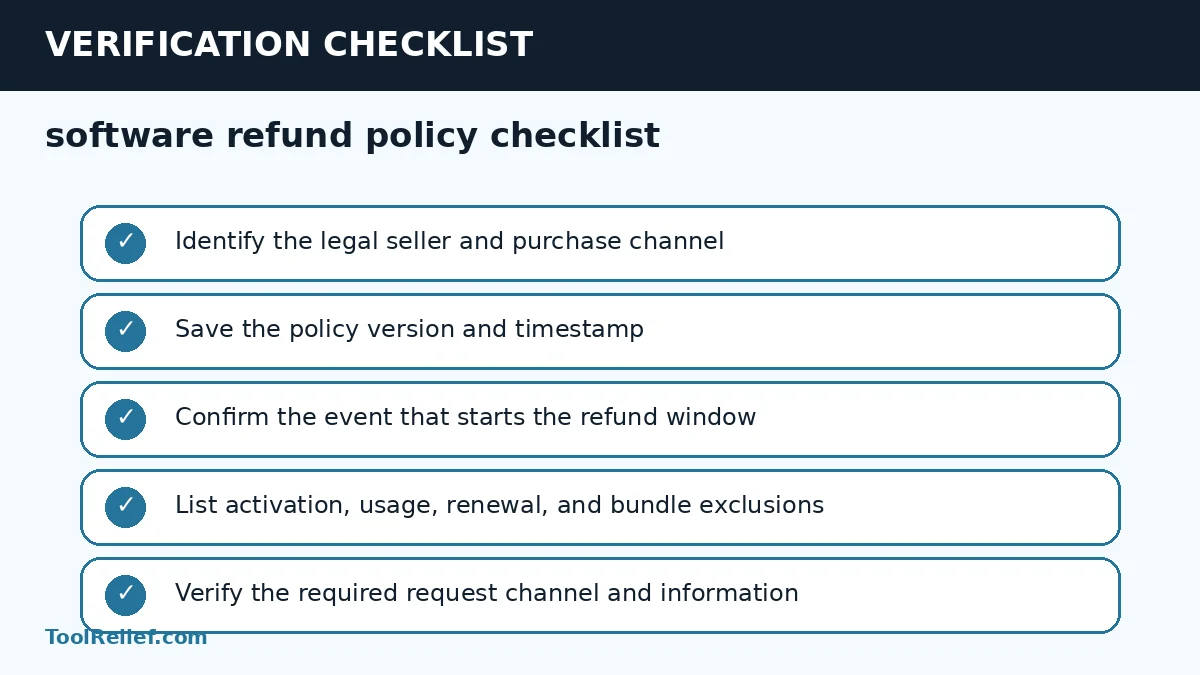
Pre-purchase checklist
- Identify the legal seller and purchase channel
- Save the policy version and timestamp
- Confirm the event that starts the refund window
- List activation, usage, renewal, and bundle exclusions
- Verify the required request channel and information
- Capture checkout and order evidence
- Record expected review and payment timelines
- Preserve all support replies
- Escalate only with a documented chronology
Use a minimum evidence standard
A strong software refund policy checklist decision uses three levels of evidence. First, confirm the provider or seller statement that governs the transaction. Second, verify the operational detail at the exact checkout, account, property, location, or policy level. Third, preserve independent evidence such as the receipt, confirmation, screenshot, or issuer record. A general marketing page cannot replace transaction-specific terms.
When two options remain close, prefer the one with clearer ownership and reversibility. Clear ownership means the buyer knows who can change, support, cancel, refund, or correct the transaction. Reversibility means the financial and operational cost of a mistake is limited. This standard prevents a small displayed saving from transferring a much larger unresolved risk to the buyer.
Document the decision before checkout
Create a compact decision record for software refund policy checklist. Save the date, selected option, final price, applicable terms, seller or provider, cancellation or refund deadline, and the evidence that supports the choice. A record is especially important when a promotion, currency, policy, or inventory condition can change after the transaction.
Reject the option when any critical condition remains unverified: window, exclusions, or evidence. The goal is not to eliminate every uncertainty; it is to identify which party owns the risk and whether the expected value justifies accepting it.
Review the decision after the transaction
After purchase or booking, compare the confirmation with the decision record. Verify the charged amount, product or service configuration, dates, names, currency, renewal or cancellation settings, and support contact. Correct a mismatch immediately while the checkout evidence is fresh and any cancellation or refund window remains open.
Schedule a later review when the obligation continues. For software, review renewal, usage, seats, and update rights. For travel, review schedule changes, payment status, deadlines, and policy updates. This closes the loop: the software refund policy checklist decision is not complete until the delivered transaction matches what was approved.
Related ToolRelief decision guides
Frequently asked questions
Do all software purchases have a cooling-off period?
No. Digital goods and subscriptions can have different rules, and eligibility depends on the offer, purchase channel, location, and applicable law.
Can activating a license affect a refund?
Yes. Some policies exclude activated keys, downloads, consumption, or substantial use.
What evidence should be saved before buying?
Save the offer, checkout, seller identity, policy, license terms, renewal terms, and the order confirmation.
Sources and verification
Decision: Recheck the current price, terms, eligibility, and provider responsibilities at the final checkout. The software refund policy checklist framework is designed to make the commercial decision auditable rather than automatic.
Last Updated on August 1, 2026