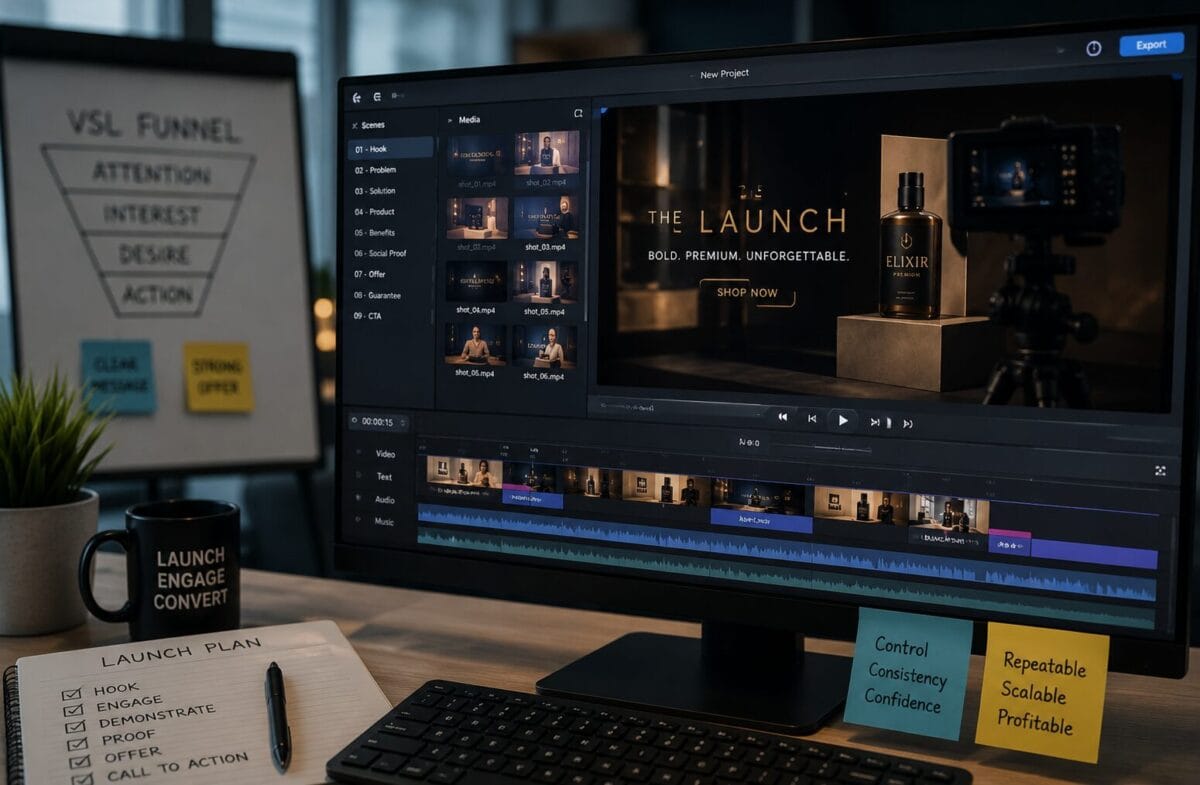
Commercial verdict: video sales letter software is worth buying when it shortens the path from approved sales copy to a reviewable video without reducing control over claims, pacing, visuals, audio, and calls to action. It is not worth buying to rescue an unclear offer or manufacture proof that the launch does not have.
TOOLRELIEF DECISION INTELLIGENCE
- Decision
- Use Video Sales Letter Software for Product Launches: Choose for Control and Repeatability to evaluate the software or technology question investigated on this page before taking the next material action.
- Evidence Basis
- Documented product information, published evidence, comparative analysis, direct observation, and clearly labeled models where applicable.
- Best Used For
- Reducing uncertainty before taking the next material action.
- Decision Boundary
- This page provides independent decision support rather than a guaranteed outcome. Product capabilities, pricing, third-party terms, and operating conditions can change.
For product launches, speed matters because pages, emails, ads, and deadlines move together. Control matters more because a single unsupported statement or broken asset can undermine the campaign. The right software balances both.
Compare the bundle with your current launch production workflow and revision requirements.
The six jobs of VSL software
- Accept or help structure approved source material.
- Turn the message into a timed visual sequence.
- Create or coordinate narration, captions, and on-screen text.
- Provide editable visuals, scenes, transitions, and branding.
- Support review, revision, export, and multiple launch versions.
- Produce files and rights suitable for the intended publishing channels.
A product does not need to perform every job. It needs to fit the parts of the workflow where the team loses the most time or consistency.
Approve the offer before automating the video
A VSL tool should receive a stable message. Before production, the team needs an approved audience, problem, mechanism, proof, offer, pricing, risk reversal, limitations, and call to action. If those decisions remain open, the video project becomes a moving target.
Minimum source package
- Final or near-final sales copy.
- Approved factual claims and supporting evidence.
- Product screenshots, demonstrations, and permitted visual assets.
- Brand voice, typography, colors, and prohibited language.
- Required disclosures and legal review notes.
- The exact destination and action the viewer should take.
Buyer criteria that matter during a launch
| Criterion | Why it matters |
|---|---|
| Input flexibility | The tool should work with the approved source format you already have. |
| Editing control | Late launch corrections must not require a full rebuild. |
| Versioning | Email, page, ad, and audience variants need clear organization. |
| Rendering reliability | A deadline cannot depend on repeated failed exports. |
| Asset rights | Every voice, image, clip, template, and font must be usable. |
| Commercial license | Agency and client work need explicit permission. |
| Export ownership | The team needs usable final files and an archive path. |
| Learning curve | A launch tool must be operable before the deadline. |
VSL Studio as a product family
VSL Studio is positioned around creating video sales letters from source material such as an idea, product, URL, or document. That aligns with launch teams that already have a reviewed page or brief and need to accelerate visual production.
The Bundle should be evaluated for production breadth. The Commercial edition should be evaluated for client-use rights. A team may need one, the other, both, or neither depending on the launch model.
Editing control is the decisive test
Generated speed is attractive until the legal reviewer changes a claim, the product manager updates a feature, or the launch owner shortens the offer. A useful system lets the editor locate and correct the affected scene, narration, caption, and timing without losing the rest of the project.
Test these revisions before purchase
- Replace one claim across on-screen text and narration.
- Change the call to action and destination.
- Swap a product demonstration or screenshot.
- Shorten the video while preserving the argument.
- Create a second aspect ratio or channel version.
- Export and reopen the project without losing editability.
Verify client-use and deliverable rights if the launch work is performed for a paying customer.
Source, claim, and compliance control
Sales videos can make unsupported language feel more authoritative because the claims are spoken, visual, and emotionally paced. The review process must be stronger, not weaker. Every material statement should trace back to approved evidence.
- Do not generate testimonials or imply customers exist when they do not.
- Do not invent scarcity, deadlines, performance numbers, or endorsements.
- Use clear disclosures for material limitations and affiliate relationships.
- Obtain qualified review for regulated categories and comparative claims.
- Keep a final claims file with the approved source for each statement.
Voice, people, and synthetic media
Synthetic narration can improve speed, but the launch team should review pronunciation, tone, emotional fit, and disclosure needs. Do not imitate a real person or imply an endorsement without permission. A realistic avatar should not be used to fabricate expertise or customer identity.
Human narration remains the better choice when trust depends on the founder, expert, or customer. A hybrid workflow can use AI for a draft and a real speaker for the final asset.
Launch-stack economics
| Cost layer | Questions |
|---|---|
| Software | Does the purchase replace current editing, voice, design, or template tools? |
| Credits | Are normal revisions and versions covered? |
| Labor | How much copy, editing, and QA time remains? |
| Assets | Are stock, music, voices, and fonts included or separate? |
| Rework | How expensive is a late claim or product change? |
| Client rights | Is commercial delivery included, and are outputs transferable? |
The best tool lowers the cost of an approved final video. The least useful tool lowers the cost of an unreviewed first draft while increasing rework.
A launch-specific test project
- Choose an existing approved sales page or product brief.
- Create a five- to eight-minute draft using the candidate tool.
- Have copy, product, legal, and brand reviewers mark corrections.
- Apply every change and record the revision time.
- Export the required formats and test playback on the destination page.
- Archive the project, source, rights, and final files as if the launch were live.
This test reveals production reality without betting a real launch deadline on an unfamiliar platform.
Alternatives by launch type
Founder-led launch
A real founder presentation or recorded demonstration can create stronger trust than an automated VSL. Software can still support captions, visual aids, and alternate cuts.
High-ticket or regulated offer
Use experienced copy, legal review, custom production, and a controlled edit process. Automation should remain an assistant.
Template-driven digital product
A VSL platform can be effective when the source is stable, the risk is lower, and several versions are needed quickly.
Agency client launch
Prioritize commercial rights, client approvals, export ownership, and version control over the largest template library.
Red flags in software marketing
- Guaranteed conversions, sales, or profit.
- A claim that copy, proof, editing, and strategy are unnecessary.
- Unclear commercial or third-party asset rights.
- No practical demonstration of revisions and export.
- A launch deadline that prevents license or workflow review.
- An oversized bundle whose components do not map to production tasks.
Launch-readiness test for VSL software
Before buying VSL software, run the planned launch through a readiness test. The objective is not to predict conversion. It is to determine whether the tool can support the message, evidence, production, review, and revision demands of the launch without creating a fragile single point of failure.
Message and evidence readiness
The offer, audience, problem, mechanism, proof, objections, and call to action should be sufficiently defined before production begins. Software can help structure or visualize the message, but it should not invent evidence or decide which claims are supportable. Keep source notes and approval responsibility outside the tool.
Input and production readiness
Confirm the available script, source assets, brand guidance, voice or presenter approach, aspect ratios, captions, music rights, and export requirements. A product that excels at one input model may be inefficient when the launch relies on another. Test with a representative section before committing the full script.
Review and revision readiness
Identify legal, product, brand, and campaign reviewers. Establish how comments become a new version and how the team avoids approving an outdated export. The product should make corrections practical under deadline pressure. Fast first output has little value when every change is expensive.
Fallback readiness
Store the approved script, source media, project notes, and final exports in an independent location. Define how the team will deliver a corrected or alternate version if the service is unavailable. A launch asset should not depend on a single vendor account for its entire useful life.
- Approve the claim and evidence outline.
- Test one representative scene or segment.
- Run a real reviewer through the correction process.
- Verify export, archive, and commercial-use requirements.
- Buy only when the workflow survives the full readiness test.
How to compare two VSL tools fairly
Use the same approved script segment, source assets, brand rules, voice requirement, and export target. Give each tool the same correction request and deadline. Record setup time, first usable output, correction time, reviewer clarity, export quality, and any work that had to move to another application.
Do not let one product use a polished vendor template while the other starts from raw inputs. A fair comparison measures the buyer’s actual launch workflow. The better tool is the one that reaches an approved, recoverable asset with less total production risk—not the one that creates the fastest first preview.
Launch asset standard
The approved VSL remains editable, exportable, archived, and recoverable outside a single vendor account.
Final buyer recommendation
Choose video sales letter software for control, repeatability, and revision speed. VSL Studio is a relevant option when the team works from approved source material and wants an integrated production path. Verify whether the Bundle, Commercial edition, or a modular alternative best fits the launch.
Run a revision-focused test and verify asset, output, and commercial rights before the live deadline.
Can VSL software guarantee conversions?
No. Conversion depends on the offer, audience, proof, traffic, message, design, pricing, and follow-up.
What is the most important feature?
Editing and revision control are often more important than first-draft generation speed.
Do I need a commercial license for client launches?
Use a license that expressly permits the intended paid client service and deliverable transfer.
Should I generate the script inside the tool?
Only if the result goes through the same source, claims, brand, and compliance review as human-written copy.
Verification basis
ToolRelief reviewed the official VSL Studio product presentation, partner
materials, and both marketplace edition records before preparing this
product-launch buying guide. Current features, commercial-use rights,
checkout terms, and license conditions control if they differ from this draft.
-
Review the official VSL Studio product presentation
-
Review the official VSL Studio partner information
-
View the VSL Studio Bundle marketplace record on JVZoo
-
View the VSL Studio Commercial marketplace record on JVZoo
Last Updated on July 23, 2026