Last verified: August 29, 2026
TOOLRELIEF DECISION INTELLIGENCE
- Decision
- Use Fake Software Discount Signals: Inflated List Prices, Resetting Timers, and Permanent Sales to evaluate the software or technology question investigated on this page before taking the next material action.
- Evidence Basis
- Documented product information, published evidence, comparative analysis, direct observation, and clearly labeled models where applicable.
- Best Used For
- Reducing uncertainty before taking the next material action.
- Decision Boundary
- This page provides independent decision support rather than a guaranteed outcome. Product capabilities, pricing, third-party terms, and operating conditions can change.
Fake software discount signals usually appear when the percentage shown on a sales page tells you less than the underlying transaction.
An inflated reference price, a countdown that resets, an “annual discount” presented like a special promotion, a lower-feature plan, or a renewal price hidden until checkout can all make a software offer look better than it really is.
The safest rule is simple:
Do not verify the percentage. Verify the baseline, final price, conditions, renewal, and deadline.
ToolRelief treats a software discount as decision-ready only when the buyer can establish what the normal comparable price is, what will actually be charged, who qualifies, how long the offer lasts, and what happens after the promotional period.
If you want to compare this test against opportunities that are currently active, use ToolRelief’s current commercial opportunity intelligence.
Fake Software Discount Signals — Quick Answer
A large discount percentage does not prove that a software deal is good, bad, genuine, or misleading.
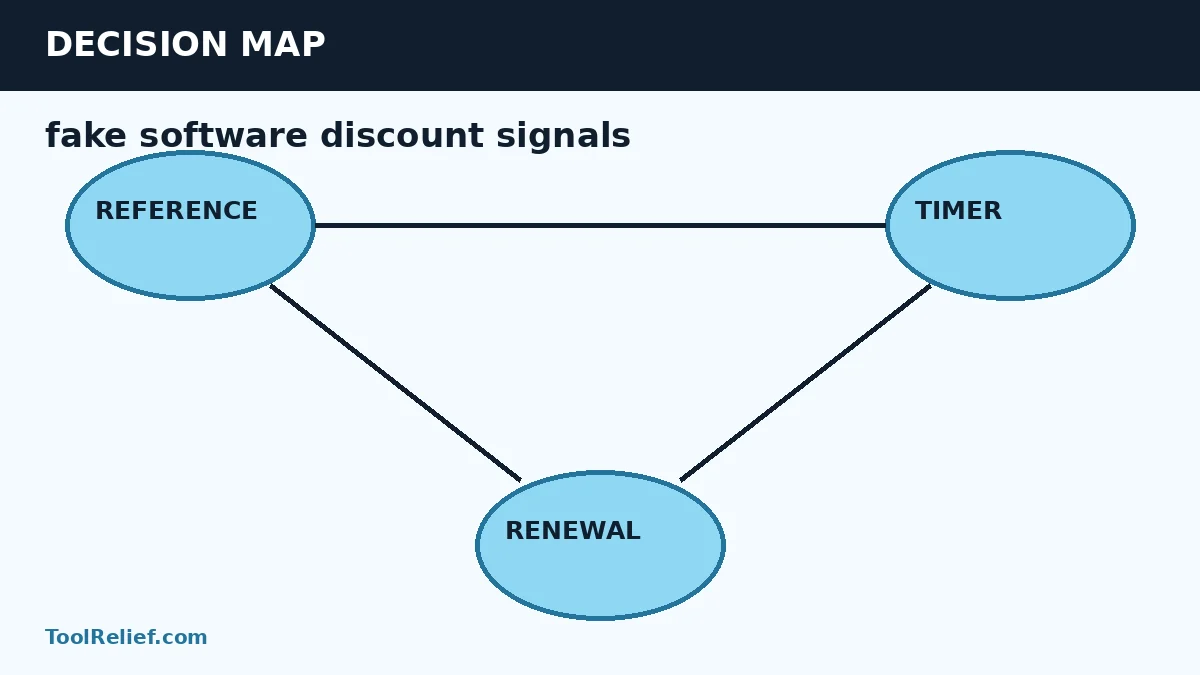
Check five things first:
- Baseline: What price is the discount being compared with?
- Final price: What will you actually pay at checkout?
- Conditions: Which product, plan, billing term, account type, and buyer qualify?
- Renewal: What happens when the promotional period ends?
- Freshness: Is the offer genuinely current and does the stated deadline hold up?
If those five answers are clear and consistent, the percentage becomes useful.
If they are not, the discount headline is incomplete information.
Affiliate disclosure: ToolRelief is an independent publisher, not the seller or service provider. Some commercial routes may be affiliate links, which can earn ToolRelief a commission without changing your price. Commercial relationships do not determine whether ToolRelief classifies an offer as verified or whether a discount claim passes this framework.
9 Fake Software Discount Signals to Check
| Signal | What to Check | Why It Matters |
|---|---|---|
| 1. Inflated reference price | Whether the higher price was genuinely offered as an ordinary price | A large percentage means little when the baseline is not credible |
| 2. Permanent sale | Whether the same “sale” price appears repeatedly | The recurring price may be the more useful buying benchmark |
| 3. Resetting countdown | Return after the timer expires and test another session | A deadline that simply resets does not provide meaningful purchase timing |
| 4. Checkout mismatch | Compare the landing page with the cart and final payment step | The final transaction controls the real cost |
| 5. Annual billing presented as a sale | Compare monthly, normal annual, and promotional annual prices | Part of the headline saving may be the vendor’s normal annual-billing discount |
| 6. First-term-only discount | Find the next charge after the introductory period | A strong first-year price may lead to a much higher renewal cost |
| 7. Different product configuration | Compare features, users, devices, credits, support, and license rights | A cheaper version is not a like-for-like discount |
| 8. Hidden eligibility restrictions | Check geography, new-customer rules, selected plans, upgrades, and account type | A real promotion can still be unusable for a specific buyer |
| 9. Unclear expiry or renewal terms | Find dated campaign terms and recurring billing conditions | Urgency is not useful when the deadline or future obligation is unknown |
How to Test the Reference Price
A discount percentage is mathematically dependent on the price used as its baseline.
If software is advertised at $60 instead of $100, the headline saving is 40%. But that number only helps the buyer if $100 is a meaningful comparison for the same product configuration.
Check:
- the vendor’s current pricing page;
- the normal annual price;
- the normal monthly price;
- the exact product tier;
- the number of users or devices;
- any required add-ons;
- the price shown in the final cart.
For U.S. pricing guidance, the FTC’s Guides Against Deceptive Pricing state that a former price provides a legitimate basis for comparison when it was a bona fide price at which the product was openly offered in the regular course of business for a reasonably substantial period. The guidance also warns against artificial inflated prices used merely to create the appearance of a large reduction.
That does not mean ToolRelief determines whether a specific advertisement is legally deceptive. It gives buyers a useful principle:
A reference price should describe a meaningful commercial baseline, not merely make the percentage look larger.
How to Test Countdown Timers and Limited-Time Claims
Urgency can be legitimate.
A vendor may run a promotion that genuinely ends on a stated date.
The problem is urgency that does not correspond to a changing commercial condition.
Test a countdown by:
- recording the current price and timer;
- returning after the stated expiration;
- checking the page in another browser or private session;
- reviewing published campaign dates;
- comparing the final checkout price.
The FTC has specifically identified baseless countdown timers and false limited-time messages as dark-pattern tactics when they create pressure around an offer that is not actually limited in the way presented.
A resetting timer does not automatically prove that every aspect of the offer is false. It does mean the timer should not control your buying decision.
For a deeper timing review, use ToolRelief’s Software Deal Expiration guide.
Annual Pricing vs a Real Promotional Discount
One common source of confusion is annual billing.
A SaaS product might cost:
- $20 month-to-month;
- $15 per month when billed annually;
- $12 per month during a temporary annual promotion.
The vendor may legitimately advertise a large saving compared with twelve monthly payments.
But a buyer trying to measure the incremental value of the promotion should also compare the temporary $12 price with the normal $15 annual price.
Use three comparable numbers whenever possible:
- Monthly equivalent
- Normal annual price
- Promotional annual price
This separates the ordinary benefit of annual billing from the additional benefit created by the promotion.
Separate First-Term Savings From Renewal Cost
A software offer can be completely legitimate and still be a poor long-term decision.
Check whether the advertised price applies to:
- the first month;
- the first year;
- the initial contract only;
- every renewal;
- a limited number of seats or credits.
Then determine what happens next.
Look for:
- automatic renewal;
- normal renewal price;
- renewal notice periods;
- future seat minimums;
- usage overages;
- upgrade requirements;
- features that leave the discounted tier.
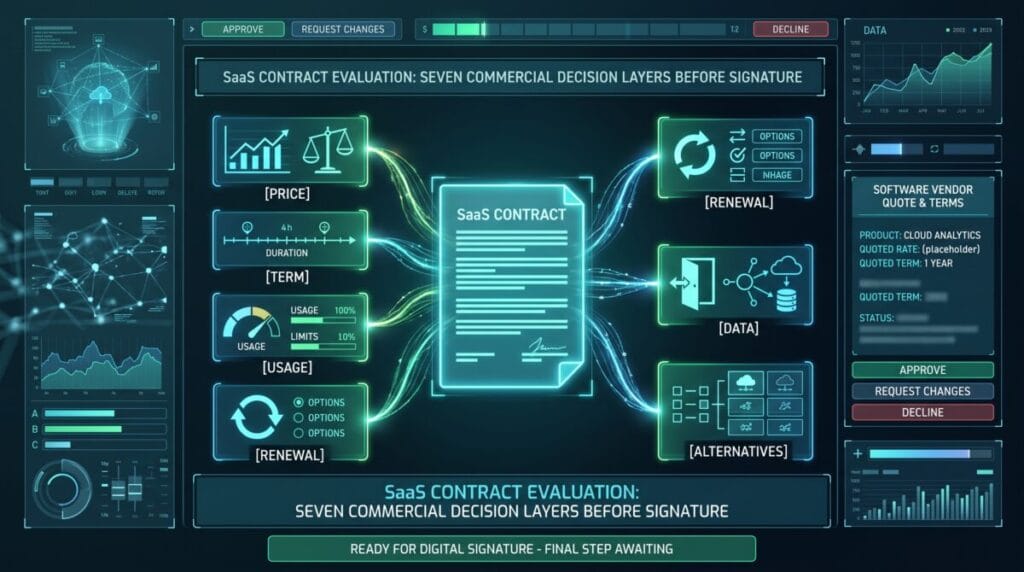
If you are evaluating a larger SaaS agreement rather than a simple self-serve checkout, use ToolRelief’s SaaS Contract Negotiation guide before signing.
Verify the Final Cart and License Scope
The final checkout is where the marketing claim becomes a transaction.
Before paying, compare the landing page and cart for:
- product edition;
- number of users;
- number of devices;
- billing term;
- currency;
- taxes and mandatory fees;
- coupon application;
- included credits;
- commercial-use rights;
- support;
- updates;
- renewal price where disclosed.
A lower checkout price obtained by switching from a premium configuration to a limited version may still be a legitimate purchase option.
It is simply not a like-for-like discount.
The ToolRelief Discount Verification Framework
ToolRelief uses a five-part decision framework for evaluating a software promotion:
| Layer | Question | Pass Condition |
|---|---|---|
| Baseline | What price is the saving measured against? | The comparison is relevant to the same product and buying configuration |
| Checkout | What will the buyer actually pay? | The final cart matches the advertised commercial path |
| Conditions | Who and what qualify? | Plan, term, geography, account type, and eligibility are clear |
| Renewal | What happens after the introductory period? | The future obligation is visible enough to evaluate total cost |
| Freshness | Is the opportunity still current? | The route, price, code, and deadline have been recently checked |
This framework does not produce a fake universal “deal score.”
The importance of each layer depends on the purchase.
A one-time license may have little renewal risk but significant license-scope risk. A subscription may have a strong first-year price but substantial renewal exposure. A team plan may depend heavily on seats and usage.
For ToolRelief’s wider publication and route-verification process, see the Offer Verification Methodology.
Should You Buy Now or Wait?
Finding one of these warning signs does not automatically mean you should reject the software.
The next question is whether the current commercial opportunity is strong enough to act on.
Buying now may make sense when:
- you already need the product;
- the current price is verified;
- the saving is meaningful against a fair baseline;
- the commitment fits;
- the renewal terms are acceptable;
- waiting creates real cost.
Waiting may make sense when:
- the purchase is optional;
- the current price is ordinary;
- the deadline does not hold up;
- the renewal terms are unclear;
- a credible seasonal buying window is close;
- you have not validated product fit.
Use ToolRelief’s Best Time to Buy Software: Buy Now or Wait? for the complete timing framework.
Black Friday and Seasonal Software Discounts
Seasonal sales make discount verification more important, not less important.
During Black Friday, Cyber Monday, year-end, or another campaign window, separate:
- a genuinely new seasonal promotion;
- an evergreen coupon that was already available;
- a normal annual-billing discount;
- a historical offer being repeated by a third-party site;
- an actual current vendor-confirmed deal.
ToolRelief’s Black Friday Software Deals 2026 Verified Tracker uses explicit statuses rather than treating expected or historical promotions as confirmed 2026 deals.
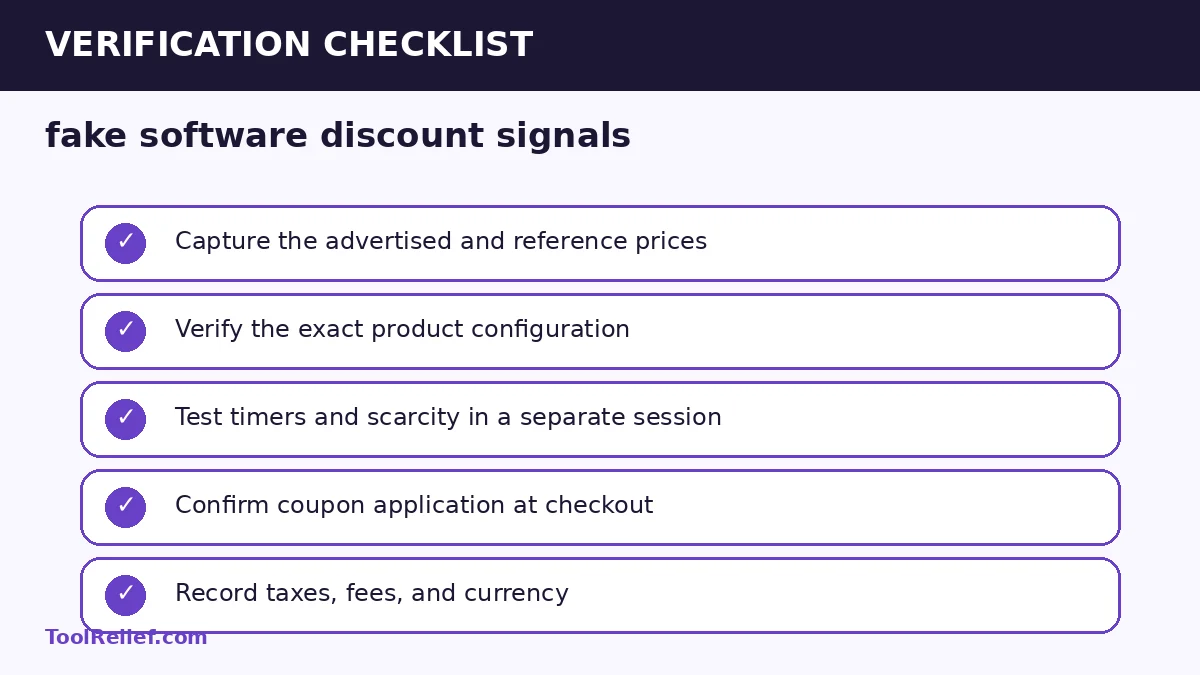
Pre-Purchase Software Discount Verification Checklist
- Capture the advertised price.
- Capture the reference or list price.
- Compare the normal annual price.
- Confirm the exact product tier.
- Confirm user, seat, device, or usage limits.
- Test the coupon or route at checkout.
- Record the final total.
- Check taxes and mandatory fees.
- Verify who qualifies.
- Verify the actual expiration date.
- Find the renewal price.
- Check automatic renewal.
- Confirm license and update rights.
- Save dated evidence for time-sensitive offers.
Illustrative Example: An “80% Off” Software Offer
Suppose a software landing page advertises “80% off today” and shows a two-hour timer.
You return the next day and find:
- the price is unchanged;
- the timer has restarted;
- the higher reference price is not visible on the ordinary pricing page;
- the discounted price covers only the first year;
- the subscription renews at a substantially higher amount.
This example does not prove that any specific vendor is acting deceptively.
It shows why the headline “80% off” is insufficient for a buying decision.
The better comparison is:
credible normal price → actual checkout price → first-term cost → renewal cost → real deadline.
Related ToolRelief Buying Intelligence
- Commercial Opportunity Intelligence — check current verified commercial signals and buyer-facing opportunities.
- Best Time to Buy Software — decide whether to act now, wait, or negotiate.
- Black Friday Software Deals 2026 — follow seasonal software offers with explicit verification states.
- SaaS Contract Negotiation — review pricing, usage, renewal, exit, and data terms before signing.
- Software Deal Expiration — test whether a limited-time promotion has a meaningful deadline.
- Direct Vendor Deal vs Marketplace Deal — compare where the software should actually be purchased.
- Coupon Code vs Automatic Discount vs Partner Offer — compare different ways software savings can reach checkout.
- Offer Verification Methodology — see how ToolRelief handles offer verification and publication controls.
Frequently Asked Questions
Does a permanent sale prove a fake software discount?
No. A recurring sale does not automatically prove deception. It does mean the recurring selling price may be a more useful benchmark for the buyer than a higher price that is rarely relevant to the transaction.
How can I test a software countdown timer?
Record the timer and price, return after the stated expiration, test another browser session, and compare the campaign terms and final checkout. A timer that simply resets should not be treated as reliable evidence that the offer is about to disappear.
What price should I use to measure a software discount?
Use the most relevant credible ordinary price for the same product configuration. For SaaS, that often means comparing the promotional annual price with the normal annual price as well as the monthly equivalent.
Is a large discount always better?
No. A smaller discount on the correct product with flexible terms and a reasonable renewal can be a better purchase than a larger discount requiring unnecessary seats, a long commitment, or an expensive renewal.
Where can I check software offers that are active now?
Use ToolRelief’s Commercial Opportunity Intelligence to review current buyer-facing commercial signals, then verify the final price, eligibility, licensing, and checkout terms with the provider before purchasing.
Bottom Line
Fake software discount signals are warning signs, not automatic verdicts.
A strong software buying decision verifies:
- the reference price;
- the final checkout;
- the exact product configuration;
- eligibility;
- the real deadline;
- the renewal obligation.
When those pieces agree, a discount percentage becomes useful evidence.
When they do not, ignore the headline and evaluate the transaction itself.
Sources and Methodology
Information reviewed: August 29, 2026.
- FTC / eCFR — Guides Against Deceptive Pricing, 16 CFR Part 233
- Federal Trade Commission — Dark Patterns and False Urgency
- Federal Trade Commission — Advertising and Marketing Guidance
The FTC sources provide U.S. regulatory and consumer-protection context for reference-price comparisons, false urgency, and discount claims. ToolRelief’s framework is buyer decision guidance and does not determine whether a particular advertisement violates the law.
Prices, promotions, coupon codes, eligibility, licensing, and renewal terms can change. Always verify the final transaction terms with the provider before purchase.
Last Updated on August 29, 2026