Last verified: 2026-08-01
TOOLRELIEF DECISION INTELLIGENCE
- Decision
- Use Travelpayouts Integration Guide: Deep Links vs Widgets vs API vs WordPress Plugin to compare the documented alternatives and understand the costs, constraints, and trade-offs that materially affect the choice.
- Evidence Basis
- Comparative analysis of the capabilities, costs, constraints, limitations, and trade-offs documented for the options evaluated on this page.
- Best Used For
- Shortlisting alternatives and identifying the trade-offs that materially affect the final choice.
- Decision Boundary
- Travel availability, fares, schedules, entry rules, eligibility, and provider terms can change. Verify time-sensitive details with the relevant official or provider source before acting.
Travelpayouts integration guide is the decision this guide resolves. A Travelpayouts integration should be selected by user task, content scale, technical ownership, performance budget, and measurement requirements. Deep links are controlled and lightweight; widgets add interaction; the WordPress plugin simplifies supported tools; APIs enable custom experiences; white-label and automated systems increase operational scope. Choosing the most complex option first usually creates more maintenance than revenue.
Start with destination-specific deep links for editorial content. Add a widget only when on-page search improves the decision. Use the WordPress plugin for supported repeatable components, and use APIs or white-label solutions only when a technical owner can maintain data, caching, disclosure, analytics, and fallbacks.
Travelpayouts integration guide — the short decision
Start with destination-specific deep links for editorial content. Add a widget only when on-page search improves the decision. Use the WordPress plugin for supported repeatable components, and use APIs or white-label solutions only when a technical owner can maintain data, caching, disclosure, analytics, and fallbacks.
Affiliate disclosure: ToolRelief is an independent publisher, not the network, advertiser, seller, or payment provider. Some partner relationships may compensate ToolRelief without changing the visitor’s price. Platform access, approvals, program terms, tracking, and payments remain controlled by the respective provider.
Review Travelpayouts Integration Tools
Use deep links for controlled editorial journeys
Deep links send the reader to a relevant brand page while preserving affiliate tracking. They are usually the fastest option for comparison articles, booking guides, and contextual calls to action.
For this Travelpayouts integration guide, the Travelpayouts integration guide recommends recording brand, destination, SubID, article, CTA position, verification date, and fallback for every production link.
Use widgets when interaction belongs on the page
Search forms, calendars, maps, and other widgets can shorten the path between research and booking. They also add scripts, layout risk, consent considerations, and potential conflicts with optimization tools.
Load a widget only on the page that needs it, avoid duplicate scripts, set a stable container size, and provide a normal link fallback if the tool fails.
Use the WordPress plugin for repeatable supported components
The Travelpayouts WordPress plugin can insert supported links, forms, widgets, and tables without hand-coding every placement. It still requires account identifiers, configuration, updates, and visual QA.
For this Travelpayouts integration guide, do not install it merely to create one link. Use it when the supported components and maintenance model are better than a controlled shortcode or direct embed.
Use APIs for custom interfaces and data products
APIs can support destination pages, price trends, route data, balance or partner-link operations, depending on the endpoint and access. Data may be cached and is not a substitute for live booking inventory unless the documentation explicitly says so.
API implementation requires authentication security, caching, rate and error handling, terms compliance, attribution, data freshness labels, and engineering ownership.
Evaluate white label and automated monetization separately
White-label tools keep more of the search journey on the publisher property, while automated systems can convert or place monetization across existing content. Both increase governance requirements.
For this Travelpayouts integration guide, confirm domain configuration, design, script performance, link replacement rules, analytics, consent, and rollback before broad deployment.
Choose an integration ladder instead of a tool collection
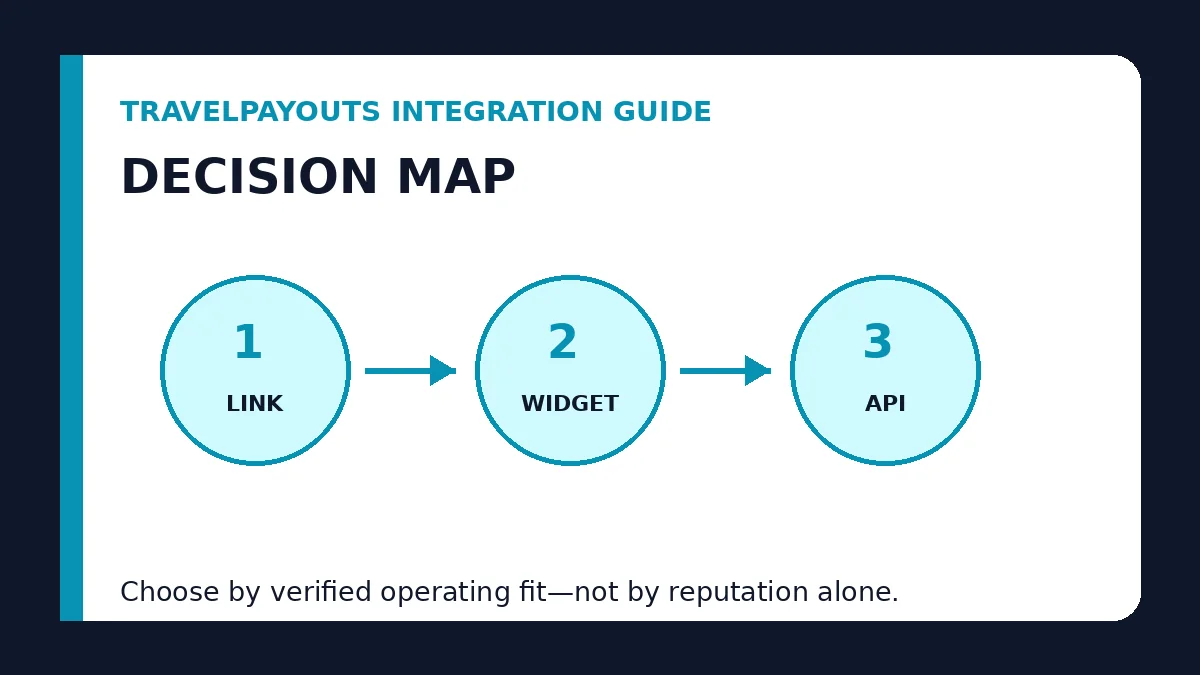
A mature implementation moves from controlled links to selected widgets, then to plugin, API, white-label, or automation only when the prior level cannot solve the business requirement.
The Travelpayouts integration guide treats every added layer as an operational commitment with a named owner and rollback plan.
Travelpayouts integration decision table
Use this Travelpayouts integration guide matrix to compare operating evidence rather than choosing from reputation or a headline commission alone.
| Method | Best use | Main cost or risk |
|---|---|---|
| Deep link | Editorial CTA to a specific brand page | Manual verification and destination maintenance |
| Widget | On-page search or interactive comparison | JavaScript, layout, and performance governance |
| WordPress plugin | Repeatable supported tools in WordPress | Plugin maintenance and configuration |
| API | Custom data or interface | Engineering, caching, errors, and terms |
| White label / automation | Broader owned search or monetization system | Domain, script, analytics, and rollback complexity |
Practical operating example
A publisher begins with deep links in travel decision articles, adds one transfer widget to the airport-transfer page, and uses a controlled shortcode so the script loads only there. It does not adopt an API because the current traffic does not justify custom engineering. The integration is successful because every tool has a purpose, measurement plan, and fallback.
The example shows why Travelpayouts integration guide should be decided through fit, governance, and approved outcomes rather than a generic winner label.
Travelpayouts integration guide verification checklist
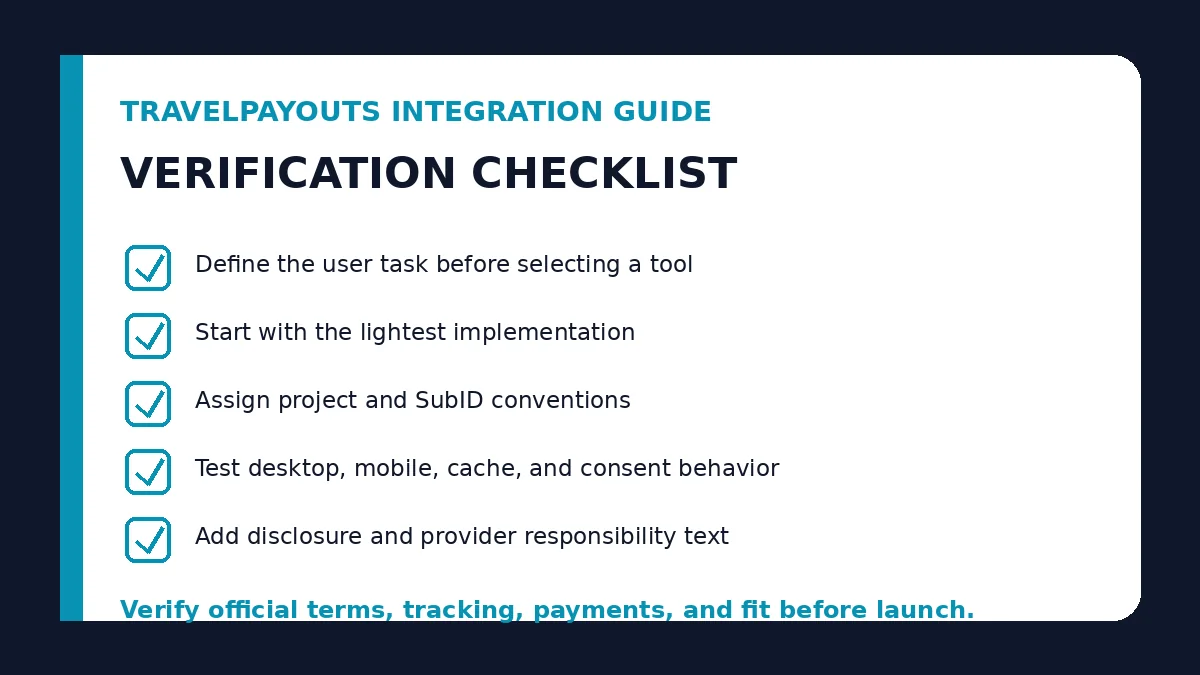
- Define the user task before selecting a tool
- Start with the lightest implementation
- Assign project and SubID conventions
- Test desktop, mobile, cache, and consent behavior
- Add disclosure and provider responsibility text
- Provide a fallback destination
- Record owner, verification date, and rollback method
Complete the Travelpayouts integration guide checklist before adding links, forecasting revenue, or treating a dashboard status as an approved commercial result.
Continue the decision
- Review the Travelpayouts platform model
- Compare platform and direct programs
- Evaluate network and direct partnerships
Frequently asked questions
Should every Travelpayouts publisher install the WordPress plugin?
No. Install it when its supported components reduce repeatable work; a small editorial site may need only controlled deep links or selected embeds.
When is a widget better than a link?
Use a widget when the visitor benefits from searching or comparing on the page and the site can manage script performance and fallback behavior.
What must an API integration include?
Authentication security, caching, error handling, data-freshness labels, terms compliance, analytics, and a named technical owner.
Can several methods be combined?
Yes. Use a controlled integration ladder, such as links for editorial content, selected widgets for service pages, and APIs only for justified custom products.
Operating record and review cadence
A production decision for Travelpayouts integration guide should leave an auditable record, not only a published recommendation. The record should state the current account or program status, target audience and GEO, permitted traffic, commercial action, destination, tracking identifier, approval evidence, last verification date, payment readiness, fallback route, and owner. The first review should test use deep links for controlled editorial journeys; the second should confirm use widgets when interaction belongs on the page; and the recurring review should revisit choose an integration ladder instead of a tool collection. This sequence makes changes visible before they become broken links, misleading claims, or unreconciled revenue.
Use the operational checklist as a change-control document. Start with “Define the user task before selecting a tool,” confirm “Test desktop, mobile, cache, and consent behavior,” and close the cycle with “Record owner, verification date, and rollback method.” Record why a platform or relationship was selected, what evidence would trigger a switch, and which metric represents an approved commercial outcome. For Travelpayouts integration guide, that discipline is more valuable than adding extra programs or tools because it protects editorial trust, measurement quality, and cash-flow accuracy as the portfolio grows.
Sources and verification
- Travelpayouts deep-link guide
- Travelpayouts WordPress plugin overview
- Travelpayouts Data API reference
- Travelpayouts quick-start tool overview
Verification rule: Recheck official platform documentation, account eligibility, program terms, payment requirements, and destination behavior before implementing any recommendation from this Travelpayouts integration guide.
Last Updated on August 1, 2026