
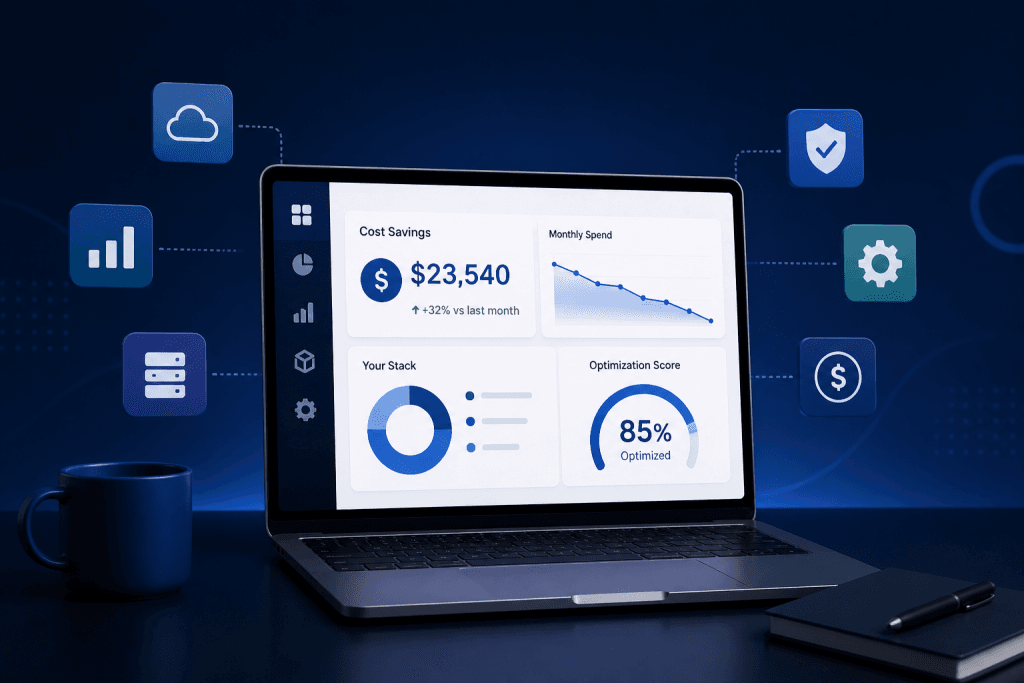
Used by startups and small teams to reduce SaaS costs and eliminate software waste.
SaaS Cost Optimization Tools Built for Real Stack Decisions
Reduce software waste, find unused licenses, spot duplicate tools, and make smarter SaaS decisions before your next renewal.
ToolRelief gives teams a practical set of SaaS cost optimization tools, calculators, templates,
and audit workflows built for founders, operators, finance teams, agencies, and lean software teams.
No bloated platform. No sales demo. No waiting. Start with the tool that matches your problem.
What These SaaS Cost Optimization Tools Help You Decide
ToolRelief’s SaaS cost optimization tools are built to help you make better software decisions, not just collect another dashboard.
Use these tools to decide:
Which subscriptions deserve a closer review
Which seats may be inactive or underused
Which renewals may create budget pressure
Which AI tools overlap with your existing stack
Which tools should be kept, cut, consolidated, or audited
Where to start if your software stack feels expensive, messy, or hard to own
Start with the tool that matches your current problem.
If you do not have a clean software list yet, begin with the SaaS Inventory Template.
If you already suspect license waste, use the Unused SaaS License Cost Calculator.
If renewal timing is the issue, check the SaaS Renewal Risk Calculator.
If you want a deeper review, start with the SaaS Audit.
Used by teams trying to solve problems like:
- “We don’t know which tools are actually being used.”
- “Renewals keep catching us by surprise.”
- “We have too many AI subscriptions.”
- “Different teams are paying for tools that do the same job.”
- “We need a simple SaaS inventory before we buy another platform.”
- “We want to reduce cost without breaking the workflow.”
Choose the Right SaaS Cost Tool
Pick the problem you want to solve first. ToolRelief will point you to the right calculator, audit, template, playbook, or research library.
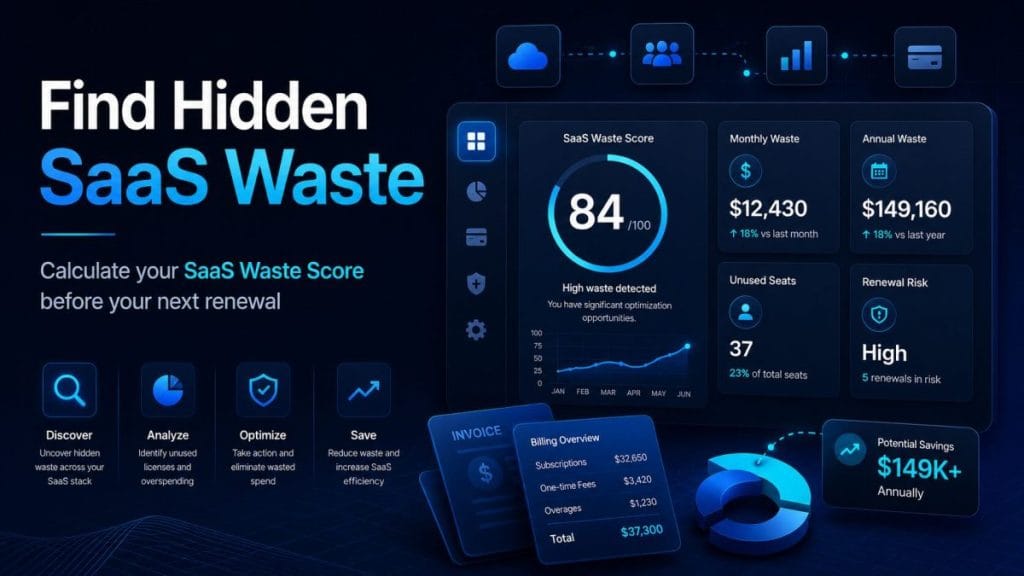
We don’t know where SaaS waste is hiding
Use: SaaS Waste Score
Get a fast directional score across unused seats, duplicate tools, AI subscription overlap, and renewal risk.

We need a clean list of every tool we pay for
Use: SaaS Inventory Template
Build a practical inventory of tools, owners, costs, renewal dates, usage status, AI tools, and keep/cancel decisions.
We want to audit our software stack
Use: SaaS Waste Audit Tool
Review unused seats, duplicate tools, renewal risk, AI overlap, ownership gaps, and cleanup opportunities.
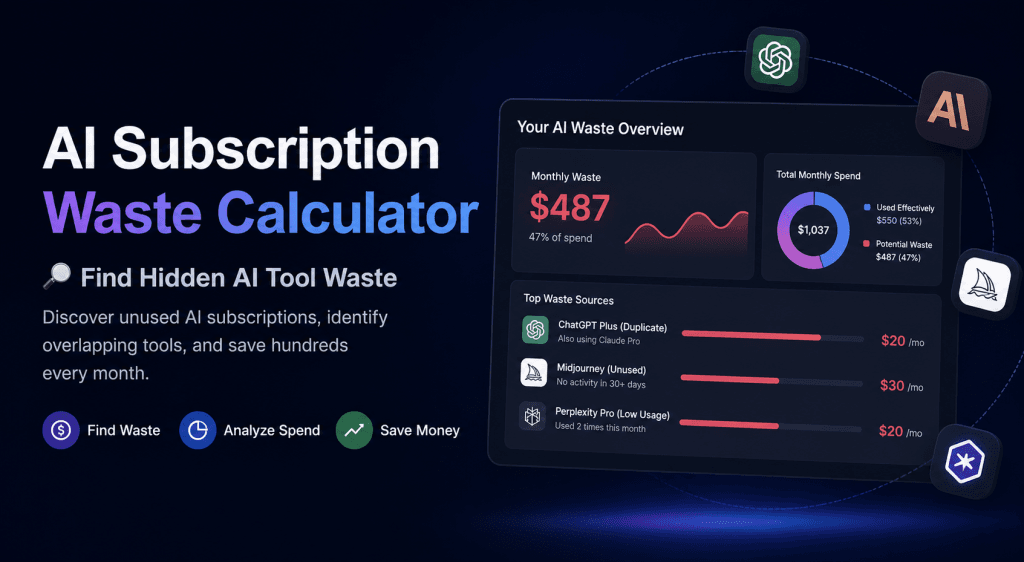
We think AI subscriptions are getting out of control
Use: AI Subscription Waste Calculator
Find overlapping AI tools, duplicate premium features, unused plans, and AI spend that no longer creates enough value.
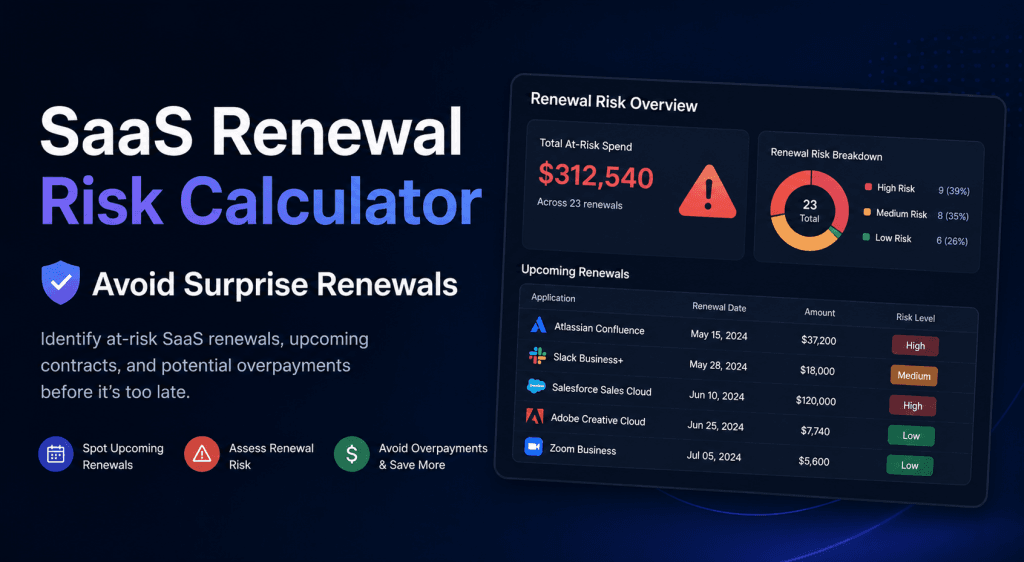
Renewals keep catching us by surprise
Use: SaaS Renewal Risk Calculator
Identify upcoming renewals, auto-renew traps, unclear ownership, budget pressure, and 30/60/90-day cleanup actions.
AI Tool Stack Builder
Use: AI Tool Stack Builder
The AI Tool Stack Builder helps you design a focused and efficient AI-powered workflow.
Instead of using dozens of disconnected tools, it recommends a lean stack tailored to your role, goals, and budget.
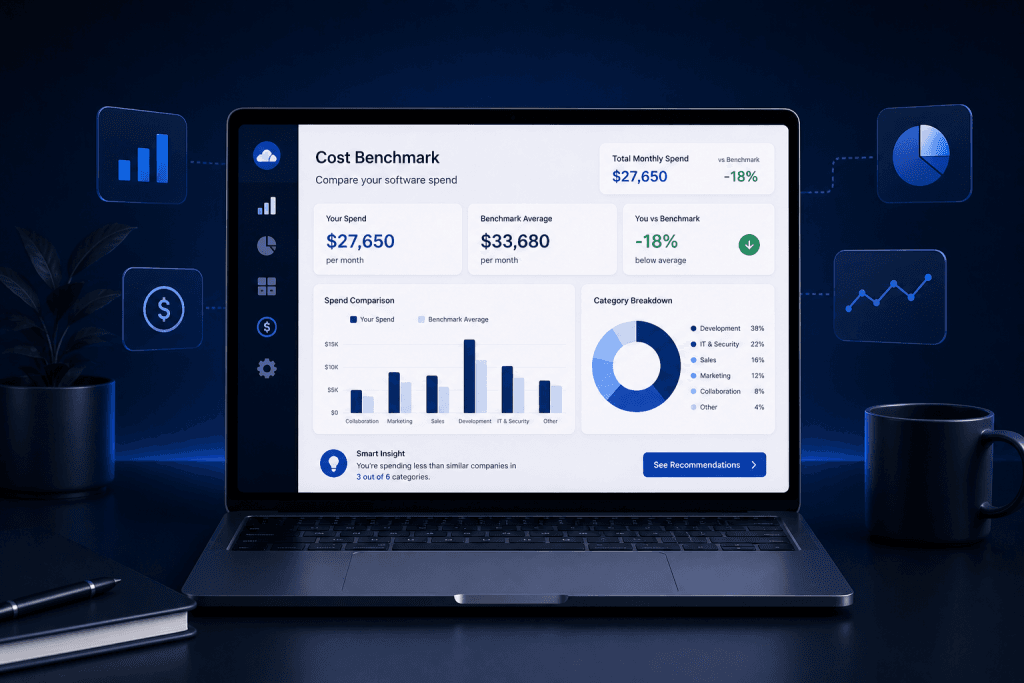
We need to know if our SaaS spend is normal or bloated
Use: SaaS Cost Benchmark Tool
Compare your software spend against a practical baseline before making cuts, upgrades, or renewal decisions.
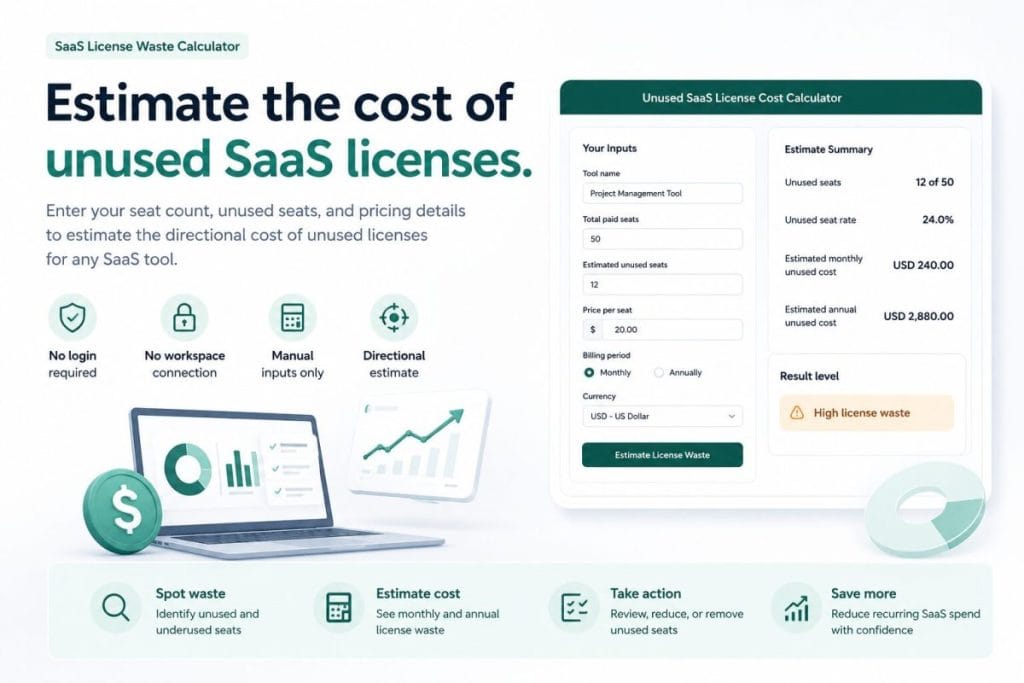
We may be paying for unused seats
Use: Unused SaaS License Cost Calculator
Estimate how much inactive seats, unused licenses, and forgotten paid accounts may be costing your team.
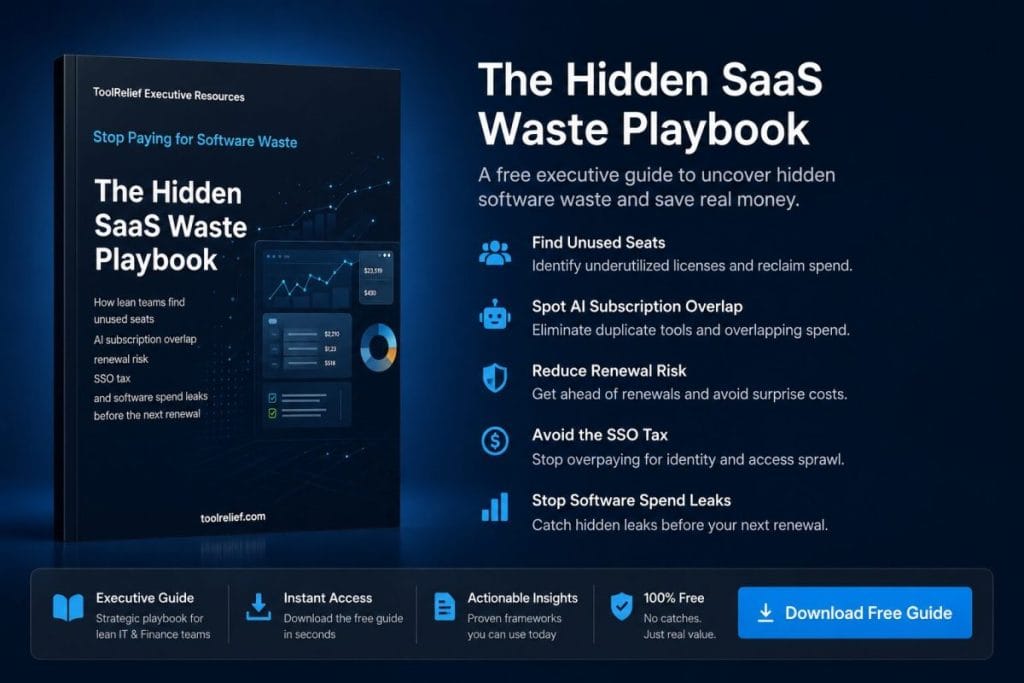
We want a practical cleanup guide, not just a calculator
Use: Hidden SaaS Waste Playbook
Use a focused playbook to find forgotten tools, duplicate workflows, AI overlap, offboarding leaks, renewal traps, and hidden software spend.

We want deeper research, benchmarks, and SaaS cost intelligence
Use: SaaS Cost Intelligence Library
Explore ToolRelief’s research hub for SaaS waste, AI subscription waste, renewal risk, benchmarks, tools, and practical cost optimization frameworks.
Tool Categories
ToolRelief is organized around the real problems teams face when software stacks get messy.
Audit Tools
Use these when you need to understand what is actually happening inside your stack.
- SaaS Waste Audit Tool
- SaaS Waste Score
- SaaS Inventory Template
Calculators
Use these when you need a fast estimate before making a decision.
- AI Subscription Waste Calculator
- Renewal Risk Calculator
- SaaS Cost Benchmark Tool
- Unused License Cost Calculator
Templates & Playbooks
Use these when you need a repeatable process your team can follow.
- SaaS Inventory Template
- Hidden SaaS Waste Playbook
Research & Intelligence
Use these when you want a deeper view of SaaS waste, renewal risk, AI subscription sprawl, and cost optimization patterns.
- SaaS Cost Intelligence Library
- Hidden SaaS Waste Reports
- Renewal Risk Guides
- AI Tool Overlap Research
Not sure which tool to start with?
If your SaaS stack already feels messy, start with a free SaaS Waste Review.
Share what you are trying to figure out:
unused seats, duplicate tools, renewal risk, AI subscription waste, or software costs that feel harder to control than they should.
ToolRelief can help you identify which part of the stack deserves review first.
How ToolRelief Helps Reduce SaaS Waste
Most teams do not overspend because they are careless.
They overspend because software decisions happen across too many people, too many tools, and too many billing cycles.
ToolRelief helps teams bring that mess back into focus.
1. Find the tools nobody owns
A tool without an owner is usually a tool nobody reviews. Start by identifying ownership gaps.
2. Separate useful tools from quiet waste
Not every tool should be cut. The goal is to find what is used, what is duplicated, and what no longer earns its place.
3. Catch renewals before they become expensive
Renewals are where hidden waste becomes real cost. Review them before they auto-renew.
4. Reduce AI subscription overlap
AI tools are useful, but it is easy to pay for multiple tools doing nearly the same job.
5. Build a leaner software stack
The goal is not fewer tools at any cost. The goal is a stack that is easier to manage, easier to justify, and easier to renew.
Compare the SaaS Cost Optimization Tools
If you need a fast waste signal
Use the SaaS Waste Score.
If you need visibility
Use the SaaS Inventory Template.
If you need a full review
Use the SaaS Waste Audit Tool.
If AI tools are getting expensive
Use the AI Subscription Waste Calculator.
If renewals are the problem
Use the Renewal Risk Calculator.
If you need a spend baseline
Use the SaaS Cost Benchmark Tool.
If unused seats are the problem
Use the Unused License Cost Calculator.
Why This Toolkit Exists
Most SaaS cost advice is either too generic or too enterprise-heavy.
ToolRelief is different.
It is built for teams that need practical answers before they buy another platform, book another demo,
or spend weeks building a spreadsheet from scratch.
These tools are designed to help you:
- See your SaaS stack clearly.
- Find waste before renewal season.
- Reduce duplicate tools.
- Control AI subscription sprawl.
- Make better software decisions.
- Build a leaner operating system for your team.
Frequently Asked Questions
What are SaaS cost optimization tools?
SaaS cost optimization tools help teams review software spend, identify unused licenses, find duplicate tools, track renewals,
and make smarter decisions about what to keep, cut, consolidate, or replace.
Are these tools free?
Yes. ToolRelief’s core SaaS cost optimization tools are designed to be free to use and easy to access.
Do I need to connect my SaaS accounts?
No. These tools are designed to work without complex integrations.
You can start with estimates, templates, and self-audit workflows.
Who should use these tools?
They are useful for founders, operators, finance teams, agencies, remote teams,
and small businesses managing multiple software subscriptions.
What should I use first?
Start with the SaaS Waste Score if you want a quick signal.
Start with the SaaS Inventory Template if you need visibility.
Start with the SaaS Waste Audit Tool if you are ready for a deeper review.
How often should a team review SaaS costs?
At minimum, teams should review SaaS costs quarterly.
Teams with frequent hiring, fast tool adoption, or heavy AI tool usage should review more often, especially before renewals.
What is the difference between SaaS cost optimization and cutting tools?
Cost optimization is not just cutting software.
It is deciding which tools create value, which tools overlap, which tools are underused,
and which tools should be downgraded, consolidated, or removed.
Start Reducing SaaS Waste Today
You do not need a perfect finance system to start.
Pick one tool, run one check, and get a clearer view of where your software stack may be leaking money.
Learn more about SaaS cost optimization in our blog.
 Read this article on Flipboard:
[Here]
Written by Waleed Al-Qasem
Founder of ToolRelief.
I write about the intersection of technology, remote work, and human productivity.
My mission is to help teams eliminate digital noise and get back to doing deep, meaningful work.

Founder of Nexio Global and ToolRelief. I write about SaaS costs, AI tool overload, and practical ways to build simpler, more efficient workflows. After spending over $47K on SaaS tools and experiencing tool overlap firsthand, I now help teams make clearer software decisions with less noise. Read my full story →
If your workflow feels heavier with AI…
You don’t need another tool.
You need less.
Explore ToolRelief to simplify your stack and regain control.