
Founder Research Note: Why SaaS Waste Is Hard to See Until Renewal Month
SaaS waste is often easier to see at renewal time than during daily work.
During normal operations, a software tool may look fine.
It has users. It has a login page. It has invoices. It may even have some active usage.
But renewal month changes the question.
Instead of asking, “Do we use this tool?” the team has to ask, “Should we pay for this again?”
That question makes hidden problems visible.
This ToolRelief founder research note explains why SaaS waste often stays quiet until renewal month,
and why small teams should review usage, seats, ownership, and overlap before the renewal decision becomes urgent.
Quick answer
Renewal month is when hidden SaaS waste becomes much harder to ignore.
Before renewal month, unused seats, duplicate tools, unclear ownership, and old experiments can feel like background noise.
During renewal month, those same issues become contract decisions, budget pressure, and missed chances to renegotiate or cancel.
The best time to deal with renewal waste is before the renewal window closes,
while the team still has time to review usage, ownership, seats, and alternatives.
Why SaaS Waste Is Hard to See Before Renewal
This founder research note explains why SaaS waste is hard to see during daily work but becomes clearer when renewal month forces a decision.
Why Renewal Month Reveals SaaS Waste
Most SaaS waste does not announce itself.
It usually appears through small operating gaps:
- a few unused seats
- one forgotten contractor account
- one tool with unclear ownership
- one AI subscription nobody reviewed
- one annual plan that renews automatically
- one pricing upgrade that no longer fits
- one tool that overlaps with another tool
- one old project tool that still gets paid
Individually, these issues may not feel urgent.
Together, they become visible when the team has to decide whether to renew.
Renewal month forces a decision that daily work can avoid.
The Daily Work Problem
During daily work, teams usually focus on output.
They ask:
- Is the project moving?
- Can people access the tools?
- Are customers being served?
- Are campaigns running?
- Are meetings happening?
- Are documents stored somewhere?
- Are tasks being tracked?
- Is the team still functioning?
Those are normal operating questions.
But they do not always reveal waste.
A tool can remain part of daily work even if:
- only a few people still use it
- the team pays for too many seats
- the plan is too large
- another tool now covers the same workflow
- former users still have access
- the original owner changed roles
- usage dropped after a project ended
Daily work can hide software inefficiency because the tool still appears to exist for a reason.
The Renewal Month Question
Renewal month changes the question.
The team must ask:
“Would we buy this tool again today?”
That question is more powerful than:
“Do we still have this tool?”
A team may discover:
- the tool was useful once, but not now
- the plan was upgraded for one feature
- several seats are inactive
- the renewal owner is unclear
- the team forgot the cancellation deadline
- another tool now handles the same job
- the original project ended months ago
- AI tools were added without a stack review
- annual billing made the cost easy to ignore
Renewal month reveals the gap between historical usefulness and current value.
SaaS Waste Is Often an Ownership Problem
One of the clearest patterns in ToolRelief’s research process is that SaaS waste is not only a budget problem.
It is often an ownership problem.
A tool may continue because nobody knows who owns:
- usage review
- seat review
- renewal review
- plan review
- cancellation decision
- downgrade decision
- vendor communication
- access cleanup
- internal documentation
If ownership is unclear, default renewal becomes easier than active review.
This is why every paid tool should have an owner.
The owner does not need to manage the tool alone, but someone should know why the tool still exists and whether it should renew.
SaaS Waste Is Often an Offboarding Problem
Another pattern is offboarding.
A person leaves a team, project, or contractor role, but the tool access remains active.
This can happen when:
- contractors finish a project
- employees change roles
- freelancers stop working with the team
- old admin accounts remain active
- guest accounts are forgotten
- paid seats are not reviewed
- project-specific tools remain after the project ends
This is both a cost issue and an access issue.
Renewal month makes the problem visible because the team must check whether the paid seats still match active users.
SaaS Waste Is Often a Tool Overlap Problem
SaaS waste can also appear when two tools start doing the same job.
This can happen quietly.
A team may add a new tool without fully retiring the old one.
A platform may add new features that overlap with another subscription.
AI tools may duplicate writing, research, meeting, or automation workflows.
A project tool may remain active after a new system becomes the default.
During daily work, overlap may feel manageable.
At renewal time, it becomes harder to ignore.
The team has to ask:
“Which tool owns this workflow now?”
If no one can answer clearly, the renewal deserves review.
SaaS Waste Is Often an AI Subscription Problem
AI tools make this issue more important.
AI subscriptions can spread quickly because they are easy to try.
A founder may test one tool.
A marketer may test another.
A developer may use a coding assistant.
A sales person may use a meeting summary tool.
A designer may test an image tool.
An operator may test an automation tool.
Each subscription may have a reason.
But without review, the team may end up with overlapping AI tools that feel small individually but meaningful together.
Renewal month, billing review, or budget planning may be the first time the team sees the full AI stack.
SaaS Waste Is Often a Timing Problem
Sometimes the team does not lack intelligence or discipline.
It simply reviews the tool too late.
A renewal may become risky because:
- the cancellation deadline passed
- the renewal email went to the wrong person
- the owner changed roles
- usage was not reviewed early enough
- alternatives were not compared in time
- seat reduction needed vendor approval
- the contract required notice
- annual billing locked in another cycle
This is why renewal review should happen before renewal month whenever possible.
The best time to review a tool is before the team loses options.
What ToolRelief Looks For Before Renewal
ToolRelief’s research and tool design focus on practical review questions.
Before a renewal, a small team should ask:
- Who owns this tool?
- Who actively uses it?
- How many seats are paid for?
- How many seats are inactive?
- Has usage changed?
- Does another tool now cover the same job?
- Is the current plan still right?
- Is annual billing still justified?
- What is the cancellation deadline?
- What happens if we ignore this renewal?
- Would we buy this tool again today?
These questions help turn renewal from a default event into a decision.
A Realistic Small-Team Scenario
A 20-person remote team has a project management tool renewing soon.
The tool was important during an earlier growth phase.
But now:
- some teams use a newer system
- old boards remain active
- several users are inactive
- the original tool owner changed roles
- nobody knows whether the current plan is still needed
- the renewal date is less than 30 days away
The tool may still be useful.
But the renewal is risky because the team lacks current information.
This is an educational scenario. It is not a private customer case study.
The Founder-Level Lesson
The lesson is not that every SaaS tool should be cut.
That would be too simplistic.
The better lesson is:
A tool should earn its renewal.
That does not mean the team needs a heavy procurement process.
It means the team should know:
- why the tool exists
- who owns it
- who uses it
- what it costs
- what it overlaps with
- when it renews
- whether the current plan still fits
If the team cannot answer those questions, the tool deserves review before renewal.
ToolRelief’s Simple Renewal Review Model
ToolRelief uses a simple model:
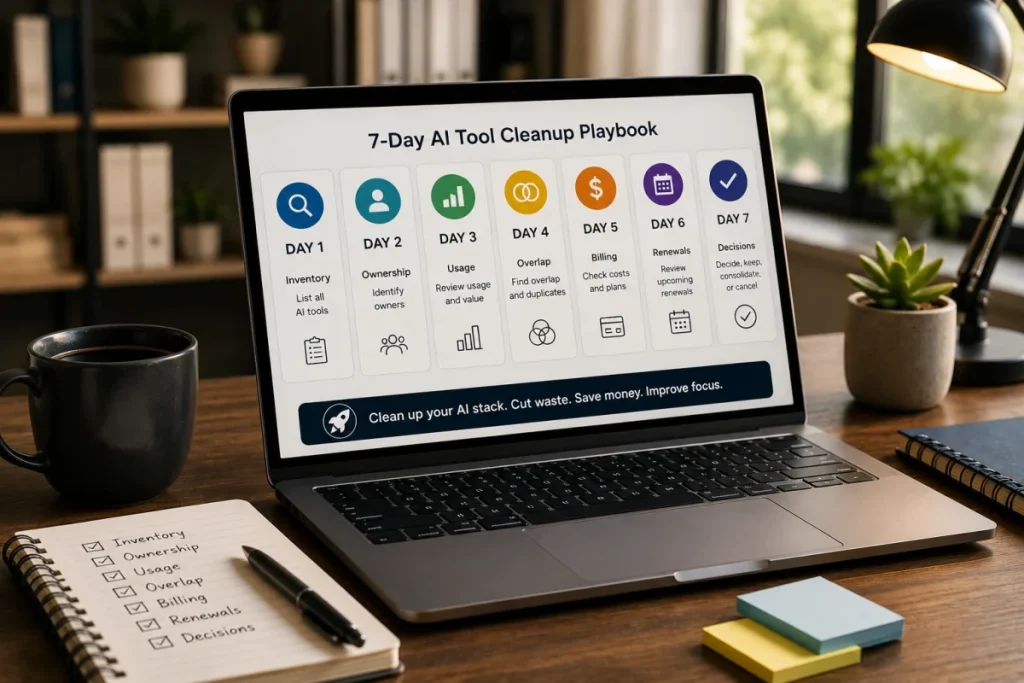
1. Owner
Who is responsible for the tool?
2. Usage
Who actively uses it?
3. Seats
Are paid seats accurate?
4. Plan
Does the plan still fit?
5. Overlap
Does another tool do the same job?
6. Deadline
When is the real decision deadline?
7. Decision
Should the team keep, cut, downgrade, consolidate, or review later?
This model is intentionally simple.
Small teams do not always need enterprise software management systems to start improving SaaS visibility.
They need a clear review habit.
What to Do Before Renewal Month
Before renewal month arrives, small teams can take a few practical steps:
- Create a list of paid tools.
- Assign an owner to each tool.
- Add renewal dates and cancellation deadlines.
- Check active users.
- Review paid seats.
- Identify overlapping tools.
- Check whether the plan still fits.
- Review AI subscriptions separately.
- Decide before the deadline.
- Record the decision.
The goal is not perfect control.
The goal is enough visibility to avoid default renewal.
What to do before renewal month
Before renewal month, build a simple list of tools renewing soon, who owns each one, what it costs, how many seats are paid for,
and whether the team still needs the current plan.
If the renewal window is close, use the Business Days Calculator to understand how much working time is left.
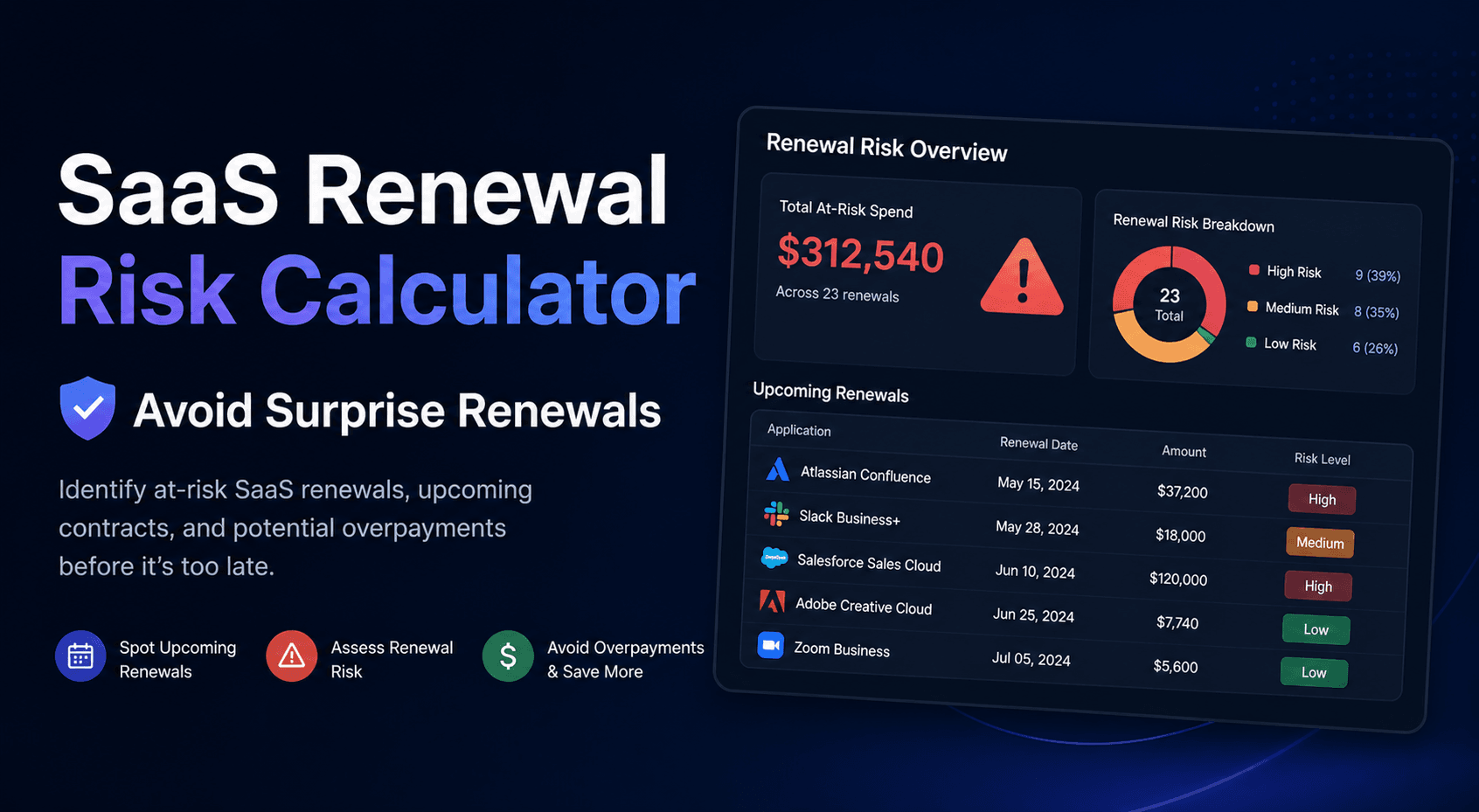
Then use the SaaS Renewal Risk Calculator to decide which tools deserve review first.
Recommended ToolRelief Workflow
If your team is worried about hidden SaaS waste before renewal, use this order:
- SaaS Waste Score Report
Start with a high-level view of hidden SaaS waste risk. - SaaS Renewal Risk Calculator
Review which renewals deserve attention first. - SaaS Waste Audit Tool
Check unused seats, overlapping tools, and recurring waste. - AI Subscription Waste Calculator
Review AI subscriptions if they have become part of the software baseline. - SaaS Cost Benchmark Tool
Compare software spend against operating benchmarks as a review signal.
Related ToolRelief Reading
- SaaS Cost Intelligence Library
- SaaS Renewal Risk Patterns Small Teams Miss
- Tool Experiment: Renewal Risk in a 20-Person Remote Team
- The SaaS Waste Pattern Library
- Tool Experiment: 5 Small-Team SaaS Waste Scenarios
- Unused Software Seats
Methodology Note
This page is a ToolRelief founder research note based on SaaS cost research, renewal risk analysis,
realistic small-team scenarios, internal editorial review, and ToolRelief’s tool design process.
It does not represent private customer data, guaranteed savings, legal advice, financial advice, or a market-wide statistical study.
ToolRelief separates founder research notes from source-backed claims, educational scenarios, pricing-page observations,
internal tool experiments, and editorial interpretation.
Last updated: May 30, 2026
Last Updated on June 15, 2026