
Tool Experiment: 5 Small-Team SaaS Waste Scenarios
SaaS waste is easier to understand when it is shown through realistic operating situations.
A team may not feel that software spend is out of control. But small patterns can build quietly: unused seats, overlapping tools, unclear ownership, missed renewal windows, AI subscriptions, and contractor access that remains active after the work ends.
This ToolRelief experiment uses five realistic small-team scenarios to show how SaaS waste can appear before it becomes obvious in a budget review.
These scenarios are educational examples created by ToolRelief. They are not private customer case studies.
Quick answer
Small team SaaS waste usually does not start with one huge mistake.
It builds up through normal decisions:
testing tools, adding seats, keeping old subscriptions, buying AI tools, missing renewal windows, and letting ownership get blurry.
That is why SaaS waste in small teams can be hard to see. Each tool may feel reasonable on its own,
but the full stack can still become expensive, duplicated, and harder to manage.
The easiest way to find the waste is to look at the stack as a system, not as isolated subscriptions.
Why Small-Team SaaS Waste Scenarios Matter
These small-team SaaS waste scenarios show how software waste can appear through unused seats,
tool overlap, renewal risk, AI subscriptions, and offboarding gaps.
What This Experiment Tests
This experiment looks at five small-team situations:
- A 10-person startup with too many tools and unclear ownership
- A 12-person team paying for a 20-seat minimum
- A contractor-heavy team with offboarding leaks
- A marketing team with overlapping AI subscriptions
- A 20-person remote team with renewal risk and tool overlap
The goal is not to claim that every team has the same waste pattern.
The goal is to show how SaaS waste can form through common operating gaps.
Tools Connected to This Experiment
This experiment connects to several ToolRelief tools:
- SaaS Waste Score Report
- SaaS Waste Audit Tool
- SaaS Renewal Risk Calculator
- AI Subscription Waste Calculator
- SaaS Cost Benchmark Tool
- AI Tool Stack Builder
If you want to compare the tools first, visit the SaaS Cost Optimization Tools page.
Important Scenario Disclosure
This page uses realistic educational scenarios.
They are designed to explain common SaaS cost patterns for small teams.
They do not represent private customer data, guaranteed savings, or real customer case studies.
The numbers in these scenarios are used for practical illustration, not market-wide statistical claims.
Scenario 1: The 10-Person Startup With 28 Tools
Team Context
A 10-person startup has grown quickly.
The team uses tools for:
- project management
- chat
- design
- analytics
- CRM
- email marketing
- AI writing
- AI coding
- document storage
- scheduling
- automation
- finance
- support
- meetings
- knowledge management
Over time, the stack reaches 28 tools.
At first, that does not sound extreme. Many small teams use a wide mix of tools.
The problem appears when nobody can clearly explain which tools are essential, which tools overlap, and which tools still have an owner.
Waste Pattern
The primary waste pattern is unclear ownership.
The team does not know:
- who owns each tool
- which tools are still actively used
- which tools overlap
- which subscriptions are paid monthly
- which renewals are coming soon
- which tools were added for experiments and never reviewed
This creates a quiet SaaS waste risk.
What ToolRelief Would Review
ToolRelief would review:
- active paid tools
- tool owner for each subscription
- monthly cost
- renewal date
- primary job of each tool
- whether another tool already performs the same job
- whether each tool is still needed
Practical Takeaway
A small team does not need perfect procurement software to begin reducing waste.
It needs a simple ownership map.
Every paid tool should answer three questions:
- Who owns it?
- What job does it do?
- Would we choose it again today?
Related Tool
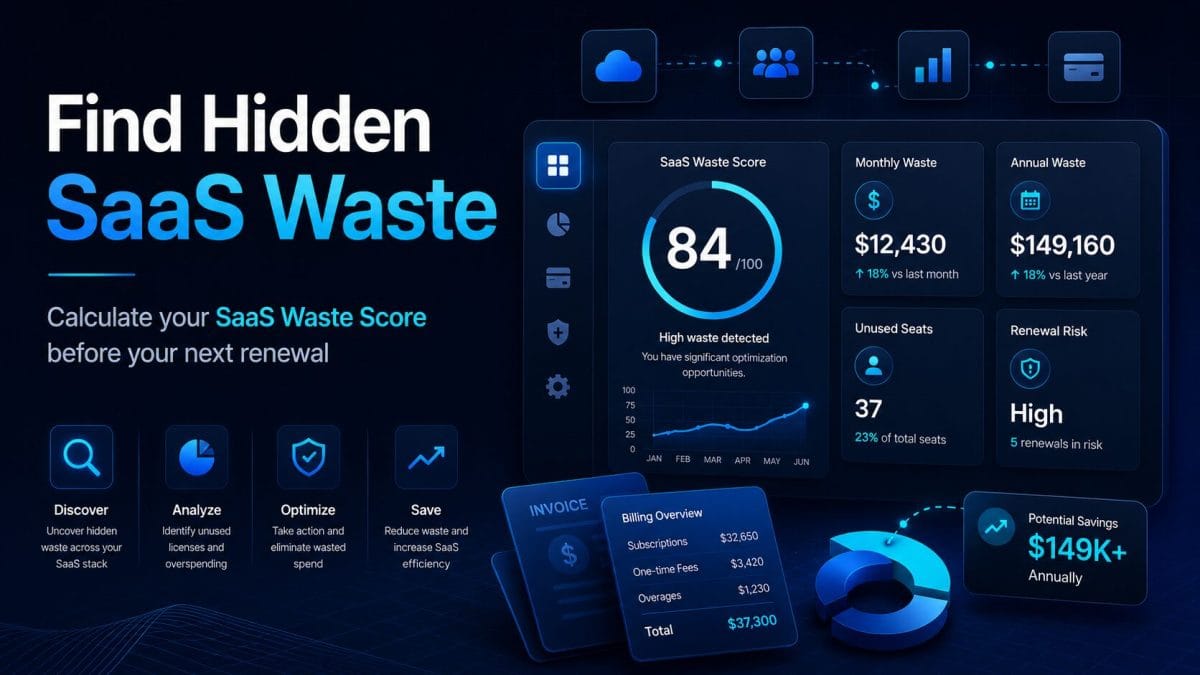
Use the SaaS Waste Score Report as a starting point to identify hidden SaaS waste risk.
Scenario 2: The 12-Person Team Paying for a 20-Seat Minimum
Team Context
A 12-person team signs up for a SaaS platform that requires a 20-seat minimum.
At the time of purchase, the team expects to grow.
The plan seems acceptable because the per-seat price looks manageable.
Six months later, the team is still 12 people.
Two users rarely log in, one contractor account is still active, and the tool has no clear renewal owner.
Waste Pattern
The primary waste pattern is minimum seat friction.
The team pays for more seats than it currently needs.
The issue is not only the seat minimum.
The issue includes:
- growth assumptions
- inactive users
- contractor access
- lack of usage review
- renewal timing
- unclear ownership
What ToolRelief Would Review
ToolRelief would review:
- how many seats are paid for
- how many users are active
- whether inactive users still need access
- whether the minimum commitment still makes sense
- when the renewal date happens
- whether a lower plan or alternative exists
- whether the tool still justifies its minimum cost
Practical Takeaway
Small teams should not evaluate SaaS cost only by looking at the advertised per-seat price.
They should ask:
“What is the minimum real cost we must pay to use this tool?”
A tool with a low per-seat price can still become expensive if the minimum commitment is higher than the team needs.
Related Tool
Use the SaaS Waste Audit Tool to review unused seats and possible waste.
Scenario 3: The Contractor Offboarding Leak
Team Context
A small agency works with freelancers and contractors.
Over three months, several contractors join and leave different projects.
Each contractor receives access to project tools, file storage, design tools, task management, meeting tools, and sometimes AI tools.
When the projects end, the agency removes some access manually, but not all paid seats are reviewed.
Waste Pattern
The primary waste pattern is software offboarding leakage.
The team may still be paying for:
- former contractor accounts
- project-based seats
- old guest accounts
- duplicate users
- inactive collaborators
- tools attached to completed projects
This is both a cost issue and an access-control issue.
What ToolRelief Would Review
ToolRelief would review:
- users added in the last 90 days
- contractor accounts
- inactive seats
- guest accounts
- paid seats tied to completed projects
- active tools with no current project owner
- subscriptions that should have been downgraded or cancelled
Practical Takeaway
Offboarding should not only remove people from communication tools.
It should trigger a paid software review.
A simple offboarding checklist can prevent small leaks from becoming permanent recurring costs.
Related Reading
See Unused Software Seats for a deeper explanation of how inactive seats can create waste.
Scenario 4: The Marketing Team With Overlapping AI Subscriptions
Team Context
A small marketing team starts using AI tools.
One person pays for an AI writing assistant.
Another uses an AI image tool.
A third uses a meeting summary tool.
The founder adds a research assistant.
A content manager uses another AI platform for outlines.
A contractor uses a separate AI tool for social posts.
Each tool may be useful individually.
The problem is that nobody reviews the stack as a whole.
Waste Pattern
The primary waste pattern is AI subscription spread.
The team has multiple AI subscriptions, but no clear map of:
- who uses each tool
- what each tool does
- which features overlap
- which tools are essential
- which tools are experimental
- which subscriptions should be consolidated
- which AI tools are tied to roles
What ToolRelief Would Review
ToolRelief would review:
- all active AI subscriptions
- monthly cost of each tool
- user or owner for each subscription
- role served by each tool
- feature overlap
- usage frequency
- whether free or lower-tier alternatives are enough
- whether the team needs a role-based AI stack
Practical Takeaway
AI waste does not always come from one expensive subscription.
It can come from several small subscriptions that become a permanent monthly baseline.
The solution is not to stop using AI.
The solution is to choose AI tools deliberately.
Related Tools
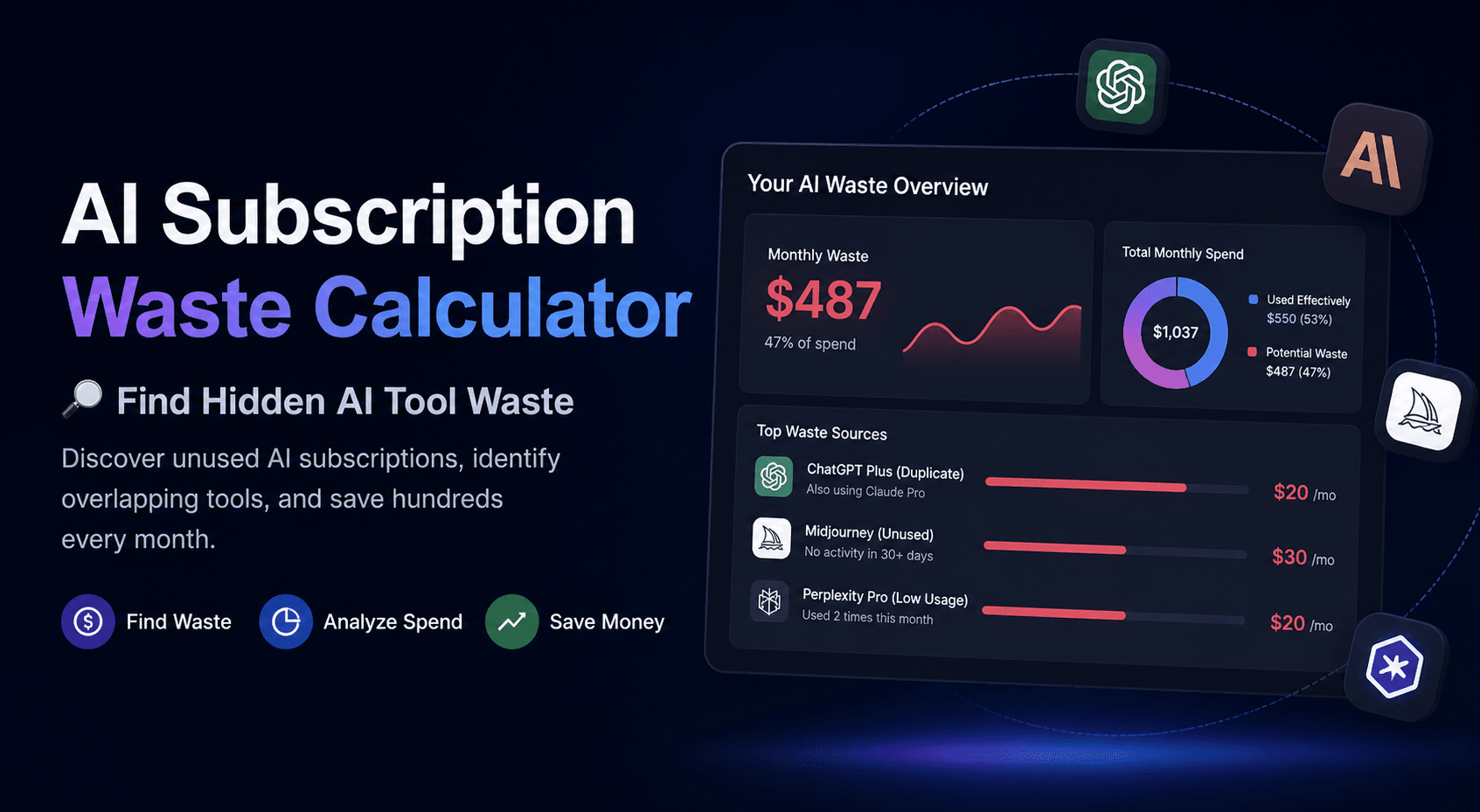
Use the AI Subscription Waste Calculator to estimate possible AI subscription waste.
Use the AI Tool Stack Builder to plan a leaner AI stack based on role, need, and budget.
Scenario 5: The 20-Person Remote Team With Renewal Risk
Team Context
A 20-person remote team uses tools for project management, chat, documentation, analytics, CRM, customer support, AI, finance, and scheduling.
The team has three renewals in the next 45 days.
One tool has declining usage.
One tool overlaps with another product.
One tool is still used, but no one knows who owns the renewal decision.
The team has not reviewed usage before the renewal window.
Waste Pattern
The primary waste pattern is renewal risk.
The problem is not just the subscription cost.
The problem is that the team may not have enough time or information to make a good renewal decision.
Renewal risk includes:
- short review window
- unclear owner
- usage decline
- tool overlap
- annual billing
- missing cancellation date
- lack of internal decision process
What ToolRelief Would Review
ToolRelief would review:
- renewal date
- cancellation deadline
- tool owner
- current usage
- paid seats
- overlapping tools
- business-critical status
- alternative tools
- downgrade options
- decision urgency
Practical Takeaway
A renewal becomes risky before it becomes expensive.
The risk starts when the team has too little visibility before the renewal decision window closes.
Related Tool
Use the SaaS Renewal Risk Calculator to identify which renewals deserve review first.
What the Five Scenarios Have in Common
The five scenarios are different, but the underlying pattern is similar.
SaaS waste often appears when:
- ownership is unclear
- seats are not reviewed
- subscriptions survive by habit
- tools overlap
- contractors are not fully offboarded
- AI tools spread without a plan
- renewal dates arrive before the team is ready
- pricing commitments are not fully understood
- nobody compares current usage with current cost
This is why SaaS waste is not only a finance problem.
It is also an operations problem.
The ToolRelief SaaS Waste Review Model
Based on these scenarios, ToolRelief uses a simple review model:
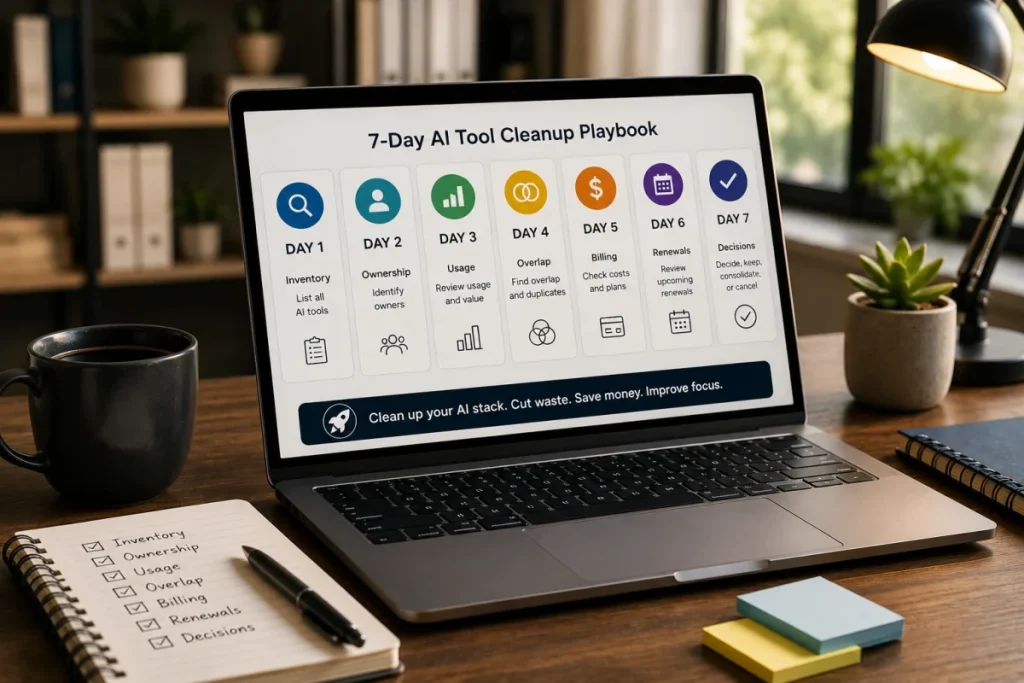
1. Ownership
Who owns the tool?
2. Usage
Who actively uses it?
3. Cost
What does it cost now?
4. Overlap
Does another tool already do the same job?
5. Renewal
When does the next decision happen?
6. Risk
What happens if the team ignores it?
This model helps a small team review software without needing a complex procurement system.
How to Use This Experiment
Use this page as a self-review prompt.
Ask your team:
- Do we know every paid tool?
- Does every paid tool have an owner?
- Are any seats inactive?
- Do contractors still have access?
- Are any AI subscriptions overlapping?
- Do we know our next renewal dates?
- Are we paying for a minimum commitment we no longer need?
- Are any tools surviving by habit?
- Could one tool replace two?
- Which renewal needs attention first?
If several answers are unclear, start with a basic SaaS waste review.
What to do after the scenarios
After reading the scenarios, compare them against your own stack.
Look for tools with unclear owners, unused seats, overlapping jobs, renewal pressure,
or AI subscriptions that were added during experiments.
If several patterns show up at once, use the Hidden SaaS Waste Playbook to understand the waste patterns,
then run a SaaS Audit if the stack needs a deeper review.
Recommended ToolRelief Workflow
If you are reviewing your own stack, use this order:
- SaaS Waste Score Report
Start here if you want a high-level view of hidden SaaS waste risk. - SaaS Waste Audit Tool
Use this to review unused seats, overlapping tools, and recurring waste. - SaaS Renewal Risk Calculator
Use this to prioritize renewals that need review. - AI Subscription Waste Calculator
Use this if AI subscriptions are spreading across the team. - SaaS Cost Benchmark Tool
Use this when you want to compare software spend against operating benchmarks.
Related ToolRelief Reading
- SaaS Cost Intelligence Library
- The SaaS Waste Pattern Library
- How ToolRelief Builds Realistic SaaS Scenarios
- How ToolRelief Tests SaaS Cost Tools
- Unused Software Seats
- How to Audit Your SaaS Stack in 30 Minutes
Methodology Note
This page is based on an internal ToolRelief tool experiment using realistic small-team inputs.
It is intended for educational analysis and does not represent private customer data, guaranteed savings, or a market-wide statistical study.
ToolRelief separates educational scenarios from source-backed claims, pricing-page observations, internal tool experiments, founder research notes, and editorial interpretation.
Last updated: May 30, 2026
Last Updated on June 15, 2026