Tool Experiment: Renewal Risk in a 20-Person Remote Team
SaaS renewal risk does not always look urgent at first.
A tool may still be active.
The team may still use it.
The subscription may still feel normal.
But if the renewal date is close, usage is unclear, ownership is missing, or the cancellation window is not tracked,
the team may lose the chance to make a clean decision.
This ToolRelief experiment uses a realistic 20-person remote team scenario to show how SaaS renewal risk can appear before the invoice arrives.
This is an educational scenario created by ToolRelief. It is not a private customer case study.
Quick answer
A 20-person remote team can build up SaaS renewal risk faster than it looks because tools are often owned by different people,
spread across functions, and renewed on different billing cycles.
The risk usually comes from a mix of unclear ownership, annual renewals, unused seats, duplicate tools,
and subscriptions that nobody reviews until the invoice is already close.
The point of this experiment is to show how renewal risk can build up in a normal small team before anyone thinks there is a serious software cost problem.
How Renewal Risk in a Remote Team Appears
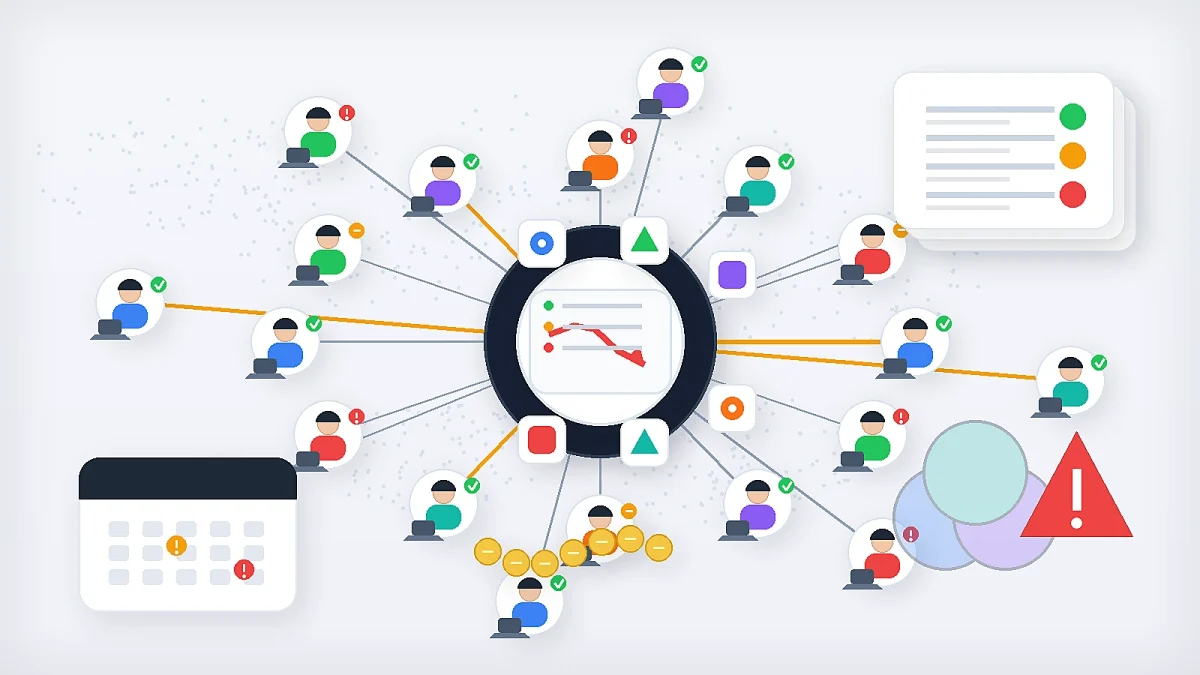
This ToolRelief experiment shows how renewal risk in a remote team can grow when software ownership,
usage, billing, cancellation windows, and overlap are not reviewed early.
What This Experiment Tests
This experiment tests how renewal risk appears when a remote team has several SaaS tools renewing soon,
but does not have a clear review process.
The scenario includes:
- 20-person remote team
- multiple SaaS tools
- three upcoming renewals
- unclear tool ownership
- declining usage
- overlapping tools
- annual billing
- missed or unclear cancellation windows
- no single renewal review owner
The goal is not to claim that every remote team has this exact problem.
The goal is to show how renewal risk can build when software decisions are spread across different people,
inboxes, workflows, and billing cycles.
Tool Connected to This Experiment
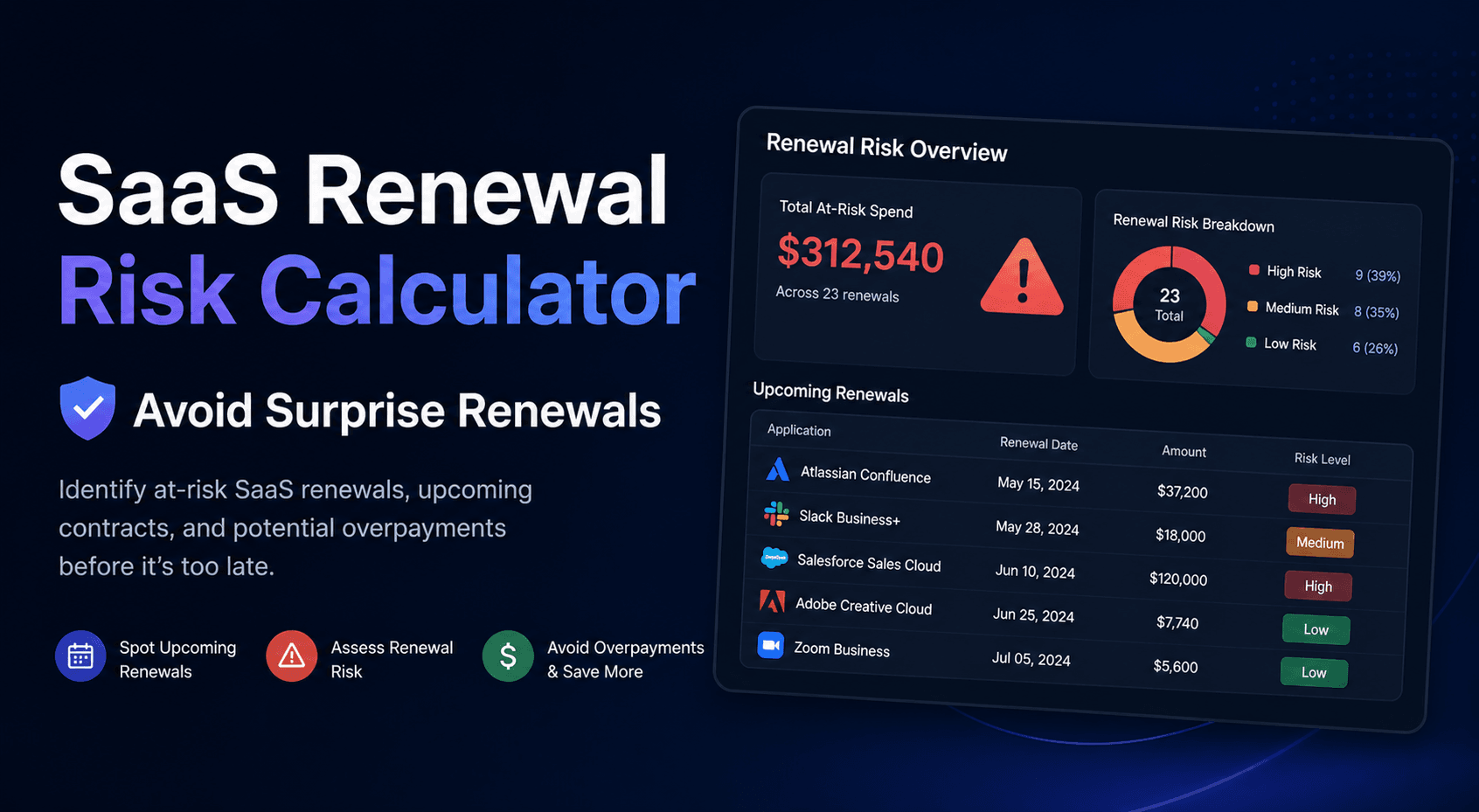
The primary tool connected to this experiment is the SaaS Renewal Risk Calculator.
This tool is designed to help teams identify which renewals may deserve attention before they become expensive surprises.
This experiment may also connect to:
You can compare all tools on the SaaS Cost Optimization Tools page.
Important Scenario Disclosure
This page uses a realistic educational scenario created by ToolRelief.
It is intended to explain how SaaS renewal risk can appear inside a small remote team.
It does not represent private customer data, guaranteed savings, legal advice, financial advice, or a real customer case study.
The numbers and situations in this experiment are used for practical illustration, not market-wide statistical claims.
Scenario Setup
A 20-person remote team uses several SaaS tools across operations, sales, marketing, support,
project management, AI, finance, and internal documentation.
The team has grown quickly and most tools were added for practical reasons.
Some tools were selected by the founder.
Some were added by department leads.
Some were added during temporary projects.
Some were added by contractors.
Some became part of the team’s default workflow.
Now, three renewals are coming within 45 days.
The team knows the tools exist, but it does not have a clear renewal review system.
The Three Renewals
For this experiment, the team has three upcoming renewals.
Renewal A: Project Management Tool
The project management tool is still active, but usage has changed.
Some team members use it daily.
Others now track work in a newer system.
A few old project boards remain, but nobody knows whether they are still needed.
The original buyer is no longer responsible for operations.
Main risk:
Unclear ownership and possible tool overlap.
Renewal B: Customer Support Tool
The support tool is still important, but the team upgraded to a higher plan during a busy period.
The higher plan included features that were useful at the time,
but the team does not know whether those features are still used.
Main risk:
Plan mismatch and annual billing commitment.
Renewal C: AI Meeting Notes Tool
The AI meeting notes tool was added by one team lead.
Several people tested it, but usage is now inconsistent.
Some team members use it.
Others prefer manual notes or built-in meeting summaries.
The tool renews soon, and the billing contact is not the same person who uses it.
Main risk:
Low usage visibility and scattered ownership.
Risk Pattern 1: Renewal Dates Are Known Too Late
The team knows renewals exist, but the review begins too close to the renewal date.
That creates pressure.
The team may not have enough time to:
- check usage
- identify active users
- compare alternatives
- reduce seats
- downgrade plans
- cancel before the deadline
- negotiate
- transfer ownership
- decide whether the tool still fits
ToolRelief Interpretation
A renewal becomes risky before the charge happens.
The risk starts when the team does not have enough time to make a careful decision.
Review Question
Is the team reviewing the tool before the practical decision deadline, or only before the billing date?
Risk Pattern 2: The Owner Is Unclear
Each renewal has a different ownership problem.
The project management tool was originally owned by someone who no longer manages the workflow.
The support tool is owned by the support lead, but finance owns the billing.
The AI meeting notes tool was added by one person, but several people tested it.
This creates ambiguity.
ToolRelief Interpretation
A tool can remain useful and still have renewal risk if nobody owns the decision.
The renewal owner should know:
- who uses the tool
- why the tool exists
- what it costs
- when it renews
- whether the current plan still fits
- whether the team should keep, cut, downgrade, or consolidate it
Review Question
Can the team name one person responsible for each renewal decision?
Risk Pattern 3: Usage Is Not Reviewed Before Renewal
The team does not have a current usage snapshot for each tool.
That means the renewal decision may be based on assumptions.
The team may assume:
- the tool is still heavily used
- every seat is needed
- the higher plan is still justified
- the AI tool is still valuable
- the old project boards still matter
- the support plan still matches current volume
Some of these assumptions may be true.
But they should be checked before renewal.
ToolRelief Interpretation
Renewal decisions should be based on current usage, not historical importance.
A tool that was important during a past project may not deserve the same plan today.
Review Question
Does the team know who actively used the tool in the last 30–90 days?
Risk Pattern 4: Tool Overlap Creates Decision Confusion
The project management tool overlaps with a newer work-tracking system.
The AI meeting notes tool overlaps with built-in meeting features and general AI assistants.
The support tool overlaps partly with CRM communication features.
The team may renew tools because each still has some use, even if the workflows are fragmented.
ToolRelief Interpretation
Overlap does not automatically mean waste.
But overlap should trigger a renewal review.
The team should decide which tool owns each workflow.
Review Question
Does this tool still perform a unique job, or does another tool now cover the same work?
Risk Pattern 5: Annual Billing Increases the Cost of Delay
The support tool renews annually.
That means a missed review could lock the team into another year at the current plan level.
The team may still want the tool.
But the annual renewal makes timing more important.
ToolRelief Interpretation
Annual billing is not bad by itself.
But annual billing requires earlier review because the decision has a longer financial effect.
Review Question
Would the team choose the same annual plan today if it were buying the tool again?
Risk Pattern 6: Renewal Emails Go to the Wrong Place
The AI meeting notes tool sends billing notices to the person who first tested it.
The project management tool sends admin emails to an old operations address.
The support tool sends renewal information to finance, but usage information lives with the support lead.
No single person has the full renewal picture.
ToolRelief Interpretation
Renewal visibility is not only about the date.
It is about whether the right people receive the right information in time.
Review Question
Do renewal notices go to the person responsible for the decision, not just the person attached to billing?
Risk Pattern 7: The Team Has No Renewal Review Workflow
The team has tools.
It has users.
It has invoices.
But it does not have a simple renewal workflow.
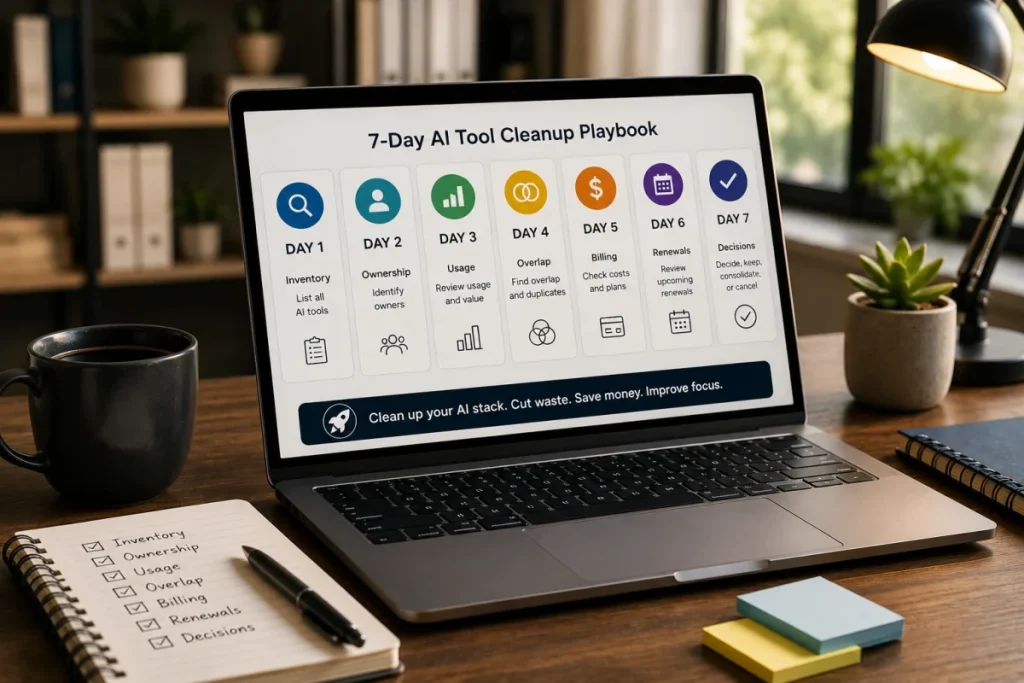
A basic workflow could include:
- List renewals due in the next 90 days.
- Assign one owner to each renewal.
- Check active usage.
- Review seats and plan level.
- Check overlap with other tools.
- Confirm cancellation deadline.
- Decide keep, cut, downgrade, consolidate, or review later.
- Record the decision.
Without that workflow, renewal decisions may happen late or by default.
ToolRelief Interpretation
Small teams do not always need complex procurement systems.
They do need renewal visibility and ownership.
Review Question
Does the team have a repeatable renewal review process?
Experiment Review Table
| Renewal | Main Risk | What to Review | Possible Decision |
|---|---|---|---|
| Project management tool | Unclear ownership and overlap | Active users, workflow owner, duplicate tools | Keep, consolidate, or reduce usage |
| Customer support tool | Annual plan mismatch | Plan features, support volume, current usage | Keep, downgrade, or renegotiate |
| AI meeting notes tool | Low visibility and scattered ownership | Active users, billing owner, overlap with built-in tools | Keep, cancel, or assign owner |
ToolRelief Renewal Risk Questions
For each renewal, ask:
- When does it renew?
- What is the last practical decision date?
- Who owns the renewal?
- Who uses the tool now?
- Has usage changed?
- Are paid seats accurate?
- Does another tool overlap?
- Is the current plan still right?
- Does annual billing increase the risk?
- Who receives renewal emails?
- What happens if the team ignores the renewal?
- Would the team choose this tool again today?
These questions are simple, but they can prevent many renewal decisions from becoming automatic.
Recommended ToolRelief Workflow
For this scenario, the recommended workflow is:
- Use the SaaS Renewal Risk Calculator to identify which renewal deserves attention first.
- Use the SaaS Waste Audit Tool to check unused seats and overlapping tools.
- Use the SaaS Cost Benchmark Tool if the team wants to compare software spend against broader benchmarks.
- Use the SaaS Waste Score Report if the team wants a broader view of hidden SaaS waste risk.
What This Experiment Suggests
This experiment suggests that renewal risk is usually not caused by one single mistake.
It often appears through a combination of:
- unclear ownership
- late review
- missing usage data
- overlapping tools
- annual billing
- wrong renewal inbox
- no cancellation deadline tracking
- no documented decision
The team may still keep the tool.
But the renewal should be a decision, not a default.
Practical Renewal Review Checklist
Before a SaaS renewal, review:
- tool name
- renewal date
- cancellation deadline
- billing owner
- decision owner
- active users
- paid seats
- plan level
- current monthly or annual cost
- workflow owner
- overlapping tools
- usage trend
- decision: keep, cut, downgrade, consolidate, or review later
This checklist can be simple.
The important part is that the team reviews the tool before the renewal window closes.
What to check next
If your team looks similar to this scenario, start with the renewals closest to their notice window and the tools with unclear ownership.
Use the SaaS Renewal Risk Calculator to decide which subscriptions need attention first.
Then add the highest-risk tools to your SaaS inventory so owners, costs, seats, and renewal dates are visible in one place.
Related ToolRelief Reading
- SaaS Cost Intelligence Library
- SaaS Renewal Risk Patterns Small Teams Miss
- The SaaS Waste Pattern Library
- Tool Experiment: 5 Small-Team SaaS Waste Scenarios
- How ToolRelief Tests SaaS Cost Tools
- How to Audit Your SaaS Stack in 30 Minutes
Methodology Note
This page is based on an internal ToolRelief tool experiment using a realistic 20-person remote team scenario.
It is intended for educational analysis and does not represent private customer data,
legal advice, financial advice, guaranteed savings, or a market-wide statistical study.
ToolRelief separates educational scenarios from source-backed claims, pricing-page observations,
internal tool experiments, founder research notes, and editorial interpretation.
Last updated: May 30, 2026
Last Updated on June 15, 2026