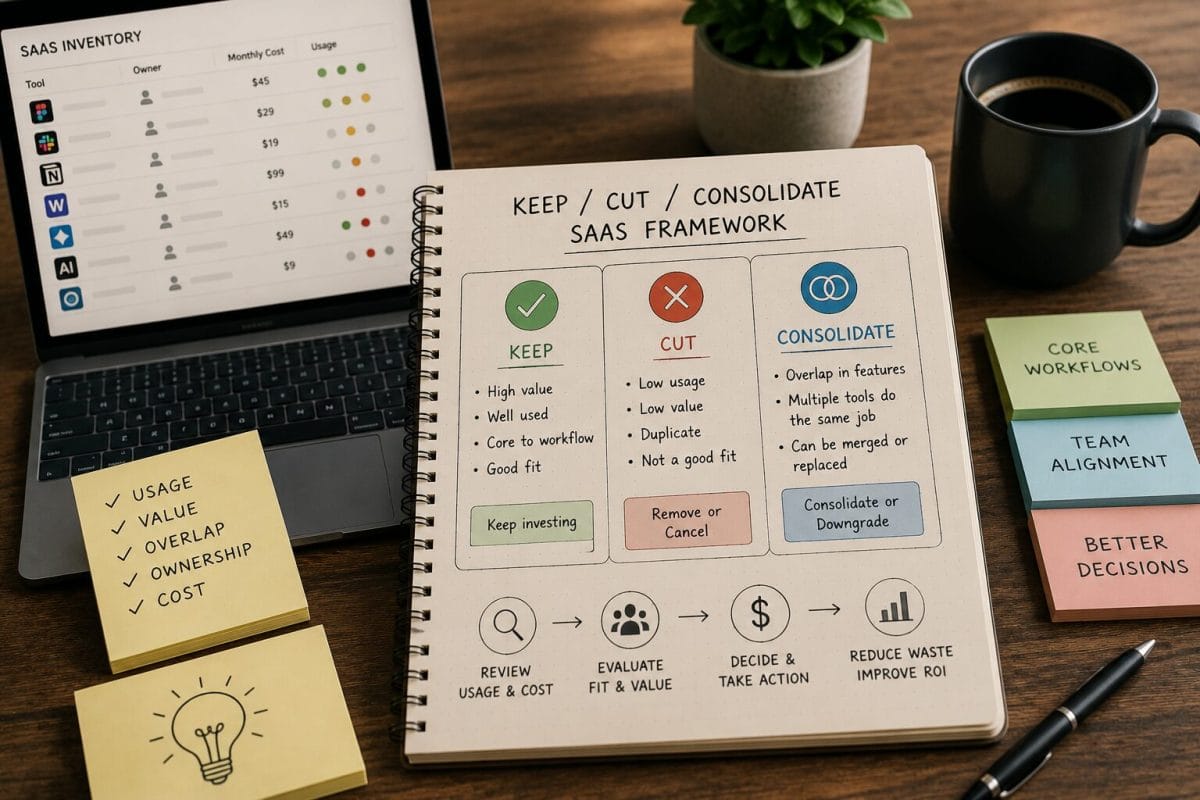
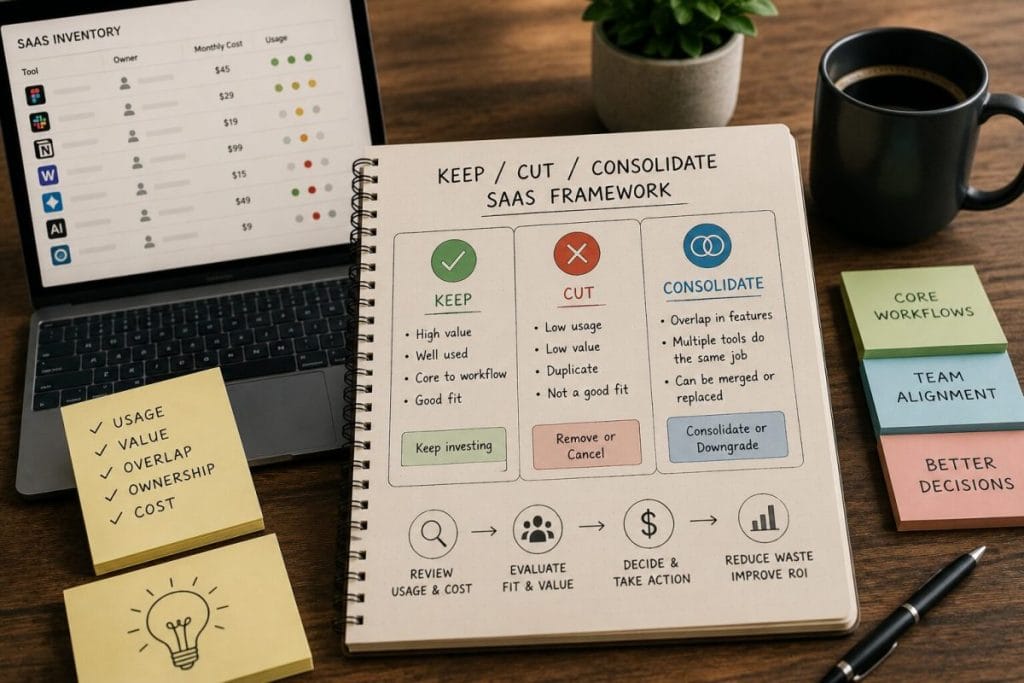
The Keep / Cut / Consolidate SaaS Framework
The Keep / Cut / Consolidate SaaS Framework is a practical ToolRelief model for reviewing software tools before costs become harder to control.
Small teams do not always need a complex procurement system to begin improving SaaS spend.
They need a clear way to decide which tools should stay, which tools should go, and which tools should be merged into a simpler stack.
This framework helps founders, CFOs, COOs, operators, and small teams review SaaS tools using three decisions:
Keep.
Cut.
Consolidate.
Quick answer
The keep, cut, consolidate framework is a simple way to decide what to do with each tool in your SaaS stack.
Keep a tool when it has clear ownership, real usage, and a job no other tool handles well.
Cut a tool when it is unused, duplicated, ownerless, or no longer tied to real work.
Consolidate when two or more tools solve the same problem and one can cover the workflow without adding more cost or friction.
How the Keep / Cut / Consolidate SaaS Framework Works
The Keep / Cut / Consolidate SaaS Framework helps small teams decide which tools to keep, remove, merge, downgrade,
or review before software costs grow.
Why This Framework Exists
SaaS waste often becomes difficult to fix because teams delay the decision.
A tool may still have some usage.
A few users may still like it.
A project may still have old data inside it.
A renewal may be coming soon.
Another tool may overlap with it.
Nobody wants to make the wrong call.
So the tool survives by default.
The Keep / Cut / Consolidate Framework gives teams a simple decision structure.
Instead of asking only “Do we use this tool?” the team asks:
- Should we keep it?
- Should we cut it?
- Should we consolidate it with another tool?
That framing makes the review more useful.
The Three Decisions
Keep
Keep a tool when it has clear ownership, active usage, current business value, acceptable cost, and a defined role in the software stack.
A tool should be kept when the team can clearly explain:
- who owns it
- who uses it
- what workflow it supports
- why it is still worth paying for
- when it renews
- why another tool cannot replace it easily
Keeping a tool is still a decision.
It should not happen only because the subscription already exists.
Cut
Cut a tool when it no longer has enough active usage, ownership, business value, or workflow relevance to justify the cost.
A tool may be a cut candidate if:
- users are inactive
- the original project ended
- the tool has no owner
- another tool replaced it
- contractors no longer need access
- the tool was experimental
- usage dropped significantly
- renewal is coming and the team cannot justify it
- the tool survives only by habit
Cutting does not mean the tool was bad.
It means the tool no longer fits the current stack.
Consolidate
Consolidate when two or more tools perform similar jobs and one tool could reasonably absorb the workflow.
Consolidation may apply when:
- two tools manage similar tasks
- several AI tools generate similar outputs
- multiple platforms store the same information
- a newer tool replaces an older workflow
- a suite product includes features previously handled by separate tools
- two departments use different tools for the same job
- a tool overlaps with built-in features in another platform
Consolidation should be careful.
The goal is not to remove tools blindly.
The goal is to reduce unnecessary overlap without damaging important workflows.
The ToolRelief Decision Model
ToolRelief uses seven review questions before assigning a tool to Keep, Cut, or Consolidate.
1. Owner
Who owns the tool?
If no one owns it, the tool is at risk.
A paid tool should have someone responsible for usage review, renewal review, and the keep/cut/consolidate decision.
2. Usage
Who actively uses the tool?
Usage should be current, not historical.
A tool that was important during an old project may not still deserve the same subscription today.
3. Workflow
What job does the tool perform?
A tool should have a clear job.
If the team cannot explain the workflow, the tool may be surviving by habit.
4. Cost
What does it cost now?
This includes:
- monthly cost
- annual cost
- seat cost
- minimum commitment
- add-ons
- AI features
- support packages
- renewal increases
5. Overlap
Does another tool already do the same job?
Overlap does not automatically mean waste, but it should trigger review.
6. Renewal
When does the tool renew?
A tool with a near renewal date needs faster review.
7. Risk
What happens if the team removes or changes the tool?
Some tools are easy to cut.
Others need migration, data export, stakeholder review, or workflow planning.
When to Keep a SaaS Tool
A tool usually belongs in the Keep category when most of these are true:
- it has a named owner
- it has active users
- it supports a critical workflow
- it does not meaningfully overlap with another tool
- its current plan still fits
- its cost is understood
- its renewal date is tracked
- users would clearly miss it if removed
- switching would create more risk than value
- the team would choose it again today
Keep Example
A customer support platform is used daily by the support team, has a clear owner,
contains active customer workflows, and renews in four months.
The team should still review price and plan fit, but the tool likely belongs in Keep unless another major issue appears.
This is an educational example. It is not a private customer case study.
When to Cut a SaaS Tool
A tool usually belongs in the Cut category when most of these are true:
- no one owns it
- usage is low or inactive
- the original project ended
- the tool overlaps with another product
- former users still have access
- the plan is too large
- the team cannot explain why it still exists
- the renewal is coming and value is unclear
- the tool was only an experiment
- the team would not buy it again today
Cut Example
A design review tool was used for one campaign. The campaign ended, the contractor left, and the tool still bills monthly.
If no current workflow depends on it, the tool may be a Cut candidate.
This is an educational example. It is not a private customer case study.
When to Consolidate SaaS Tools
A tool usually belongs in the Consolidate category when:
- another tool can perform the same job
- multiple tools split one workflow
- teams use different tools for similar work
- AI subscriptions overlap
- a suite product includes duplicate features
- one tool has become the source of truth
- the team can migrate without major disruption
Consolidate Example
A team uses two project management tools and one documentation tool with task features.
If most active work has moved into one system, the team may review whether the older project tool can be retired or downgraded.
This is an educational example. It is not a private customer case study.
The Keep / Cut / Consolidate Table
| Review Area | Keep Signal | Cut Signal | Consolidate Signal |
|---|---|---|---|
| Ownership | Clear owner | No owner | Multiple owners for similar tools |
| Usage | Active usage | Low or no usage | Usage split across tools |
| Workflow | Unique workflow | No clear workflow | Similar workflows across tools |
| Cost | Cost is justified | Cost is hard to justify | Cost could be reduced by merging |
| Renewal | Renewal is planned | Renewal is ignored | Renewal should trigger comparison |
| Overlap | Little overlap | Replaced by another tool | Strong feature duplication |
| Risk | Removal creates risk | Removal is low-risk | Migration is manageable |
SaaS Waste Patterns This Framework Helps Find
The Keep / Cut / Consolidate Framework can help reveal:
- unused seats
- tool overlap
- AI subscription spread
- software offboarding leaks
- renewal blind spots
- tools surviving by habit
- plan mismatch
- minimum seat friction
- contractor access leaks
- duplicate workflows
- unclear tool ownership
This is why the framework is useful before renewals, budget reviews, and stack cleanup projects.
How to Use the Framework Before Renewal
Before renewing a tool, ask:
- Who owns the tool?
- Who actively uses it?
- What workflow does it support?
- What does it cost?
- Does another tool overlap?
- When does it renew?
- What happens if we cut or consolidate it?
- Would we buy it again today?
- Is the decision Keep, Cut, or Consolidate?
If the team cannot answer these questions, the renewal deserves review before the deadline.
How to Use the Framework for AI Tools
AI tools are especially suited to this framework because they can overlap quickly.
For each AI subscription, ask:
- Which role uses it?
- Which workflow does it support?
- Is it actively used?
- Does another AI tool do the same job?
- Was it added as an experiment?
- Does it renew automatically?
- Should the team keep, cut, or consolidate it?
Example
A team has a general AI assistant, a writing assistant, a research assistant, and a meeting summary tool.
The right answer may not be to cut everything.
The right answer is to map each tool to a workflow and decide whether the overlap is justified.
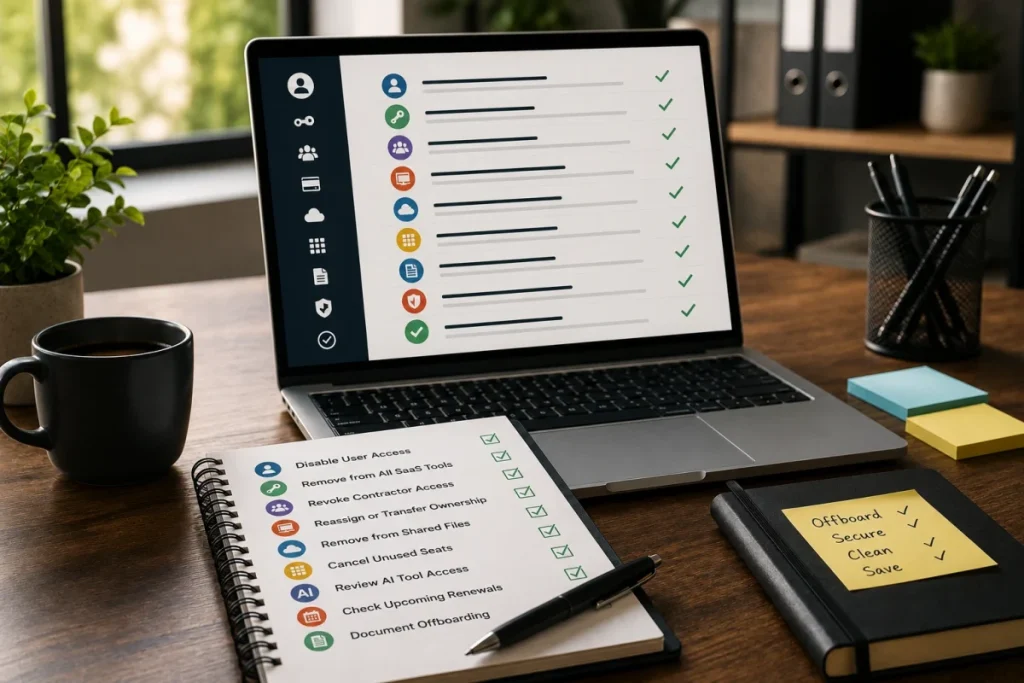
How to Use the Framework for Contractor Access
Contractor-heavy teams should use the framework after projects end.
Ask:
- Which tools did contractors access?
- Are contractor accounts still active?
- Are paid seats still assigned?
- Did the project end?
- Does the tool still have a current owner?
- Should the tool be kept, cut, or consolidated?
This helps prevent offboarding leaks from becoming recurring software cost.
Recommended ToolRelief Workflow
Use this order when applying the framework:
- SaaS Waste Score Report
Start with a high-level review of possible SaaS waste. - SaaS Waste Audit Tool
Review unused seats, overlapping tools, and recurring software waste. - SaaS Renewal Risk Calculator
Prioritize tools that are renewing soon. - AI Subscription Waste Calculator
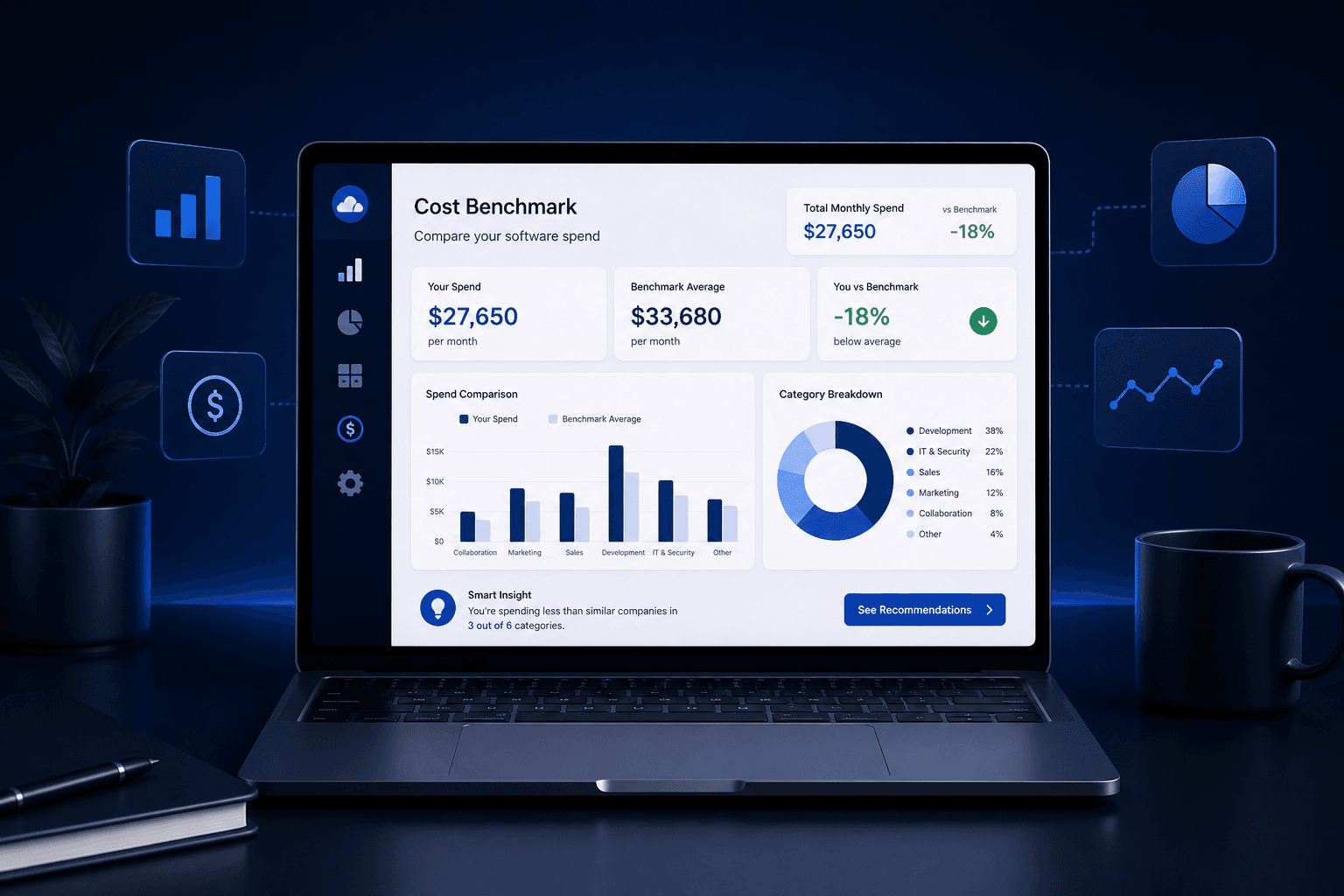
Review AI tools that may overlap or remain from experiments. - SaaS Cost Benchmark Tool
Compare software spend as a reference point, not as a final verdict.
Keep / Cut / Consolidate Checklist
Use this checklist during a SaaS stack review.
Keep
- Does the tool have a clear owner?
- Is it actively used?
- Does it support a current workflow?
- Is the current plan justified?
- Is the renewal tracked?
- Would we buy it again today?
Cut
- Is usage low?
- Is the tool owner unclear?
- Did the original project end?
- Are paid seats inactive?
- Does the tool survive only by habit?
- Is the renewal hard to justify?
Consolidate
- Does another tool perform the same job?
- Are users split across similar tools?
- Can one platform replace two?
- Are AI tools overlapping?
- Is migration realistic?
- Can cost or complexity be reduced?
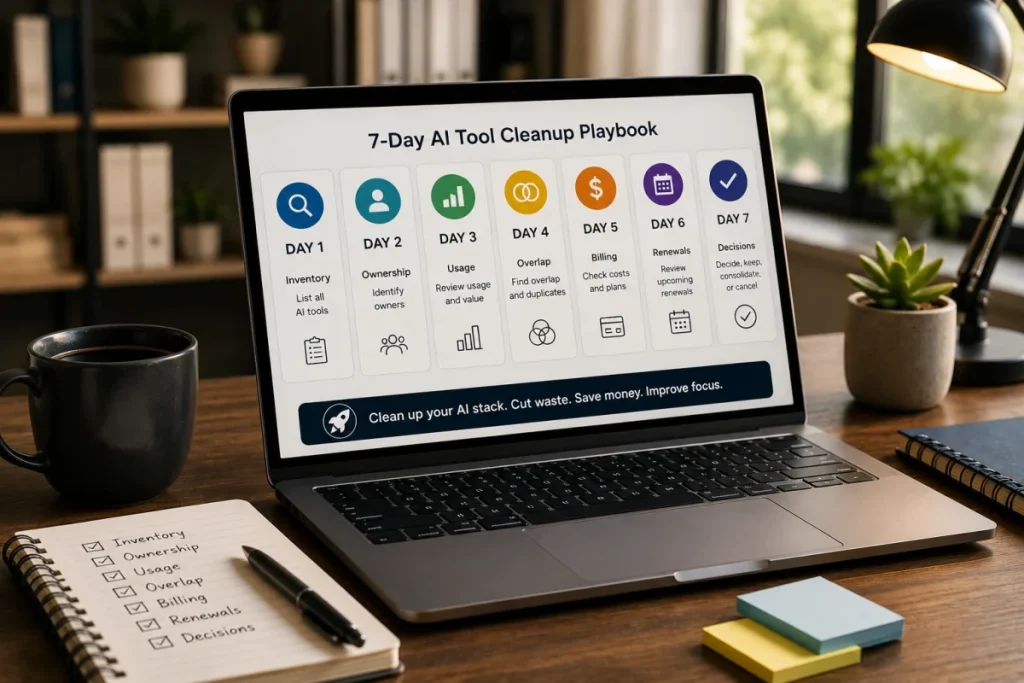
Use the framework with real stack data
This framework works best when it is based on real stack data, not gut feeling.
Before deciding what to keep, cut, or consolidate, list the tools, owners, costs, seats, usage, and renewal dates.
Then use the framework to turn that inventory into a clear action plan.
If the decisions are not obvious, a SaaS Audit can help you review the stack patterns before you make cuts.
What This Framework Does Not Do
This framework does not automatically tell every team to cancel software.
It does not replace procurement, finance, security, or legal review.
It does not guarantee savings.
It does not decide whether a tool is good or bad.
It helps teams ask better review questions before software renews, overlaps, or survives without ownership.
Related ToolRelief Reading
- SaaS Cost Intelligence Library
- The SaaS Waste Pattern Library
- Tool Experiment: 5 Small-Team SaaS Waste Scenarios
- SaaS Renewal Risk Patterns Small Teams Miss
- AI Subscription Waste: A ToolRelief Research Note
- How to Audit Your SaaS Stack in 30 Minutes
Methodology Note
This page presents a ToolRelief decision framework based on SaaS waste research, realistic small-team operating scenarios,
internal tool review logic, and editorial analysis.
It does not represent financial advice, legal advice, private customer data, guaranteed savings, or a market-wide statistical study.
ToolRelief separates frameworks from source-backed claims, educational scenarios, pricing-page observations,
internal tool experiments, founder research notes, and editorial interpretation.
Last updated: May 30, 2026
Last Updated on June 15, 2026