SaaS Renewal Risk Patterns Small Teams Miss
SaaS renewal risk often appears before a renewal invoice arrives.
A small team may not feel that a tool is risky.
The tool may still be active, the subscription may still be paid, and the renewal date may still be weeks away.
But risk begins when the team does not have enough visibility, ownership, usage data,
or review time to make a clean renewal decision.
This ToolRelief research page explains the SaaS renewal risk patterns small teams often miss before software renews automatically
or quietly becomes another fixed cost.
Quick answer
Small teams miss SaaS renewal risk because the risk usually looks boring until it is too late.
The warning signs are simple:
no clear owner, a renewal date nobody is tracking, annual billing that keeps rolling forward, seats that no longer match usage,
and tools that are useful enough to avoid scrutiny but expensive enough to matter.
The best time to review renewal risk is before the notice window closes, not after the invoice arrives.
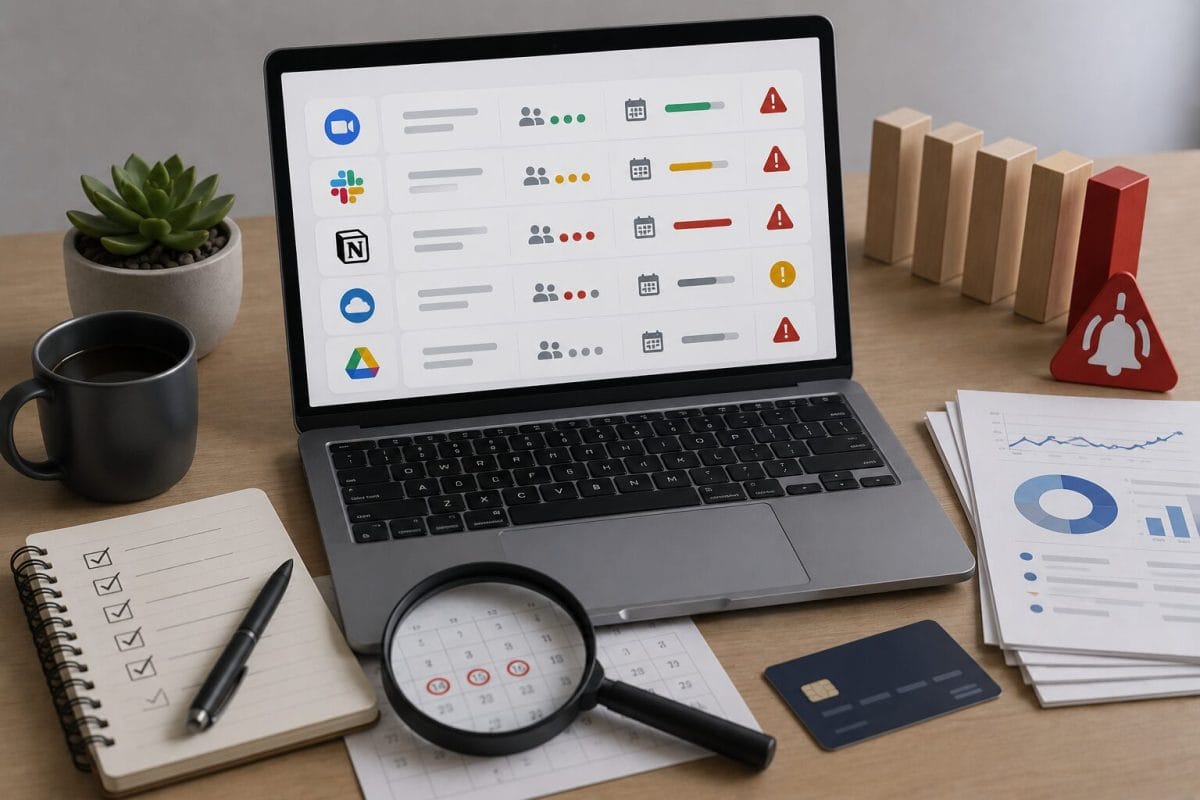
Common SaaS Renewal Risk Patterns
These SaaS renewal risk patterns can appear before a renewal invoice arrives, especially when ownership, usage, seats,
cancellation deadlines, and plan fit are unclear.
What Is SaaS Renewal Risk?
SaaS renewal risk is the chance that a team renews software before it has properly reviewed whether the tool is still needed,
used, owned, priced correctly, or worth keeping.
Renewal risk can appear when:
- renewal dates are not tracked
- cancellation windows are missed
- tool ownership is unclear
- usage has declined
- seat counts are outdated
- pricing has changed
- a tool overlaps with another product
- the contract renewed automatically
- the decision owner left the company
- annual billing hides the urgency until it is too late
The problem is not only the price.
The problem is decision timing.
A team may only notice the renewal after the easiest decision window has closed.
Why Small Teams Miss Renewal Risk
Small teams often operate without a formal procurement process.
That can be completely normal.
A founder, finance lead, COO, or operations manager may handle software decisions alongside many other responsibilities.
The risk appears when software renewals become scattered across:
- different owners
- different inboxes
- different cards
- different billing cycles
- different teams
- different tools
- different cancellation rules
This creates renewal blind spots.
A team may have software visibility, but not renewal readiness.
Pattern 1: The Renewal Owner Is Unclear
A tool may have been purchased by one person, used by another team, and renewed through a billing email no one checks regularly.
When no one clearly owns the renewal decision, the tool may renew by default.
Why It Matters
A tool without an owner can survive without being reviewed.
The team may continue paying because nobody feels responsible for asking whether the tool still deserves budget.
What ToolRelief Would Review
ToolRelief would ask:
- Who owns the tool?
- Who receives renewal notices?
- Who can cancel or downgrade it?
- Who knows whether the tool is still used?
- Who should make the final renewal decision?
- Is the owner still at the company?
- Is the owner the same person who uses the tool?
Practical Takeaway
Every paid SaaS tool should have a renewal owner.
The owner does not need to manage everything alone,
but someone should be responsible for the decision before the renewal date arrives.
Pattern 2: The Cancellation Window Is Missed
Some SaaS contracts require cancellation before a specific deadline.
A team may assume it can cancel near the renewal date, only to discover that the cancellation window already closed.
This can turn a review problem into another paid billing cycle.
Why It Matters
A renewal date is not always the decision deadline.
The real decision deadline may happen earlier.
What ToolRelief Would Review
ToolRelief would check:
- renewal date
- cancellation deadline
- notice period
- contract term
- auto-renewal language
- billing frequency
- who receives renewal notices
- whether the team has a calendar reminder before the cancellation window
Practical Takeaway
Track the cancellation deadline, not only the renewal date.
A team should review tools before the contract gives them fewer options.
Pattern 3: Usage Declined but the Subscription Stayed
A tool may have been essential during a project, launch, hiring phase, or growth period.
Later, usage drops.
But the subscription remains active because nobody reviews it.
Why It Matters
Renewal decisions should reflect current usage, not historical importance.
A tool that was valuable six months ago may still be useful, but it should not renew automatically without a usage check.
What ToolRelief Would Review
ToolRelief would ask:
- Who used the tool originally?
- Who uses it now?
- Has usage changed?
- Is the tool still part of an active workflow?
- Did the project that justified the tool end?
- Are paid seats still active?
- Is the plan level still needed?
Practical Takeaway
Before renewal, compare current usage with current cost.
If usage dropped, the team may need to downgrade, reduce seats, consolidate, or cancel.
Pattern 4: Seat Count Was Never Rechecked
A tool may have been purchased for one team size and renewed at another.
This is common when:
- team members leave
- contractors finish projects
- roles change
- hiring plans slow down
- seats were purchased for expected growth
- minimum seat requirements were accepted early
- inactive users were never removed
Why It Matters
Seat count can turn into renewal waste if the team renews without checking active users.
A renewal review should include both the subscription and the seats attached to it.
What ToolRelief Would Review
ToolRelief would check:
- paid seats
- active users
- inactive users
- former employees
- contractors
- admin accounts
- shared accounts
- minimum seat requirements
- whether seat count can be reduced before renewal
Practical Takeaway
Before renewing a seat-based tool, review paid seats against active users.
A renewal is a good moment to clean up access and reduce unnecessary licenses.
Pattern 5: A Tool Overlaps With Another Product
A team may keep two tools that now perform similar jobs.
This can happen after:
- a new platform adds features
- a team changes workflows
- departments buy tools separately
- AI features appear inside existing tools
- a project-specific tool remains active
- a former tool was never fully retired
Why It Matters
Tool overlap can make renewals harder.
A team may renew both tools because each still has some usage, even if one could replace the other.
What ToolRelief Would Review
ToolRelief would ask:
- What job does each tool perform?
- Which tool owns the workflow?
- Do users understand which tool to use?
- Are features duplicated?
- Could one tool replace the other?
- Is one tool only used by habit?
- Does either tool renew soon?
Practical Takeaway
Before renewal, ask whether the tool still owns a unique job.
If another tool already covers the workflow, the renewal deserves closer review.
Pattern 6: Annual Billing Makes the Cost Feel Less Urgent
Annual billing can be useful.
It may reduce monthly management and sometimes lower the total price.
But it can also hide urgency.
A team may not feel the cost every month, then suddenly face a renewal that locks in another year.
Why It Matters
Annual billing can turn a missed review into a long commitment.
The team may lose the chance to adjust until the next cycle.
What ToolRelief Would Review
ToolRelief would check:
- annual renewal date
- annual amount
- cancellation deadline
- seat count
- usage level
- whether the annual plan is still justified
- whether the team would choose annual again today
- whether monthly billing is safer during uncertainty
Practical Takeaway
Annual billing should be reviewed earlier than monthly billing.
The longer the commitment, the earlier the review should happen.
Pattern 7: The Tool Was Bought for a Temporary Project
Some tools enter a team because of a project.
Examples:
- launch campaign
- customer migration
- sales sprint
- fundraising period
- hiring round
- design project
- data cleanup
- AI experiment
- event or webinar
- contractor project
After the project ends, the tool may remain active.
Why It Matters
Project-based tools can become permanent subscriptions by accident.
The renewal decision should ask whether the original project still exists.
What ToolRelief Would Review
ToolRelief would ask:
- Why was the tool purchased?
- Is the original project still active?
- Who used the tool during the project?
- Is the tool still needed now?
- Was it meant to be temporary?
- Is the renewal owner aware of the original purpose?
- Should the tool be cancelled, downgraded, or archived?
Practical Takeaway
Temporary tools need expiration thinking.
If a tool was added for a project, it should have a review date.
Pattern 8: Renewal Emails Go to the Wrong Person
A renewal reminder may go to:
- a former employee
- a founder’s old inbox
- a finance inbox no one checks daily
- a personal email
- a contractor
- an admin account
- a tool owner who changed roles
The team may not see the renewal until the charge appears.
Why It Matters
Renewal visibility depends on communication.
If notices go to the wrong person, the team loses time.
What ToolRelief Would Review
ToolRelief would check:
- billing contact email
- admin owner
- renewal notice recipient
- finance contact
- backup owner
- whether renewal dates are stored outside the vendor inbox
- whether the team has calendar reminders
Practical Takeaway
Renewal notices should not live only in one inbox.
Store renewal dates somewhere the team can actually review them.
Pattern 9: The Team Assumes Someone Else Reviewed It
This is a common small-team problem.
Finance assumes operations reviewed the tool.
Operations assumes the team still needs it.
The founder assumes finance would flag the cost.
The user assumes the tool is approved because it is still active.
Nobody intentionally ignores the renewal.
But nobody owns the decision.
Why It Matters
Assumptions create default renewals.
A renewal should not depend on everyone assuming someone else checked it.
What ToolRelief Would Review
ToolRelief would ask:
- Who is responsible for the renewal?
- Who confirms usage?
- Who approves the cost?
- Who can cancel or downgrade?
- Who checks alternatives?
- Who documents the decision?
- Is the decision recorded before renewal?
Practical Takeaway
A renewal decision needs one named owner.
Without ownership, default renewal becomes the easiest path.
Pattern 10: The Tool Is Useful but Overpriced for the Current Stage
A tool may still be useful.
That does not automatically mean the current plan is still right.
A team may have outgrown a lower plan, upgraded during a busy period, and then kept the higher tier after its needs changed.
Or the opposite may happen: a team may use only a small part of a higher plan.
Why It Matters
The renewal question is not only:
“Do we use this tool?”
The better question is:
“Does the current plan still match our current use?”
What ToolRelief Would Review
ToolRelief would check:
- active features used
- plan tier
- admin needs
- seat count
- usage frequency
- feature dependency
- lower plan options
- alternative tools
- whether the plan was upgraded for one feature
- whether that feature is still needed
Practical Takeaway
Renewal review should include plan fit.
A tool can be worth keeping but still need a downgrade.
The ToolRelief Renewal Risk Review Model
ToolRelief uses a simple model for reviewing renewal risk.
1. Date
When does it renew?
2. Deadline
When is the last practical decision date?
3. Owner
Who owns the decision?
4. Usage
Is the tool still actively used?
5. Seats
Are paid seats still accurate?
6. Overlap
Does another tool cover the same job?
7. Plan Fit
Does the current plan still match the team’s needs?
8. Risk
What happens if the team ignores this renewal?
This model helps small teams review renewals before they become forced decisions.
Renewal Risk Review Checklist
Before a SaaS renewal, ask:
- Do we know the renewal date?
- Do we know the cancellation deadline?
- Do we know the renewal owner?
- Do we know who actively uses the tool?
- Are paid seats still accurate?
- Has usage changed?
- Does the tool overlap with another product?
- Is the current plan still right?
- Is annual billing still justified?
- Was the tool bought for a temporary project?
- Do renewal emails go to the right person?
- Would we choose this tool again today?
If several answers are unclear, the renewal deserves review before the deadline.
Next step for renewal risk
If you are not sure which renewals matter first, start with the contracts closest to renewal and the tools with the least clear ownership.
Use the Business Days Calculator to understand how much working time is left before a renewal window closes.
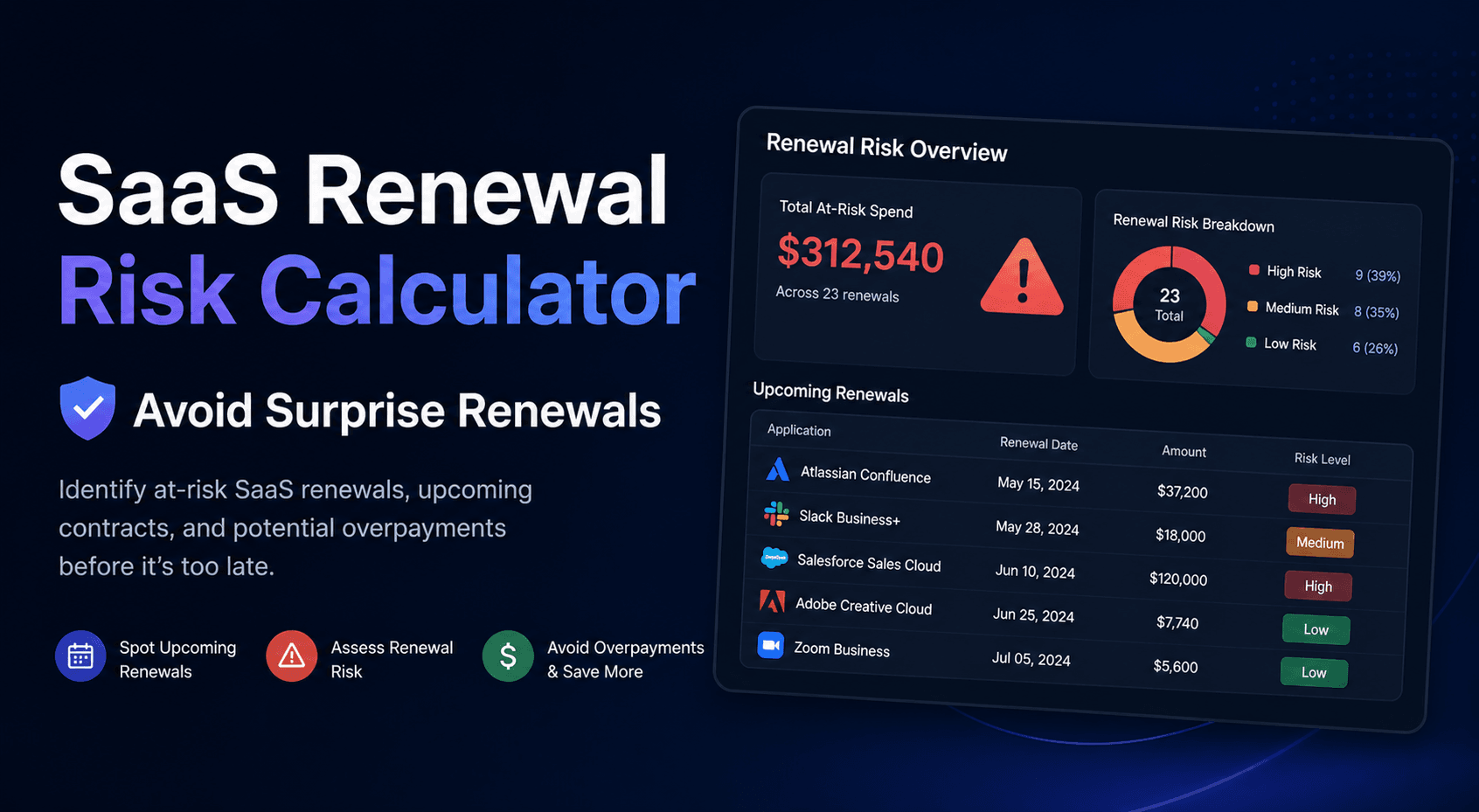
Then use the SaaS Renewal Risk Calculator to decide which tools need review first.
Recommended ToolRelief Workflow
If a renewal may be risky, use this order:
- SaaS Renewal Risk Calculator
Use this to identify which renewals deserve attention first. - SaaS Waste Audit Tool
Use this to review unused seats, overlapping tools, and recurring waste. - SaaS Cost Benchmark Tool
Use this if the renewal cost needs to be compared against broader software spend. - SaaS Waste Score Report
Use this if you need a broader view of hidden SaaS waste risk.
Related ToolRelief Reading
- SaaS Cost Intelligence Library
- The SaaS Waste Pattern Library
- Tool Experiment: 5 Small-Team SaaS Waste Scenarios
- How ToolRelief Tests SaaS Cost Tools
- How to Audit Your SaaS Stack in 30 Minutes
Methodology Note
This page is based on ToolRelief’s research process, realistic small-team operating scenarios, renewal risk analysis, and editorial review.
It does not represent private customer data, legal advice, financial advice, or a market-wide statistical study.
ToolRelief separates educational scenarios from source-backed claims, pricing-page observations,
internal tool experiments, founder research notes, and editorial interpretation.
Last updated: May 30, 2026
Last Updated on June 15, 2026