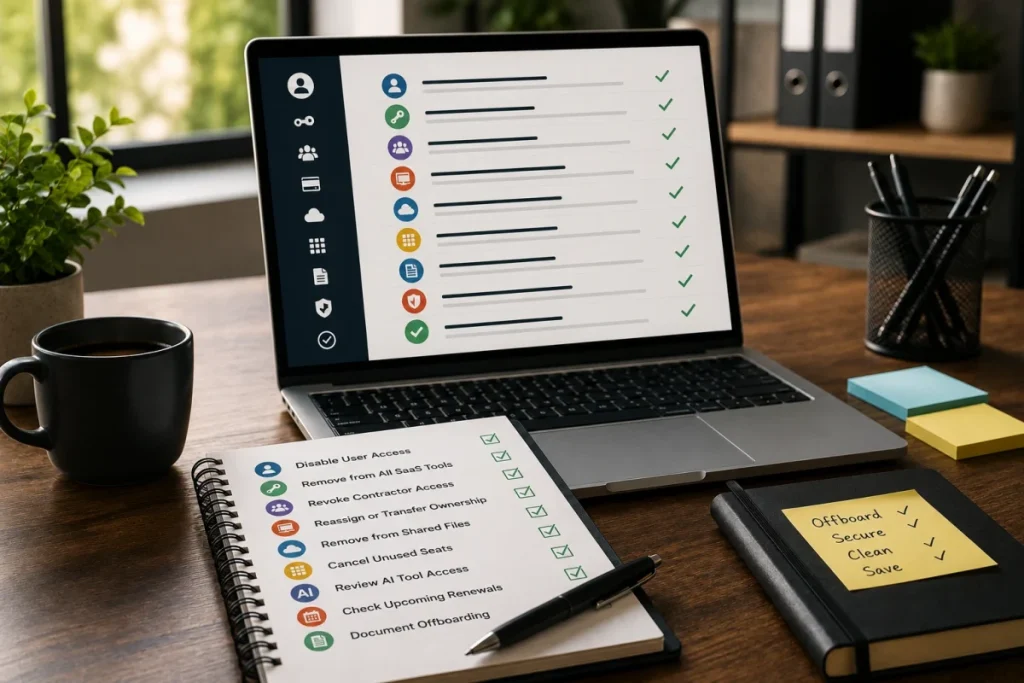
Software Offboarding Checklist
Software offboarding is the process of reviewing and removing access to SaaS tools when an employee, contractor,
freelancer, agency partner, or project collaborator leaves a team or no longer needs access.
For small teams, software offboarding is often handled informally.
Someone removes access from email or chat, but paid SaaS seats, guest accounts, AI tools, file access, project tools,
and admin permissions may remain active.
That creates two problems:
Cost risk and access risk.
This ToolRelief checklist helps small teams review software access, unused seats, contractor accounts, AI tools,
and renewal exposure after someone leaves a role, project, or company.
Why a Software Offboarding Checklist Matters
A software offboarding checklist helps small teams remove old users, contractor access, unused SaaS seats, AI tools, shared files,
and renewal risks.
Why Software Offboarding Matters
A person may leave, but the software cost may remain.
This can happen when:
- a contractor finishes a project
- a freelancer stops working with the team
- an employee changes roles
- a temporary collaborator no longer needs access
- a client project ends
- an agency handoff is complete
- a former admin account remains active
- a guest user is forgotten
- a paid seat remains assigned
- an AI tool subscription stays active
Software offboarding is not only about security.
It is also about SaaS waste.
The ToolRelief View
ToolRelief treats offboarding as a software cost review trigger.
When someone leaves a company, project, or workflow, the team should ask:
- Which tools did this person access?
- Which accounts should be removed?
- Which paid seats can be reduced?
- Which shared files need review?
- Which AI tools were used?
- Which subscriptions were tied to this person?
- Which renewals are affected?
- Which tool owner should confirm the cleanup?
The goal is not to create a heavy process.
The goal is to stop access and cost from surviving by accident.
Who Should Use This Checklist?
This checklist is useful for:
- founders
- COOs
- operations managers
- finance leads
- HR or people operations
- small agencies
- remote teams
- contractor-heavy teams
- SaaS startups
- teams using many AI tools
- teams without a formal IT department
If your team uses SaaS tools and works with employees, contractors, freelancers, or external collaborators,
this checklist can help reduce forgotten access and unused paid seats.
When to Use This Checklist
Use this checklist when:
- an employee leaves
- a contractor finishes work
- a freelancer project ends
- an agency relationship ends
- a temporary collaborator leaves
- someone changes role
- a project closes
- a tool owner changes
- a team restructures
- a client engagement ends
- software renewals are approaching
Offboarding should not wait until renewal month.
The earlier the team reviews access and seats, the easier it is to reduce waste.
Step 1: List the Person or Group Being Offboarded
Start with the basic context.
Record:
- name or role
- employee, contractor, freelancer, agency, or guest
- team or department
- project or workflow
- start date if known
- end date
- manager or owner
- tools they used
- tools they owned
- subscriptions they paid for
- accounts they administered
This helps prevent missed systems.
Step 2: Review Core Access
Check core business systems first.
Examples:
- Google Workspace
- Microsoft 365
- Slack or Teams
- project management tool
- file storage
- password manager
- calendar
- documentation system
- CRM
- finance tools
- support tools
- analytics tools
- code repositories
- design tools
- automation tools
For each tool, ask:
- Did this person have access?
- Was the access paid?
- Was the account active?
- Was the person an admin?
- Should access be removed?
- Should ownership be transferred?
- Should files or projects be archived?
Step 3: Review Paid SaaS Seats
After access removal, check paid seats.
A person can be removed from a workflow but still count as a paid user.
Review:
- seat-based tools
- admin seats
- guest seats
- contractor seats
- project seats
- inactive users
- duplicate accounts
- role-based licenses
- trial-to-paid accounts
Questions to Ask
- Is this user still assigned a paid seat?
- Can the seat be removed immediately?
- Can the seat be reassigned?
- Is there a minimum seat requirement?
- Will removing the seat reduce cost?
- Does the seat count affect the next renewal?
- Is a downgrade possible?
Related Tool
Use the SaaS Waste Audit Tool to review unused seats and recurring software waste.
Step 4: Review AI Tools
AI tools are easy to miss during offboarding.
A person may have used:
- general AI assistant
- AI writing tool
- AI coding assistant
- AI meeting notes tool
- AI research tool
- AI image generator
- AI automation tool
- AI add-on inside another SaaS platform
- personal AI account used for work
- contractor-owned AI tool used on company projects
Review whether any AI subscription or access should be removed, transferred, cancelled, or documented.
Questions to Ask
- Did this person use paid AI tools for work?
- Were the tools company-paid or personal?
- Were any AI tools reimbursed?
- Did the person have access to company data inside AI tools?
- Was an AI tool used only for one project?
- Should the AI subscription be cancelled?
- Should the workflow move to another tool?
- Is another team member using the same AI tool?
Related Tool
Use the AI Subscription Waste Calculator if AI subscriptions may remain active after offboarding.
Step 5: Review Project and Client Tools
Project-based access is one of the easiest places to miss software offboarding.
Review tools connected to:
- client projects
- launch campaigns
- design work
- content production
- development sprints
- contractor collaboration
- file sharing
- customer support
- analytics access
- marketing campaigns
- temporary automations
Questions to Ask
- Which project tools did this person access?
- Did the project end?
- Are paid seats still assigned?
- Are shared files still accessible?
- Are guest accounts still active?
- Are integrations still connected?
- Are automations still running under this person’s account?
- Does ownership need to transfer?
Step 6: Review Admin and Ownership Roles
A person may not only be a user.
They may also own or administer tools.
Check whether the person was:
- billing owner
- account owner
- workspace admin
- project owner
- integration owner
- automation owner
- API key owner
- renewal contact
- vendor contact
- file owner
- dashboard owner
- AI tool owner
If ownership is not transferred, the team may lose visibility later.
Practical Takeaway
Do not only remove access.
Transfer ownership before removing access when needed.
Step 7: Review Billing and Renewals
Offboarding should trigger a billing review.
Check whether the person was connected to:
- paid seats
- personal reimbursement
- company card subscription
- annual plan
- renewal notice
- vendor communication
- invoice approval
- tool purchase
- plan upgrade
- AI subscription
- contractor project tool
Questions to Ask
- Did this person buy any tools?
- Did this person receive renewal emails?
- Did this person approve invoices?
- Did this person manage a vendor relationship?
- Are any subscriptions tied to their card or inbox?
- Are any renewals coming soon?
- Can a plan be downgraded after removing the user?
Related Tool
Use the SaaS Renewal Risk Calculator if offboarding affects a tool that is renewing soon.
Step 8: Review Shared Files and Data
Software offboarding should include data access.
Review:
- shared drives
- document folders
- project boards
- dashboards
- reports
- CRM records
- customer files
- design files
- code repositories
- meeting recordings
- AI tool histories
- exported data
- shared links
Questions to Ask
- Does the person still have file access?
- Are shared links still active?
- Are important files owned by the person?
- Should ownership be transferred?
- Should access be removed or limited?
- Are public links still needed?
- Are customer files protected?
This step is about access control, not only cost.
Step 9: Review Integrations and Automations
Some users create integrations or automations that continue running after they leave.
Check:
- Zapier or automation tools
- API keys
- webhook connections
- CRM automations
- reporting dashboards
- project management automations
- AI automation workflows
- calendar integrations
- email automations
- payment or finance automations
Questions to Ask
- Are automations running under this person’s account?
- Will removing the user break a workflow?
- Should ownership transfer first?
- Are API keys tied to the user?
- Are integrations still needed?
- Are old automations creating risk or clutter?
Step 10: Decide Keep, Remove, Transfer, or Review
For each tool or account, choose one decision.
Keep
The access remains necessary.
Remove
The person no longer needs access.
Transfer
The person owns something that another team member needs to take over.
Review
The team needs more information before deciding.
Reduce
A paid seat or plan can be reduced.
Cancel
A tool tied to the person or project is no longer needed.
Software Offboarding Checklist Table
Use this table during offboarding.
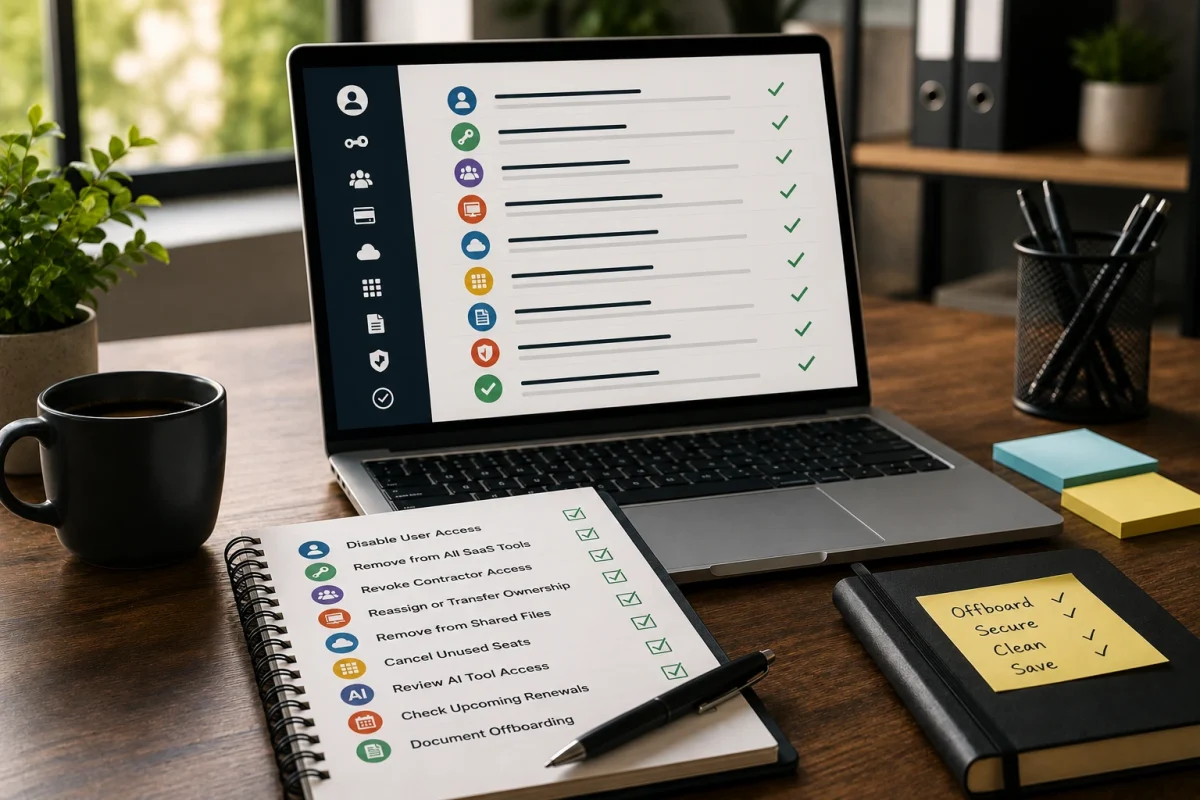
| Area | What to Check | Decision |
|---|---|---|
| Core systems | Email, chat, workspace, calendar | Remove / Transfer / Keep |
| Paid SaaS seats | Active licenses and assigned users | Remove / Reduce / Reassign |
| AI tools | Paid AI accounts and work data | Cancel / Transfer / Review |
| Project tools | Boards, files, client workspaces | Archive / Transfer / Remove |
| Admin roles | Billing, workspace, vendor ownership | Transfer before removal |
| Billing | Cards, invoices, renewals, subscriptions | Update / Cancel / Review |
| Files | Shared drives, documents, dashboards | Transfer / Remove access |
| Automations | API keys, workflows, integrations | Transfer / Disable / Review |
| Renewals | Upcoming software renewals | Review / Downgrade / Cancel |
Example Scenario: Contractor Leaves but the License Remains
A contractor joins a 12-week project.
They receive access to:
- project management
- design files
- shared documents
- AI writing tool
- meeting notes
- file storage
- client workspace
The project ends.
The contractor’s chat access is removed, but the paid design tool seat and AI tool access remain active.
This creates both cost waste and access risk.
This scenario is educational. It is not a private customer case study.
The lesson:
Contractor offboarding should include a paid-seat review, not only communication access removal.
Common Offboarding Mistakes
Avoid these mistakes:
- removing email but forgetting SaaS tools
- removing chat but forgetting paid seats
- forgetting AI tools
- forgetting contractor accounts
- forgetting guest users
- forgetting project tools
- forgetting shared files
- forgetting automations
- failing to transfer ownership
- not checking renewal contacts
- not updating billing contacts
- assuming someone else handled access
- waiting until renewal month
Recommended ToolRelief Workflow
Use this order after offboarding:
- SaaS Waste Audit Tool
Review unused seats, inactive users, and recurring SaaS waste. - SaaS Renewal Risk Calculator
Check whether offboarding affects upcoming renewals. - AI Subscription Waste Calculator
Review AI tools tied to the person, project, or contractor. - SaaS Waste Score Report
Start here if offboarding reveals a broader software waste concern.
Related ToolRelief Reading
- SaaS Cost Intelligence Library
- The 30-Minute SaaS Audit Playbook
- The Keep / Cut / Consolidate SaaS Framework
- The SaaS Waste Pattern Library
- Tool Experiment: 5 Small-Team SaaS Waste Scenarios
- Unused Software Seats
Methodology Note
This page is a ToolRelief checklist based on SaaS waste research, offboarding risk analysis, realistic small-team operating scenarios,
internal tool review logic, and editorial analysis.
It does not represent legal advice, security advice, financial advice, private customer data, guaranteed savings,
or a market-wide statistical study.
ToolRelief separates checklists from source-backed claims, educational scenarios, pricing-page observations,
internal tool experiments, founder research notes, and editorial interpretation.
Last updated: May 30, 2026
Last Updated on June 6, 2026